$ 0
0
$ 0
0

Link Belt 210X4, 2DMG, 2DMC Hydraulic Excavator Operators Manual

Format: PDF (Printable Document)

File Language: English

File Pages: 178

File Size: 81.98 MB (Speed Download Link)

Brand: Link Belt

Model: 210X4, 2DMG, 2DMC Hydraulic Excavator

Type of Document: Operators Manual

Category:

$ 40

Share:

Link Belt 210X4, 2DMG, 2DMC Hydraulic Excavator Operators Manual

Link Belt 210X4, 2DMG, 2DMC Hydraulic Excavator Operators Manual

📘 Show Index

Link Belt 210X4, 2DMG, 2DMC Hydraulic Excavator Index:

  • To the Owner
  • Safety and Decals
    • SAFETY RULES
    • SAFETY AREA
    • AUTO MODE
    • DECALS
    • Precautions Regarding Export
    • REPLACEMENT PARTS
    • MAGNETIC MOUNTS
  • 2DMG Operation
    • 2DMG (2D Machine Guidance)
    • Main Components
    • MG Switch
    • Screen Transition Outline
    • Operation Screens
      • Guidance mode screen
      • Measure mode screen
    • Machine Guidance Menu Screen
      • Machine guidance menu screen operation method
      • Machine guidance menu screen display
    • Operation Method
      • Switch to the guidance mode
      • Benchmark setting
      • Using the Measure mode
      • Target surface setting (depth or gradient)
      • Guidance using the values measured in the Measure mode
      • Transferring a benchmark (touch point)
      • Bucket selection
      • Changing the bucket teeth length
    • Machine Guidance Menu Screen Settings
      • Home screen
      • Target surface setting screen
      • Measure mode screen
      • Bucket setting screen
      • Height and depth alarm screen
      • Setting 1 screen
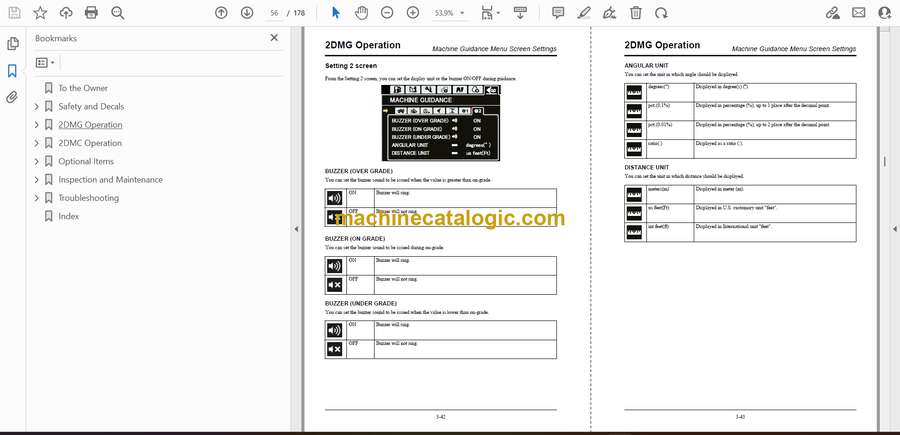
      • Setting 2 screen
  • 2DMC Operation
    • 2DMC (2D Machine Control)
    • Main Components
    • MC Switch
      • MC switch adjustment
    • 2DMC Monitor
      • 2DMC monitor adjustment
      • 2DMC monitor power OFF
      • Basic operations of the 2DMC monitor
    • How to Start Earthworks
      • How to start
      • Logout
      • Changing touch sensitivity
    • Operation Screens
    • DASHBOARD Screen
      • Transiting to Work screen (When the project is not selected)
    • Work Screen
    • Operating Method
      • Setting the benchmark
      • Setting gradient
      • Setting offset (depth or height)
      • Auto mode
      • Activating the auto mode
      • Auto mode display
      • How to use auto mode
      • For efficient driving in auto mode
      • Bucket angle auto mode
      • Transferring a benchmark (touch point)
    • SYSTEM SETTINGS Screen
    • Details About System Settings Screen
      • SYSTEM STATUS screen
      • LAYOUT screen
      • LIGHTBARS screen
      • Text Ribbon
      • Text ribbon display item list
      • Dark Background
      • OVERLAYS screen
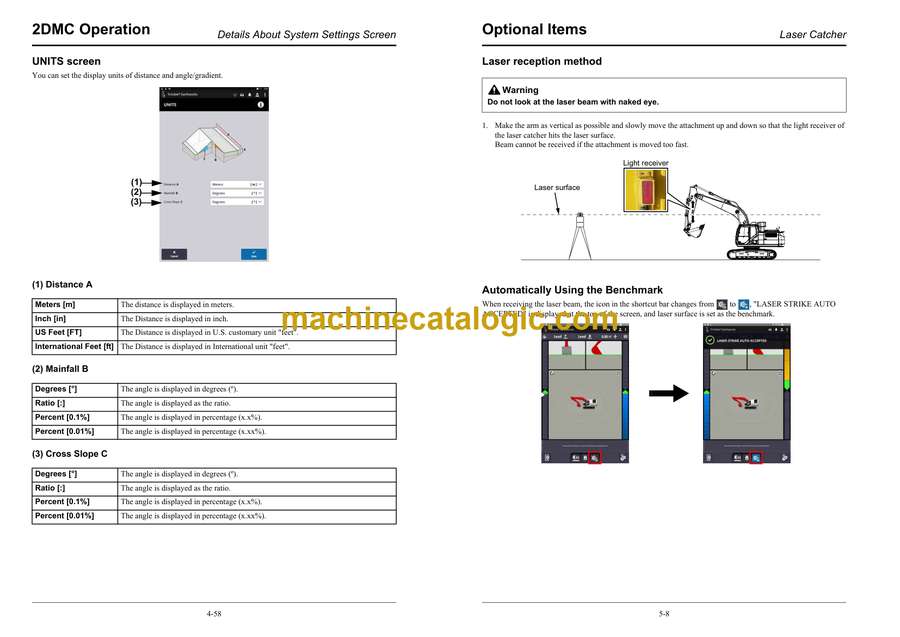
      • UNITS screen
      • INCREMENTS screen
      • GRADE TOLERANCE screen
      • FILE TRANSFER screen
      • Language settings screen
      • SOUND SETTINGS screen
    • Work Settings Screen
    • Work Settings Screen Details
      • JOB SETUP screen
      • TARGET MAINFALL screen
      • ELEVATION OFFSET screen
      • ATTACHMENTS screen
      • AUTO MODE screen
      • TOUCH POINT screen
      • BENCH ELEVATION screen
      • MEASURE MODE screen
  • Optional Items
    • Laser Catcher
      • How to use Laser catcher (2DMG)
      • Overview of Laser Catcher
      • Pre-usage Settings
      • Laser reception method
      • Automatically Using the Benchmark
      • Manually Using the Benchmark
      • How to use Laser catcher (2DMC)
      • Overview of laser catcher
      • Pre-usage Settings
      • Laser reception method
      • Automatically Using the Benchmark
      • About the light bar display
  • Inspection and Maintenance
    • General Information
      • General cautions when performing inspection/service
    • Startup Inspection
    • 2DMG Startup Inspection
      • Inspection of the machine guidance function
    • 2DMC Startup Inspection
      • MC switch inspection
      • Inspection of 2DMC monitor
      • Inspection of the machine guidance function
    • Notes on Replacement of Parts and Breakdown
  • Troubleshooting
    • Cause of Failure, and Countermeasures
      • Operation
      • Monitor display
  • Index

Link Belt

Latest Product

🎄 New Year Deal: 12% OFF on all products — Use code MCAT12
0
    0
    Your Cart
    Your cart is emptyReturn to Shop