$ 0
0
$ 0
0

Hyster J30-40XMT2 (H160 E807) Forklift Service Manual

Format: PDF (Printable Document)

File Language: English

File Pages: 1756

File Size: 74.38 MB (Speed Download Link)

Brand: Hyster

Model: J30-40XMT2 (H160 E807) Forklift

Type of Document: Service Manual

Categories: ,

$ 45

Share:

Hyster J30-40XMT2 (H160 E807) Forklift Service Manual

Hyster J30-40XMT2 (H160 E807) Forklift Service Manual

📘 Show Index

Hyster J30-40XMT2 (H160 E807) Forklift Index:

  • toc
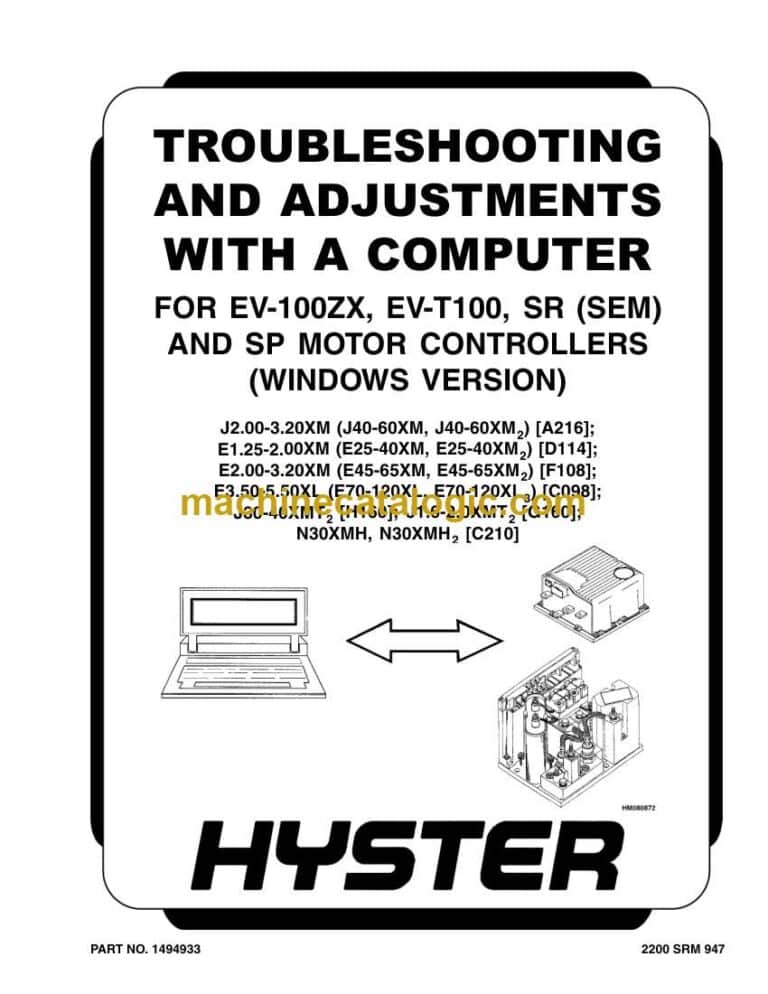
    • Troubleshooting and Adjustments With a Computer
    • Safety Precautions Maintenance and Repair
    • Computer System
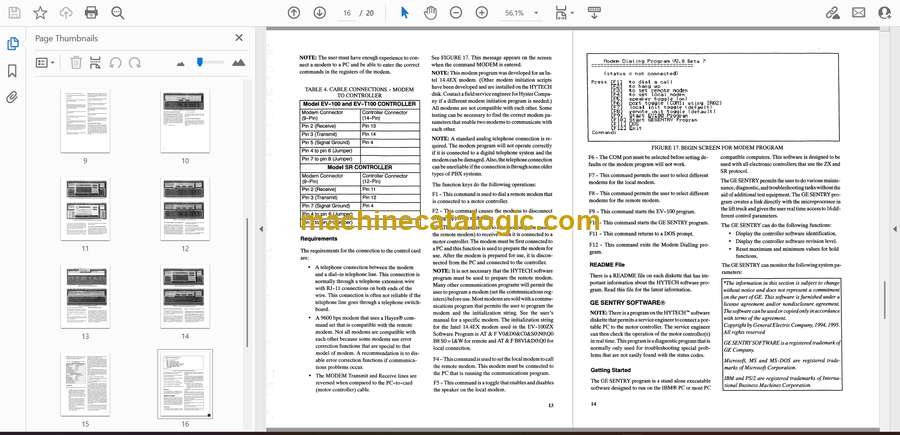
      • Connect a PC to a Control Card
      • Installation
    • HYTECH™ Windows Software Program
      • How to Start the Program
      • DEMO Mode
      • Selecting the Communications Port
      • Verification of Controller and Lift Truck
      • Select Lift Truck Series
      • Controller Card Register Parameter List
      • How to Change a Parameter
      • How to Save a Changed Parameter File
      • How to Load a Saved Parameter File
      • How to Show and Remove Saved Parameter Files
      • How to Return to Factory Default Settings
      • How to Save Changes to Control Card
      • How to View Status Codes
      • Saving Status Codes
      • How to Show and Remove Saved Status Code Files
      • Closing and Clearing Status Code List
      • How to View Saved Register Data and Saved Status Data
      • How to Save Register Data and Status Code Data In .RTF and .TXT
    • GE Sentry™ Software Program
      • Installation
      • Description
      • How to Start GE SENTRY Program
      • How to Reset MIN and MAX Display
      • Graphing Mode
      • How to Exit GE SENTRY Program
  • tables
    • Table 1. Cable Connections – Computer to Control
    • Table 2. Adapter Pins (DB25F to DB9)
    • Table 3. Plug-Z Connection
  • toc
    • Troubleshooting and Adjustments With a Computer
    • Safety Precautions Maintenance and Repair
    • Computer System
      • Connect a PC to a Control Card
      • Installation
    • HYTECH™ Windows Software Program
      • How to Start the Program
      • DEMO Mode
      • Selecting the Communications Port
      • Verification of Controller and Lift Truck
      • Select Lift Truck Series
      • Controller Card Register Parameter List
      • How to Change a Parameter
      • How to Save a Changed Parameter File
      • How to Load a Saved Parameter File
      • How to Show and Remove Saved Parameter Files
      • How to Return to Factory Default Settings
      • How to Save Changes to Control Card
      • How to View Status Codes
      • Saving Status Codes
      • How to Show and Remove Saved Status Code Files
      • Closing and Clearing Status Code List
      • How to View Saved Register Data and Saved Status Data
      • How to Save Register Data and Status Code Data In .RTF and .TXT
    • GE Sentry™ Software Program
      • Installation
      • Description
      • How to Start GE SENTRY Program
      • How to Reset MIN and MAX Display
      • Graphing Mode
      • How to Exit GE SENTRY Program
  • tables
    • Table 1. Cable Connections – Computer to Control
    • Table 2. Adapter Pins (DB25F to DB9)
    • Table 3. Plug-Z Connection
  • toc
    • Mast Repairs
    • Safety Precautions Maintenance and Repair
    • General
    • Safety Procedures When Working Near Mast
    • Fork Repair
      • Remove
      • Install
    • Carriages Repair
      • Standard Carriage, Remove
      • Hang-On Sideshift Carriage, Remove
      • Standard Carriage and Hang-On Sideshift Carriage, Repair
      • Standard Carriage, Install
      • Hang-On Sideshift Carriage, Install
      • Integral Sideshift Carriage
    • Mast Repair
      • Remove
      • Two-Stage LFL and Two-Stage FFL Masts, Disassemble
      • Three-Stage FFL Mast
      • Two-Stage LFL and Two-Stage FFL Mast, Assemble
      • Three-Stage FFL Mast, Assemble
      • Install
    • Lift Cylinders Repair
      • Main Lift Cylinders, Remove
      • Free-Lift Cylinder, Remove
      • Cylinders, Disassemble
      • Clean and Inspect
      • Cylinders, Assemble
      • Main Lift Cylinders, Install
      • Free-Lift Cylinder, Install
    • Header Hose Arrangements
      • Two-Stage LFL Mast, New Hose Install
      • Two-Stage LFL Mast, Adjust Hoses After Installation
      • Two-Stage FFL Mast, New Hose Install
      • Two-Stage FFL Mast, Adjust Hoses After Installation
      • Three-Stage FFL Mast, New Hose Install
      • Three-Stage FFL Mast, Adjust Hoses After Installation
    • Header Hose Arrangement
      • Two-Stage LFL Mast, New Hose Install
      • Two-Stage LFL Mast, Adjust Hoses After Installation
      • Two-Stage FFL Mast, New Hose Install
      • Two-Stage FFL Mast, Adjust Hoses After Installation
      • Three-Stage FFL Mast, New Hose Install
      • Three-Stage FFL Mast, Adjust Hoses After Install
    • Lift and Tilt System Leak Check
      • Lift Cylinders Leak Check
      • Tilt Cylinders Leak Check
    • Tilt Cylinders Adjustment
    • Lift Chains Adjustment
    • Mast Adjustment
    • Carriage Adjustment
    • Troubleshooting
  • tables
    • Table 1. Hook-Type Carriage Chain Adjustment
    • Table 2. Pin-Type Carriage Chain Adjustment

Hyster

Latest Product

0
    0
    Your Cart
    Your cart is emptyReturn to Shop