$ 0
0
$ 0
0

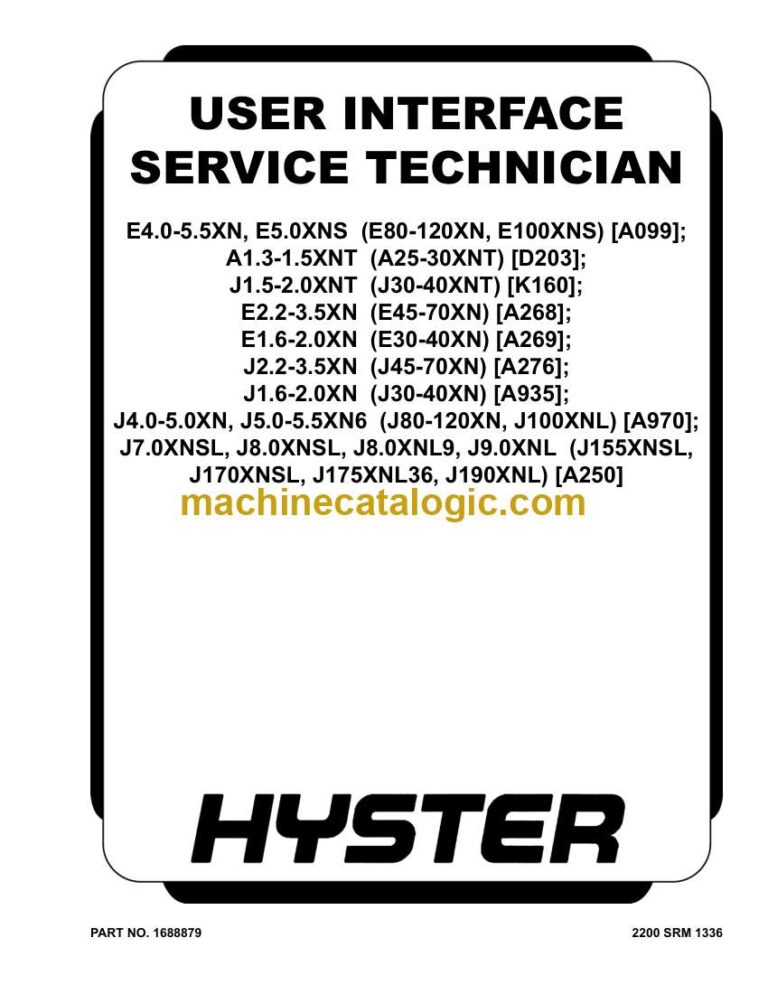
Hyster J170-190XNL (A250 A410) Forklift Service Manual

Format: PDF (Printable Document)

File Language: English

File Pages: 3880

File Size: 176.03 MB (Speed Download Link)

Brand: Hyster

Model: J170-190XNL (A250 A410) Forklift

Type of Document: Service Manual

Categories: ,

$ 45

Share:

Hyster J170-190XNL (A250 A410) Forklift Service Manual

Hyster J170-190XNL (A250 A410) Forklift Service Manual

📘 Show Index

Hyster J170-190XNL (A250 A410) Forklift Index:

  • General
    • Description
    • Display Panel Menu Access
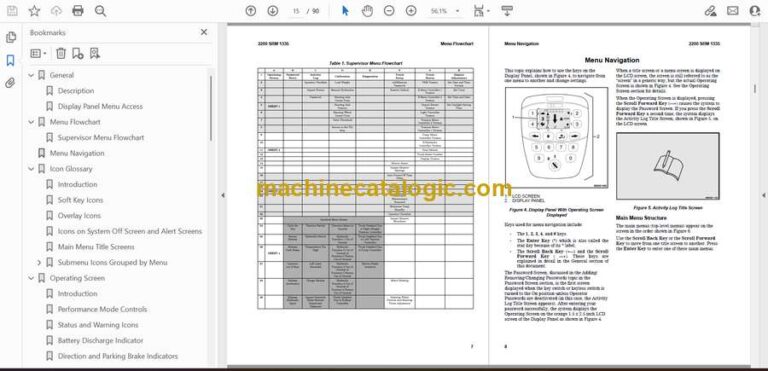
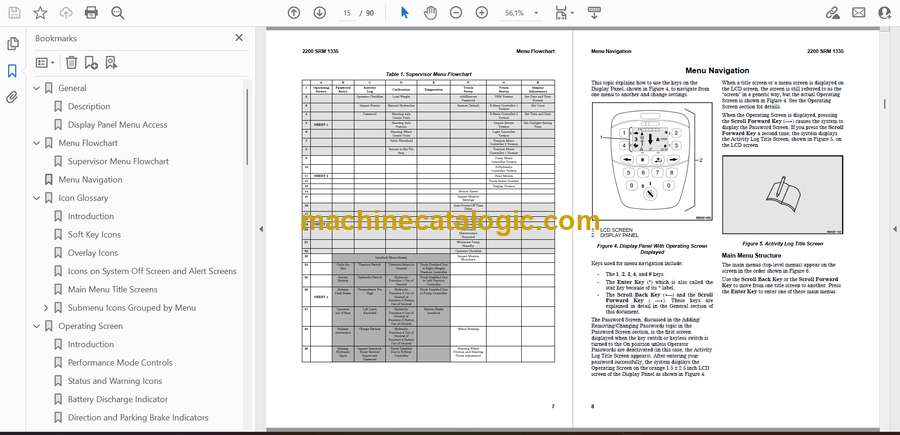
  • Menu Flowchart
    • Technician Menu Flowchart
  • Menu Navigation
  • Icon Glossary
    • Introduction
    • Soft Key Icons
    • Overlay Icons
    • Heat Exchange Module Warning Indicator Screen
    • System Off Screen and Alert Screens
    • Main Menu Title Screens
    • Submenu Icons Grouped by Menu
      • Operating Screen Icons
      • Password Screen Icons
      • Activity Log Submenu Icons
      • Calibration Submenu Icons
      • Display Submenu Icons
      • Status Submenu Icons
      • Truck Setup Submenu Icons
      • Diagnostics Submenu Icons
  • Operating Screen
    • Introduction
    • Performance Mode Controls
    • Status and Warning Icons
    • Battery Discharge Indicator
    • Direction and Parking Brake Indicators
    • Hazard Flashers and Lighting Controls
    • Steer Angle Indicator
    • System Time
    • Load Weight Indicator
  • System Off/Alert Screens
    • Introduction
    • System Off Screen
    • Alert Screens
  • Password Screen
    • Introduction
    • Password Screen
      • Service Technician Password Setup
    • Adding/Removing/Changing Passwords
    • Password Log
  • Activity Log Menu
    • Introduction
    • Operator Checklist Log
    • Password Log
    • Impact Events Log
  • Calibration Menu
    • Introduction
    • Load Weight Calibration
    • Return to Set Tilt Stop Point Calibration
    • E-Hydraulic and Manual Valve Threshold Calibration
    • Steering Wheel Center Point Calibration
    • Steer Axle Position Calibration
    • Steer Axle Center Point Calibration
    • Manual Hydraulics Calibration
  • Display Menu
    • Introduction
    • Set Date and Time Format Menu
    • Set Daylight Saving Time Menu
      • Procedure for Setting Up Automatic Daylight Savings Time
    • Set Time and Date Menu
      • Procedure for Setting Time and Date
    • Set Units Menu
  • Status Menu
    • Introduction
    • VSM Versions
    • Display Versions
    • Truck Serial Number
    • Hour Meters
    • E-Hydraulic Controller Versions
    • Pump Motor Controller Versions
    • Traction Motor Controller 1 Versions
    • Traction Motor Controller 2 Versions
    • Light Controller Versions
    • Impact Sensor Versions
    • E-Steer Controller 1 Versions
    • E-Steer Controller 2 Versions
  • Truck Setup Menu
    • Introduction
    • Add/Remove Password
    • Battery Settings
    • Motor Braking
      • Changing the Motor Braking Settings
    • Battery Mode
    • Battery Setup
    • BDI Adjustment Setting
    • Acceleration Rates
    • Hour Meter Initialization
    • Impact Monitor Shutdown
    • Operator Checklist
    • Minimum Pump Standby Flow Rate
    • Scheduled Maintenance Reminder
    • Traction Speed Limit
    • Return to Set Tilt
    • Auto Power-Off Time Delay
    • Impact Monitor Settings
      • Impact Detection
      • Setting Adjustments
      • Initial Adjustment of Soft and Hard Impact Settings
      • Readjustment of Soft and Hard Impact Settings.
    • Motion Alarm
    • Lift Hydraulic Function Maximum Speed and Ramp Times
    • Lower Hydraulic Function Maximum Speed and Ramp Times
    • Tilt Forward Hydraulic Function Maximum Speed and Ramp Times
    • Tilt Backward Hydraulic Function Maximum Speed and Ramp Times
    • Auxiliary 1A Hydraulic Function Maximum Speed and Ramp Times
    • Auxiliary 1B Hydraulic Function Maximum Speed and Ramp Times
    • Auxiliary 2A Hydraulic Function Maximum Speed and Ramp Times
    • Auxiliary 2B Hydraulic Function Maximum Speed and Ramp Times
    • Optional Hydraulic Functions
    • Rear Lights Control
    • Restore Default Settings
    • Steering Wheel Friction and Steering Turns Adjustment
      • Navigation
      • How to Adjust Settings
      • Steering Wheel Number of Turns
  • Diagnostics Menu
    • Introduction
    • Fault Code Log
      • Fault Log Details
    • Speedometer
    • Direction Switch
    • Traction Motor 1 Status
    • Traction Motor 2 Status
    • Occupancy Sensor
    • Brake System Sensors
    • Pump Status
    • Hydraulic Control Inputs
    • E-Hydraulic Valves
    • Hydraulic Sensors
    • System Voltages
    • Steering Position Sensors
    • E-Steering Position Sensors
    • Electric Brake
      • Navigation
    • ESS Diagnostics Menus A, B, and C
      • Menu A
      • Menu B
      • Menu C
  • General
    • Description
    • Display Panel Menu Access
  • Menu Flowchart
    • Technician Menu Flowchart
  • Menu Navigation
  • Icon Glossary
    • Introduction
    • Soft Key Icons
    • Overlay Icons
    • Heat Exchange Module Warning Indicator Screen
    • System Off Screen and Alert Screens
    • Main Menu Title Screens
    • Submenu Icons Grouped by Menu
      • Operating Screen Icons
      • Password Screen Icons
      • Activity Log Submenu Icons
      • Calibration Submenu Icons
      • Display Submenu Icons
      • Status Submenu Icons
      • Truck Setup Submenu Icons
      • Diagnostics Submenu Icons
  • Operating Screen
    • Introduction
    • Performance Mode Controls
    • Status and Warning Icons
    • Battery Discharge Indicator
    • Direction and Parking Brake Indicators
    • Hazard Flashers and Lighting Controls
    • Steer Angle Indicator
    • System Time
    • Load Weight Indicator
  • System Off/Alert Screens
    • Introduction
    • System Off Screen
    • Alert Screens
  • Password Screen
    • Introduction
    • Password Screen
      • Service Technician Password Setup
    • Adding/Removing/Changing Passwords
    • Password Log
  • Activity Log Menu
    • Introduction
    • Operator Checklist Log
    • Password Log
    • Impact Events Log
  • Calibration Menu
    • Introduction
    • Load Weight Calibration
    • Return to Set Tilt Stop Point Calibration
    • E-Hydraulic and Manual Valve Threshold Calibration
    • Steering Wheel Center Point Calibration
    • Steer Axle Position Calibration
    • Steer Axle Center Point Calibration
    • Manual Hydraulics Calibration
  • Display Menu
    • Introduction
    • Set Date and Time Format Menu
    • Set Daylight Saving Time Menu
      • Procedure for Setting Up Automatic Daylight Savings Time
    • Set Time and Date Menu
      • Procedure for Setting Time and Date
    • Set Units Menu
  • Status Menu
    • Introduction
    • VSM Versions
    • Display Versions
    • Truck Serial Number
    • Hour Meters
    • E-Hydraulic Controller Versions
    • Pump Motor Controller Versions
    • Traction Motor Controller 1 Versions
    • Traction Motor Controller 2 Versions
    • Light Controller Versions
    • Impact Sensor Versions
    • E-Steer Controller 1 Versions
    • E-Steer Controller 2 Versions
  • Truck Setup Menu
    • Introduction
    • Add/Remove Password
    • Battery Settings
    • Motor Braking
      • Changing the Motor Braking Settings
    • Battery Mode
    • Battery Setup
    • BDI Adjustment Setting
    • Acceleration Rates
    • Hour Meter Initialization
    • Impact Monitor Shutdown
    • Operator Checklist
    • Minimum Pump Standby Flow Rate
    • Scheduled Maintenance Reminder
    • Traction Speed Limit
    • Return to Set Tilt
    • Auto Power-Off Time Delay
    • Impact Monitor Settings
      • Impact Detection
      • Setting Adjustments
      • Initial Adjustment of Soft and Hard Impact Settings
      • Readjustment of Soft and Hard Impact Settings.
    • Motion Alarm
    • Lift Hydraulic Function Maximum Speed and Ramp Times
    • Lower Hydraulic Function Maximum Speed and Ramp Times
    • Tilt Forward Hydraulic Function Maximum Speed and Ramp Times
    • Tilt Backward Hydraulic Function Maximum Speed and Ramp Times
    • Auxiliary 1A Hydraulic Function Maximum Speed and Ramp Times
    • Auxiliary 1B Hydraulic Function Maximum Speed and Ramp Times
    • Auxiliary 2A Hydraulic Function Maximum Speed and Ramp Times
    • Auxiliary 2B Hydraulic Function Maximum Speed and Ramp Times
    • Optional Hydraulic Functions
    • Rear Lights Control
    • Restore Default Settings
    • Steering Wheel Friction and Steering Turns Adjustment
      • Navigation
      • How to Adjust Settings
      • Steering Wheel Number of Turns
  • Diagnostics Menu
    • Introduction
    • Fault Code Log
      • Fault Log Details
    • Speedometer
    • Direction Switch
    • Traction Motor 1 Status
    • Traction Motor 2 Status
    • Occupancy Sensor
    • Brake System Sensors
    • Pump Status
    • Hydraulic Control Inputs
    • E-Hydraulic Valves
    • Hydraulic Sensors
    • System Voltages
    • Steering Position Sensors
    • E-Steering Position Sensors
    • Electric Brake
      • Navigation
    • ESS Diagnostics Menus A, B, and C
      • Menu A
      • Menu B
      • Menu C
  • General
    • Identification Plate
  • Principles of Operation
    • Mechanical Overview
    • Drive Shaft, Differential, Drive Axle, and Brakes
      • Drive Shaft
      • Brake System
    • Abbreviations and Acronyms
  • Drive Axle Removal
  • Planetary Reduction Gear Repair
    • Clean and Inspect
  • Brake Repair
    • Clean and Inspect
  • Parking Brake Repair
    • Remove and Disassemble
    • Assemble and Install
    • Adjust
  • Differential Repair
    • Clean and Inspect
  • Bevel Pinion
    • Clean and Inspect
  • Drive Axle Installation
  • Boosted Master Cylinder, Accumulator, and Brake Pressure Reducing Valve
    • Boosted Master Cylinder
      • Remove
      • Disassemble
      • Clean and Inspect
      • Assemble
      • Install and Adjust
    • Accumulator
      • Pre-Charge Check
      • Remove
      • Install
    • Brake Pressure Reducing Valve
      • Remove
      • Disassemble
      • Clean and Inspect
      • Assemble
      • Install
    • Pressure Checks
      • Brake Pressure Reducing Valve Check
      • Accumulator Check
  • Brake System Air Removal
    • Using Pressure Bleed System
    • Using Brake Pedal Pressure
  • Brake Pedal Adjustment
  • Free Pedal Adjustment
  • Torque Specifications
  • Special Tools
  • General
    • Identification Plate
  • Principles of Operation
    • Mechanical Overview
    • Drive Shaft, Differential, Drive Axle, and Brakes
      • Drive Shaft
      • Brake System
    • Abbreviations and Acronyms
  • Drive Axle Removal
  • Planetary Reduction Gear Repair
    • Clean and Inspect
  • Brake Repair
    • Clean and Inspect
  • Parking Brake Repair
    • Remove and Disassemble
    • Assemble and Install
    • Adjust
  • Differential Repair
    • Clean and Inspect
  • Bevel Pinion
    • Clean and Inspect
  • Drive Axle Installation
  • Boosted Master Cylinder, Accumulator, and Brake Pressure Reducing Valve
    • Boosted Master Cylinder
      • Remove
      • Disassemble
      • Clean and Inspect
      • Assemble
      • Install and Adjust
    • Accumulator
      • Pre-Charge Check
      • Remove
      • Install
    • Brake Pressure Reducing Valve
      • Remove
      • Disassemble
      • Clean and Inspect
      • Assemble
      • Install
    • Pressure Checks
      • Brake Pressure Reducing Valve Check
      • Accumulator Check
  • Brake System Air Removal
    • Using Pressure Bleed System
    • Using Brake Pedal Pressure
  • Brake Pedal Adjustment
  • Free Pedal Adjustment
  • Torque Specifications
  • Special Tools
  • General
    • Description
    • Display Panel Menu Access
  • Menu Flowchart
    • Supervisor Menu Flowchart
  • Menu Navigation
  • Icon Glossary
    • Introduction
    • Soft Key Icons
    • Overlay Icons
    • Icons on System Off Screen and Alert Screens
    • Main Menu Title Screens
    • Submenu Icons Grouped by Menu
      • Operating Screen Icons
      • Password Screen Icons
      • Activity Log Submenu Icons
      • Calibration Submenu Icons
      • Display Submenu Icons
      • Status Submenu Icons
      • Truck Setup Submenu Icons
  • Operating Screen
    • Introduction
    • Performance Mode Controls
    • Status and Warning Icons
    • Battery Discharge Indicator
    • Direction and Parking Brake Indicators
    • Hazard Flashers and Lighting Controls
    • Steer Angle Indicator
    • System Time
    • Load Weight Indicator
  • System Off/Alert Screens
    • Introduction
    • System Off Screen
    • Alert Screens
  • Password Screen
    • Introduction
    • Password Screen
      • Service Technician Password Setup
    • Adding/Removing/Changing Passwords
    • Password Log
  • Activity Log Menu
    • Introduction
    • Operator Checklist Log
    • Password Log
    • Impact Events Log
  • Calibration Menu
    • Introduction
    • Load Weight Calibration
    • Return to Set Tilt Stop Point Calibration
    • E-Hydraulic and Manual Valve Threshold Calibration
    • Steering Wheel Center Point Calibration
    • Steer Axle Position Calibration
    • Steer Axle Center Point Calibration
    • Manual Hydraulics Calibration
  • Display Menu
    • Introduction
    • Set Date and Time Format Menu
    • Set Daylight Saving Time Menu
      • Procedure for Setting Up Automatic Daylight Savings Time
    • Set Time and Date Menu
      • Procedure for Setting Time and Date
    • Set Units Menu
  • Status Menu
    • Introduction
    • VSM Versions
    • Display Versions
    • Truck Serial Number
    • Hour Meters
    • E-Hydraulic Controller Versions
    • Pump Motor Controller Versions
    • Traction Motor Controller 1 Versions
    • Traction Motor Controller 2 Versions
    • Light Controller Versions
    • Impact Sensor Versions
  • Truck Setup Menu
    • Introduction
    • Add/Remove Password
    • Battery Settings
    • Restore Default Settings
    • Motion Alarm
    • Impact Monitor Settings
      • Impact Detection
      • Setting Adjustments
      • Initial Adjustment of Soft and Hard Impact Settings
      • Readjustment of Soft and Hard Impact Settings.
    • Auto Power-Off Time Delay
    • Return to Set Tilt
    • Traction Speed Limit
    • Scheduled Maintenance Reminder
    • Minimum Pump Standby Flow Rate
    • Operator Checklist
    • Impact Monitor Shutdown
    • Motor Braking
      • Changing the Motor Braking Settings
    • Steering Wheel Friction and Steering Turns Adjustment
      • How to Adjust Settings
      • Steering Wheel Number of Turns

Hyster

Latest Product

0
    0
    Your Cart
    Your cart is emptyReturn to Shop