$ 0
0
$ 0
0

Timberjack 3000 Instruction Manual (OMF059145)

Format: PDF (Printable Document)

File Language: English

File Pages: 390

File Size: 3.67 MB (Speed Download Link)

Brand: Timberjack

Model: 3000

Book No: OMF059145

Type of Document: Instruction Manual

Categories: ,

$ 40

Share:

Timberjack 3000 Instruction Manual (OMF059145)

Timberjack 3000 Instruction Manual (OMF059145)

📘 Show Index

Timberjack 3000 Index:

  • Part A
    • A1. Foreword
    • A2. Warranty
    • A3. Safety precautions
      • A3.1 Safety Symbol
      • A3.2 Signal Words
      • A3.3 General Safety Precautions
    • A4. Overview
      • A4.1 Description of functions
        • A4.1.1 Principles of length and diameter measurement
    • A5. User Interface
      • A5.1 Operating mode and settings mode, switching between them
      • A5.2 Operating mode
      • A5.3 Settings mode
        • A5.3.1 Menu structure
      • A5.4 How the keypads work
        • A5.4.1 Keypad functions in operating mode
        • A5.4.2 Keypad functions in settings mode
    • A6. How to change a computer setting
      • A6.1 How to change a numerical value in the computer
        • A6.1.1 Using the bar display
        • A6.1.2 Entering numerical values directly
        • A6.1.3 Copying numerical values
        • A6.1.4 Copying text
      • A6.2 How to move through a large table
      • A6.3 How to change text in the computer using the “typewriter”
    • A7. Using the Tj 3000
      • A7.1 Getting started
      • A7.2 Processing
        • A7.2.1 Selecting tree species
        • A7.2.2 Selecting log length
        • A7.2.3 Processing the Stem
        • A7.2.4 Top break or dropped stem
        • A7.2.5 Problems with feeding
      • A7.3 Automatic modes
        • A7.3.1 Manual crosscutting
        • A7.3.2 Auto mode 1
        • A7.3.3 Auto mode 2
        • A7.3.4 Auto mode 3
        • A7.3.5 Automatic cutting
    • A8. Production results
      • A8.1 Displaying production results
        • A8.1.1 Driver production
        • A8.1.2 Production totals
      • A8.2 How to reset production
    • A9. Printouts
      • A9.1 How to change the printer paper roll
      • A9.2 How to set up a printout
        • A9.2.1 How to start printing out
      • A9.3 Sample printouts
    • A10. File handling and memory cards
      • A10.1 Copying price list data from the 3000
        • A10.1.1 Entering price list data into the 3000
      • A10.2 Copying machine parameters
        • A10.2.1 From the 3000 to a memory card
        • A10.2.2 From the memory card to the 3000
      • A10.3 Transfer of production to the memory card
      • A10.4 Cassette data transfer
      • A10.5 Backup storage of production
      • A10.6 Stem files
  • Part B
    • B1. Machine parameters
      • B1.1 General
        • B1.1.1 Parameters
        • B1.1.2 Default values
      • B1.2 Harvester head
        • B1.2.1 Parameters
        • B1.2.2 General reset
        • B1.2.3 Multi-tree operation
      • B1.3 Tensioning
      • B1.4 Feeding
        • B1.4.1 Speeds and ramps
        • B1.4.2 Auto Mode
        • B1.4.3 Times
        • B1.4.4 Stem stuck
      • B1.5 Hugging
        • B1.5.1 Feed Rollers
        • B1.5.2 Basic stem hugging setting for feed rollers
        • B1.5.3 Delimbing Knives
        • B1.5.4 Basic stem hugging setting for delimbing knives
        • B1.5.5 Scotch mode
      • B1.6 Saw
        • B1.6.1 Saw Starting Position
        • B1.6.2 Saw autocut
        • B1.6.3 Cut Delay
        • B1.6.4 Saw Depth Setting
        • B1.6.5 Saw feed
      • B1.7 Raising the unit
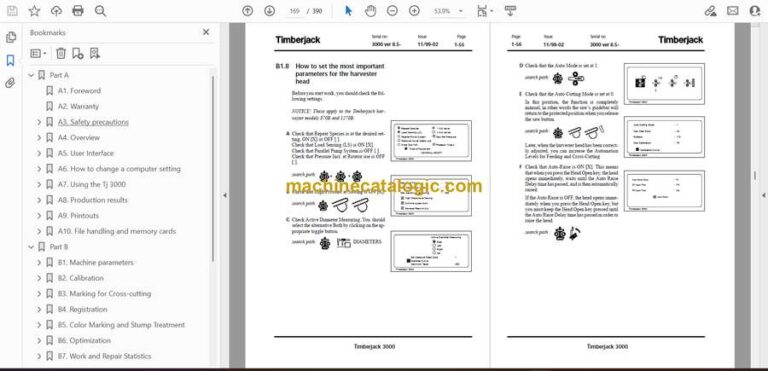
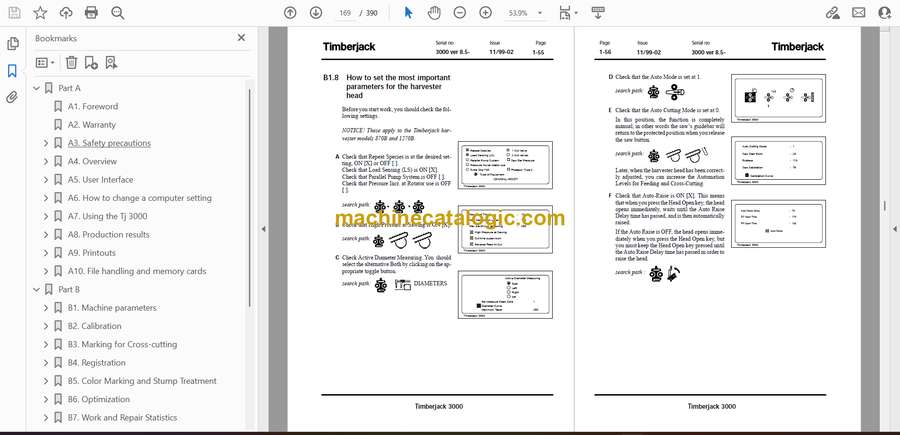
      • B1.8 How to set the most important parameters for the harvester head
    • B2. Calibration
      • B2.1 Measuring settings
        • B2.1.1 Diameters
        • B2.1.2 Lengths
        • B2.1.3 Temperature compensation
      • B2.2 How to carry out basic calibration
      • B2.3 Continuous monitoring of calibration
        • B2.3.1 Length and diameter statistics
      • B2.4 Length calibration
        • B2.4.1 When should you calibrate?
        • B2.4.2 How to interpret the length diagram
      • B2.5 Diameter calibration
        • B2.5.1 When should you calibrate?
        • B2.5.2 How to interpret the diameter diagram
    • B3. Marking for Cross-cutting
      • B3.1 Cutting tables
      • B3.2 Grade indication
        • B3.2.1 Grade keys
        • B3.2.2 Start grade
        • B3.2.3 Length tolerances
      • B3.3 Automatic diameter and length control
        • B3.3.1 The term minimum diameter
        • B3.3.2 Automatic shortening within the same category (= grade)
      • B3.4 Registration and classification of logs
        • B3.4.1 The term ‘grade’
        • B3.4.2 Length and diameter classes
    • B4. Registration
      • B4.1 General
      • B4.2 Different conditions for registration
        • B4.2.1 Registration to different assortments during optimization
        • B4.2.2 Settings for registration in a specific assortment
        • B4.2.3 Registration to different assortments during manual operation
      • B4.3 Registration settings
        • B4.3.1 Default values for registration
        • B4.3.2 Length and diameter classes
        • B4.3.3 Numbers
        • B4.3.4 Bark Settings
        • B4.3.5 Assortments
        • B4.3.6 Stem statistics
        • B4.3.7 Names
      • B4.4 Long lengths
      • B4.5 Pole Settings
      • B4.6 Unclassified
        • B4.6.1 Registration during Multi-tree Operation
        • B4.6.2 Poles (unregistered)
      • B4.7 Object Handling
    • B5. Color Marking and Stump Treatment
      • B5.1 Color Marking
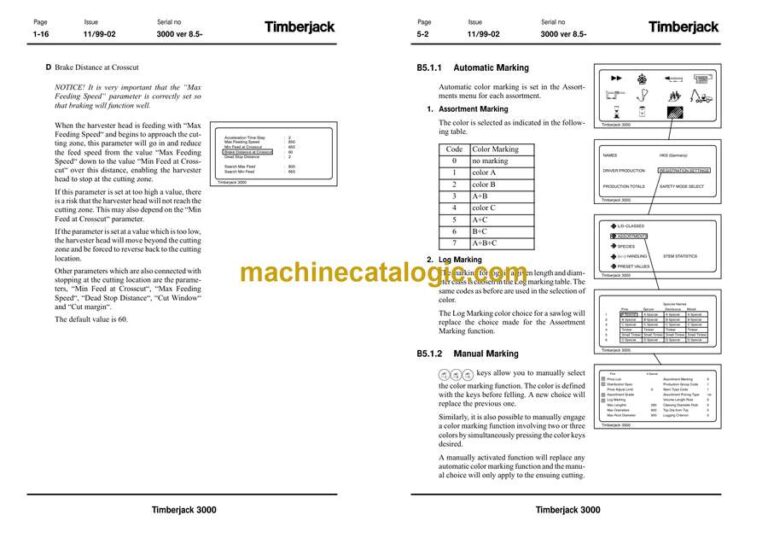
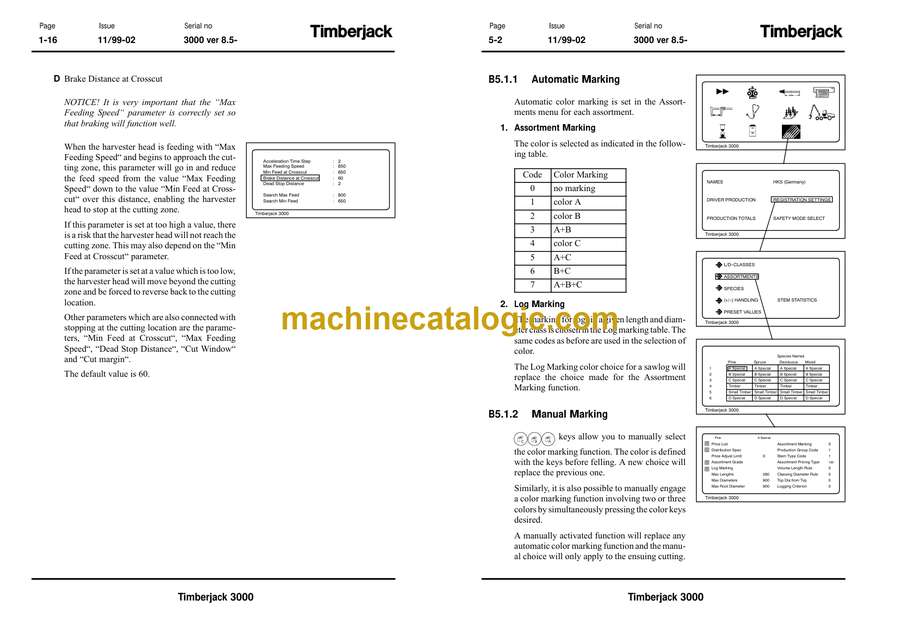
      • B5.1.1 Automatic Marking
      • B5.1.2 Manual Marking
      • B5.1.3 Adjusting the Delay and Duration in Color Marking
      • B5.2 Stump Treatment
    • B6. Optimization
      • B6.1 Marking for Cross-cutting
        • B6.1.1 Step-by-step cross-cutting
      • B6.2 Grade limits
        • B6.2.1 Stem grade log grade
        • B6.2.2 Specifying grade limits for the stem
        • B6.2.3 Grade names
      • B6.3 Value calculation
      • B6.4 Using the memory
        • B6.4.1 Price list
        • B6.4.2 Changing number of assortments and classifications
        • B6.4.3 Set default structure
        • B6.4.4 Production registration
        • B6.4.5 Barring registration
        • B6.4.6 Pulpwood
        • B6.4.7 Registration only
        • B6.4.8 Pole settings
        • B6.4.9 Long lengths
      • B6.5 Distribution fitting
      • B6.6 Prognosis – Stem prognosis
      • B6.7 Manual cross-cutting with optimization on
        • B6.7.1 Length buttons
        • B6.7.2 Length stepping
        • B6.7.3 Forced log quality
      • B6.8 Diameters
        • B6.8.1 Re-measure dead zone
    • B7. Work and Repair Statistics
      • B7.1 General
      • B7.2 Settings
        • B7.2.1 Status Activity Sensor
        • B7.2.2 Reset data
        • B7.2.3 Default values
        • B7.2.4 Follow-up levels
        • B7.2.5 Times
      • B7.3 Functions
        • B7.3.1 Activate Work and Repair
        • B7.3.2 During stops
        • B7.3.3 Day-to-day use
      • B7.4 Work and repair – Printouts
    • B8. Electronic caliper
      • B8.1 General
        • B8.1.1 Settings in the Tj 3000
        • B8.1.2 Settings for Data caliper
        • B8.1.3 Connecting the caliper to the Tj 3000
      • B8.2 Using the caliper
      • B8.3 Data Calibration
        • B8.3.1 Evaluating Diameter
        • B8.3.2 Evaluating Length
    • B9. Data transfer
      • B9.1 Data transfer between Tj 3000 and the receiving computer
        • B9.1.1 General
        • B9.1.2 How to start data transfer
  • Part C
    • C1. Diagrams
      • C1.1 Log diagram diameter
      • C1.2 Log diagram lenght
    • C2. Default settings, reset values and software loading
      • C2.1 Data handling
        • C2.1.1 Default values
        • C2.1.2 Data transfer
        • C2.1.3 Backing up
      • C2.2 Default settings, Preset values
      • C2.3 Installing new software
    • C3. Electrical system
      • C3.1 General
        • C3.1.1 Fuses in the PSU
        • C3.1.2 Description of connectors in all units
      • C3.2 Fuses
      • C3.3 Connectors
        • C3.3.1 HHM (Mark II)
        • C3.3.2 MCM
        • C3.3.3 PSU
        • C3.3.4 KCML
        • C3.3.5 KCMR
        • C3.3.6 DM
      • C3.4 Repair welding
      • C3.5 Wiring diagrams
    • C4. Sensors
      • C4.1 Diameter potentiometers
        • C4.1.1 Troubleshooting
        • C4.1.2 Start position
        • C4.1.3 Adjustment
      • C4.2 Saw protected position sensor
        • C4.2.1 Troubleshooting
        • C4.2.2 Adjustment
      • C4.3 Pulse detector, length measurement
        • C4.3.1 Troubleshooting
      • C4.4 Saw bar position sensor
        • C4.4.1 Troubleshooting
        • C4.4.2 Adjustment and Fitting
      • C4.5 Machine timer
        • C4.5.1 Troubleshooting
    • C5. Troubleshooting
      • C5.1 General
        • C5.1.1 Boom cable
        • C5.1.2 Moisture
      • C5.2 The CAN Network
        • C5.2.1 Start-up
        • C5.2.2 Light Emitting Diodes
      • C5.3 Function monitoring while operating
        • C5.3.1 The Error Log
        • C5.3.2 Checking the keypads (KCM)
        • C5.3.3 Testing HHM and MCM module outputs
      • C5.4 Systematic CAN troubleshooting
        • C5.4.1 Basic checks
        • C5.4.2 Troubleshooting in the cab
        • C5.4.3 Troubleshooting the external cabling
    • C6. Error messages
      • C6.1 Error messages at startup
        • C6.1.1 ”MCM is not responding” or ”No contact with MCM”
        • C6.1.2 No contact with left keypad
        • C6.1.3 No contact with right keypad
        • C6.1.4 No contact with HHM
        • C6.1.5 No contact with left keypad No contact with right keypad No contact with HHM
        • C6.1.6 No contact with right keypad No contact with HHM
        • C6.1.7 HHM application code init error
      • C6.2 Error messages in the display during operation
        • C6.2.1 HHM output error messages
        • C6.2.2 Saw pos. Sensor A error
        • C6.2.3 Saw pos. Sensor B error
        • C6.2.4 Saw pos. Sensor A and B error
        • C6.2.5 Sawing time-out error

John Deere

Latest Product

0
    0
    Your Cart
    Your cart is emptyReturn to Shop