$ 0
0
$ 0
0

Hyster J40-65Z (A416 D216) Forklift Service Manual

Format: PDF (Printable Document)

File Language: English

File Pages: 2032

File Size: 123.04 MB (Speed Download Link)

Brand: Hyster

Model: J40-65Z (A416 D216) Forklift

Type of Document: Service Manual

Categories: ,

$ 45

Share:

Hyster J40-65Z (A416 D216) Forklift Service Manual

Hyster J40-65Z (A416 D216) Forklift Service Manual

📘 Show Index

Hyster J40-65Z (A416 D216) Forklift Index:

  • toc
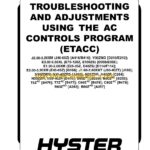
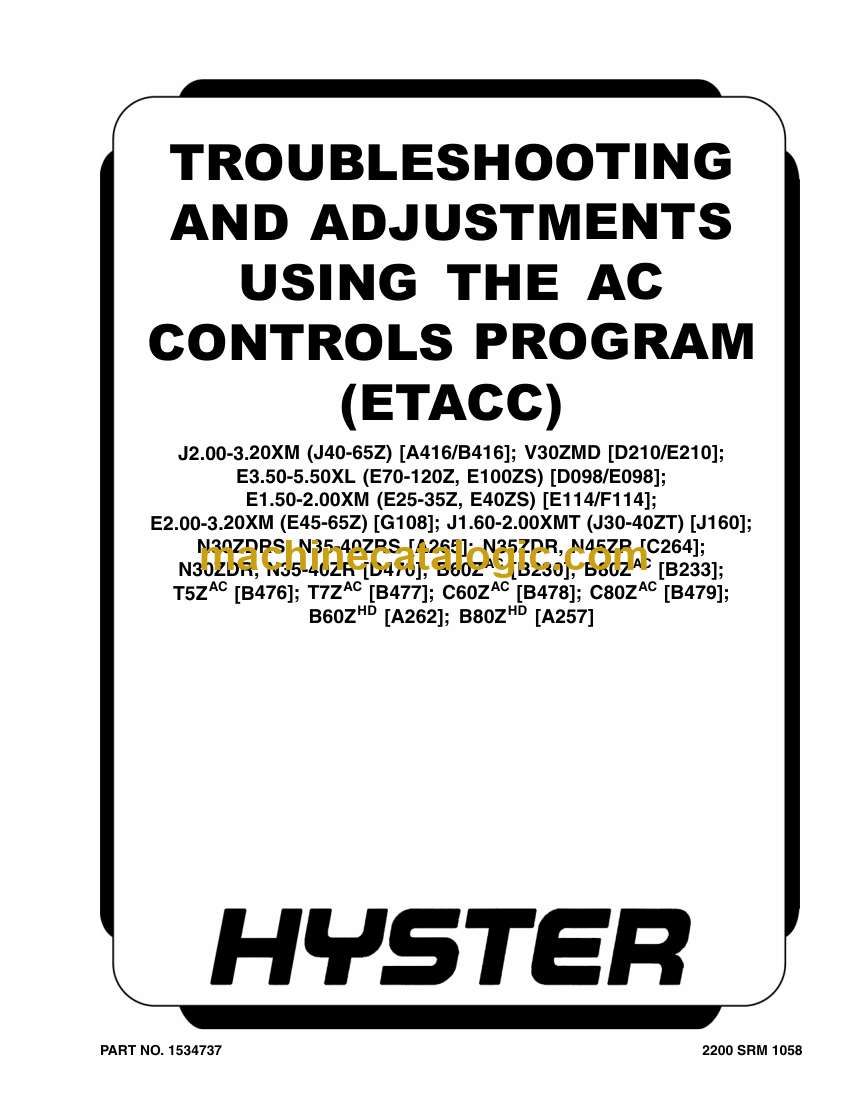
    • Troubleshooting and Adjustments Using the AC Controls Program (E
    • Safety Precautions Maintenance and Repair
    • General
      • Computer Requirements
      • Software, Install
      • Language Selection
      • Demo Mode
      • Connect PC to Lift Truck
      • Starting AC Controls Program
    • Lift Truck Control Setup
      • Change Lift Truck Serial Number or Hourmeter
      • Setting Factory Default Values or Changing Lift Truck Parameters
      • Create New Custom Lift Truck Configuration
      • Lift Truck Configuration Properties
      • Import New Lift Truck Configuration From Disk
      • Delete Custom Lift Truck Configuration or Password File
    • Dash Display
      • Custom Display Languages
      • Download Display Language
      • Clear Operator Log
    • Password Functions
      • Enable/Disable Password and Lift Truck Inspection Functions
      • Password Properties
      • Create New Password File
      • Download Passwords
      • Upload Passwords
    • Reports Menu
      • Devices Report
      • Custom Report
      • Password Report
      • Operator Report
      • Current Settings Report
      • Status Code Report
      • Status Codes Log
    • Troubleshooting
      • Diagnostics
    • Help Menu
      • General
      • Contents
      • Technical Support
      • About Electric Truck AC Controls Program
  • toc
    • Troubleshooting and Adjustments Using the AC Controls Program (E
    • Safety Precautions Maintenance and Repair
    • General
      • Computer Requirements
      • Software, Install
      • Language Selection
      • Demo Mode
      • Connect PC to Lift Truck
      • Starting AC Controls Program
    • Lift Truck Control Setup
      • Change Lift Truck Serial Number or Hourmeter
      • Setting Factory Default Values or Changing Lift Truck Parameters
      • Create New Custom Lift Truck Configuration
      • Lift Truck Configuration Properties
      • Import New Lift Truck Configuration From Disk
      • Delete Custom Lift Truck Configuration or Password File
    • Dash Display
      • Custom Display Languages
      • Download Display Language
      • Clear Operator Log
    • Password Functions
      • Enable/Disable Password and Lift Truck Inspection Functions
      • Password Properties
      • Create New Password File
      • Download Passwords
      • Upload Passwords
    • Reports Menu
      • Devices Report
      • Custom Report
      • Password Report
      • Operator Report
      • Current Settings Report
      • Status Code Report
      • Status Codes Log
    • Troubleshooting
      • Diagnostics
    • Help Menu
      • General
      • Contents
      • Technical Support
      • About Electric Truck AC Controls Program
  • toc
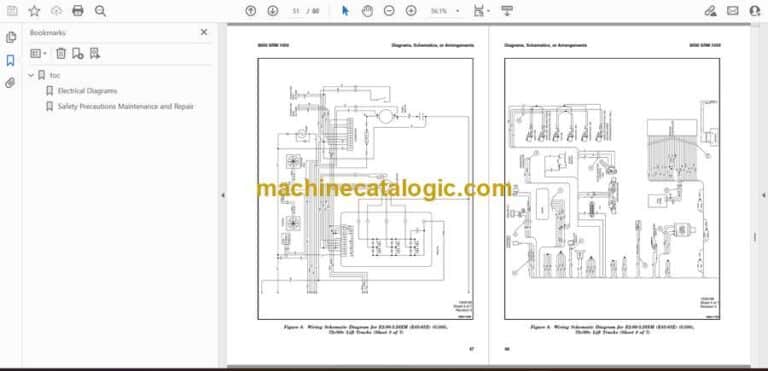
    • Electrical Diagrams
    • Safety Precautions Maintenance and Repair
  • toc
    • Electrical Diagrams
    • Safety Precautions Maintenance and Repair
  • toc
    • Mast Repairs
    • Safety Precautions Maintenance and Repair
    • General
    • Safety Procedures When Working Near Mast
    • Fork Repair
      • Remove
      • Install
    • Carriages Repair
      • Standard Carriage, Remove
      • Hang-On Sideshift Carriage, Remove
      • Standard Carriage and Hang-On Sideshift Carriage, Repair
      • Standard Carriage, Install
      • Hang-On Sideshift Carriage, Install
      • Integral Sideshift Carriage
    • Mast Repair
      • Remove
      • Two-Stage LFL and Two-Stage FFL Masts, Disassemble
      • Three-Stage FFL Mast
      • Two-Stage LFL and Two-Stage FFL Mast, Assemble
      • Three-Stage FFL Mast, Assemble
      • Install
    • Lift Cylinders Repair
      • Main Lift Cylinders, Remove
      • Free-Lift Cylinder, Remove
      • Cylinders, Disassemble
      • Clean and Inspect
      • Cylinders, Assemble
      • Main Lift Cylinders, Install
      • Free-Lift Cylinder, Install
    • Header Hose Arrangements
      • Two-Stage LFL Mast, New Hose Install
      • Two-Stage LFL Mast, Adjust Hoses After Installation
      • Two-Stage FFL Mast, New Hose Install
      • Two-Stage FFL Mast, Adjust Hoses After Installation
      • Three-Stage FFL Mast, New Hose Install
      • Three-Stage FFL Mast, Adjust Hoses After Installation
    • Header Hose Arrangement
      • Two-Stage LFL Mast, New Hose Install
      • Two-Stage LFL Mast, Adjust Hoses After Installation
      • Two-Stage FFL Mast, New Hose Install
      • Two-Stage FFL Mast, Adjust Hoses After Installation
      • Three-Stage FFL Mast, New Hose Install
      • Three-Stage FFL Mast, Adjust Hoses After Install
    • Lift and Tilt System Leak Check
      • Lift Cylinders Leak Check
      • Tilt Cylinders Leak Check
    • Tilt Cylinders Adjustment
    • Lift Chains Adjustment
    • Mast Adjustment
    • Carriage Adjustment
    • Troubleshooting
  • tables
    • Table 1. Hook-Type Carriage Chain Adjustment
    • Table 2. Pin-Type Carriage Chain Adjustment

Hyster

Latest Product

0
    0
    Your Cart
    Your cart is emptyReturn to Shop