$ 0
0
$ 0
0

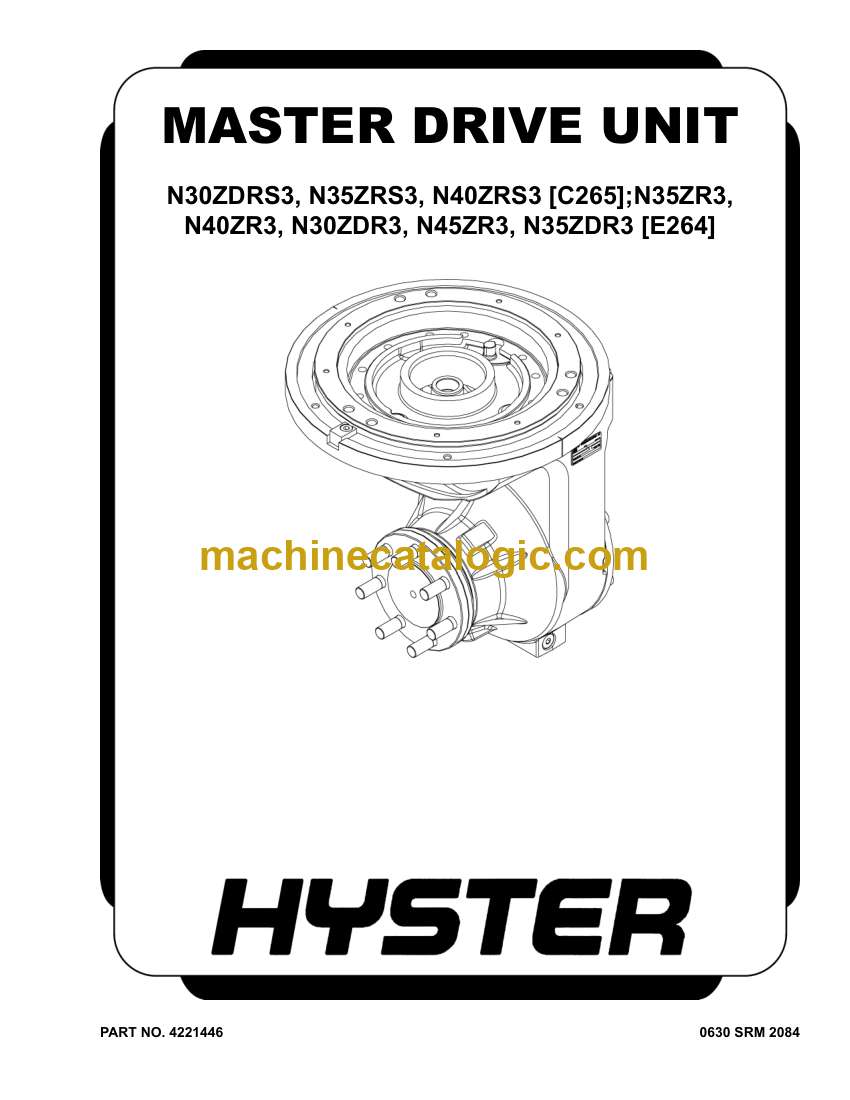
Hyster N30ZDR3, N35ZR3, N35ZDR3, N40ZR3, N45ZR3 (E264 E861) Forklift Service Manual

Format: PDF (Printable Document)

File Language: English

File Pages: 2924

File Size: 118.84 MB (Speed Download Link)

Brand: Hyster

Model: N30ZDR3, N35ZR3, N35ZDR3, N40ZR3, N45ZR3 (E264 E861) Forklift

Type of Document: Service Manual

Categories: ,

$ 45

Share:

Hyster N30ZDR3, N35ZR3, N35ZDR3, N40ZR3, N45ZR3 (E264 E861) Forklift Service Manual

Hyster N30ZDR3, N35ZR3, N35ZDR3, N40ZR3, N45ZR3 (E264 E861) Forklift Service Manual

📘 Show Index

Hyster N30ZDR3, N35ZR3, N35ZDR3, N40ZR3, N45ZR3 (E264 E861) Forklift Index:

  • General
    • General
    • Description
    • Discharging The Capacitors
  • Master Drive Unit Repair
    • Maintenance
      • Draining the Oil
    • Remove
    • Clean and Inspect
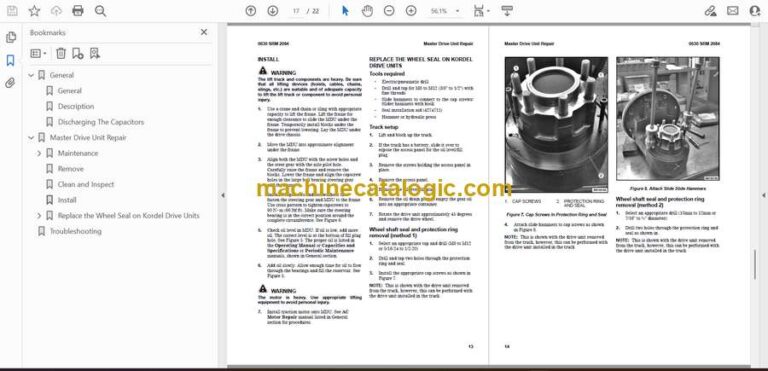
    • Install
    • Replace the Wheel Seal on Kordel Drive Units
      • Tools required
      • Truck setup
      • Wheel shaft seal and protection ring removal (method 1)
      • Wheel shaft seal and protection ring removal (method 2)
      • Wheel shaft seal and protection ring installation
  • Troubleshooting
  • General
    • General
    • Description
    • Discharging The Capacitors
  • Master Drive Unit Repair
    • Maintenance
      • Draining the Oil
    • Remove
    • Clean and Inspect
    • Install
    • Replace the Wheel Seal on Kordel Drive Units
      • Tools required
      • Truck setup
      • Wheel shaft seal and protection ring removal (method 1)
      • Wheel shaft seal and protection ring removal (method 2)
      • Wheel shaft seal and protection ring installation
  • Troubleshooting
  • General
    • Introduction
  • Menu Navigation
    • Navigation Key
    • Arrow Keys and Scroll Bar
    • Startup Sequence
      • Password Entry
      • Adding/Changing Passwords
    • Home Screen
      • Home Screen Layout
    • Menu Structure
      • Password Based Menus
  • Service Logging In
    • Log In
    • Enable/disable password (optional)
  • Main Menus
    • Information Menu
    • Faults Menu
    • Settings Menu
      • Performance Menu
      • Hydraulic Menu
      • Drive Menu
      • Sensors/Presets Menu
      • Maintenance Menu
      • Truck Setup
      • Operators Menu
    • Calibrations Menu
      • Calibration Parameters
    • Diagnostics Menu
      • Diagnostic Parameters
  • Hour Meters
    • View Hour Meters
  • Hardware and Software Versions
    • View Hardware and Software Versions
  • Interlocks
    • General
  • Switched Inputs and Preset Heights
    • General
    • Setting Preset Heights
  • General
    • Introduction
  • Menu Navigation
    • Navigation Key
    • Arrow Keys and Scroll Bar
    • Startup Sequence
      • Password Entry
      • Adding/Changing Passwords
    • Home Screen
      • Home Screen Layout
    • Menu Structure
      • Password Based Menus
  • Service Logging In
    • Log In
    • Enable/disable password (optional)
  • Main Menus
    • Information Menu
    • Faults Menu
    • Settings Menu
      • Performance Menu
      • Hydraulic Menu
      • Drive Menu
      • Sensors/Presets Menu
      • Maintenance Menu
      • Truck Setup
      • Operators Menu
    • Calibrations Menu
      • Calibration Parameters
    • Diagnostics Menu
      • Diagnostic Parameters
  • Hour Meters
    • View Hour Meters
  • Hardware and Software Versions
    • View Hardware and Software Versions
  • Interlocks
    • General
  • Switched Inputs and Preset Heights
    • General
    • Setting Preset Heights
  • General
    • Discharging the Internal Capacitors
    • Static Strap
      • Inspect
      • Replace
  • Safety Procedures When Working Near Mast
  • Battery Connection
    • Inspect
    • Replacing Cables
  • Key Switch
    • General
    • Replace
  • Major Electrical System Features
    • General
    • Integrated System
    • CANbus Advantages
    • CANbus Communications
      • Electric Steering / Steer Caster (Optional)
      • Traction and Hydraulic Functions
      • Vehicle System Manager
    • Encoder Integrity
    • Test Encoders
    • Proximity Switches
    • Dash Display Panel
    • BDI
    • Speed
    • Steer Angle
    • Truck Hours
    • Performance Mode
  • Setup
  • Calibrations
  • AC Motor Controllers and Connecting Cables
    • General
    • Controller Removal
    • Install
    • Low-Voltage Protection Function
  • CDF File Installation Procedure
  • Contactor and Electrical Panel Checks
    • Fuse Panel and Relays
    • Contactors Inspection
      • General
      • Test
      • Tips
      • Replacing The Main Contactor
      • Replacing The Freezer Contactor
  • Instrument Panel and Dash Display
    • Description
    • Remove
      • Display
    • Install
  • Battery Power Disconnect Switch
    • Replace
  • Side-Stance Controls
    • Multifunction Control Handle
      • Horn
      • Inspection
    • Remove
    • Install
  • Side Stance Control Handle Disassembly and Repair
    • Handle Grip and Switch Repairs
      • Handle Grip Support Mounting
    • Handle Disassembly
  • Forward-Stance Controls
    • Control Handle Functions
      • Repair
    • Aft Travel Control Handle Option
      • Repair
      • Aft Handle Sensor Adjustment
  • Steering Handle
    • Steering Unit Repair
  • Steering Sensors and Steering Controllers
    • Steering Proximity Sensor
      • Remove
      • Adjust/Install
    • Proximity Caster Centering Sensor
      • Remove
      • Adjustment
      • Install
    • Power Steering Controller
      • Steered Caster Option
      • Non-Steered Caster Option
  • Brake Switch
    • General
    • Repair, Cushioned and Non-Freezer Floor Plate Configuration
    • Repair, Suspended, Non-Freezer Floor Plate Configuration
    • Repair, Freezer Floor Plate Configuration
      • General
  • Operator Sensing System
    • General
    • Remove
    • Install
  • Audible Alarm and Horn
    • Horn
    • Audible Alarm
  • Light Assemblies
    • General
    • Front Headlights
      • Remove
      • Install
    • Front Blue Spot Light, Rear Work Light, and Rear Blue Spot Light
      • Remove
      • Install
    • Visible Alarm Light (Strobe Light)
      • Remove
      • Install
    • Operator Compartment Light
      • Remove
      • Install
    • Light Switches
  • Cooling Fans
    • Electrical Compartment Fans
      • Controller Cooling Fan, Replace
      • Rear Cooling Fan, Replace
    • Operator Fan
      • Repair
  • Vehicle Systems Manager, O-Box, and DC/DC Converter
    • General
    • Vehicle Systems Manager (VSM)
      • Remove
      • Install
    • O-Box (Control Module)
      • Remove
      • Install
    • DC-DC Converter
      • Remove
      • Install
  • Height Proximity Switch
    • Test
    • Remove
    • Install
  • Reach Carriage Proximity Sensor
    • General
    • Remove
    • Install
    • Adjust
  • Fork Height Sensor Option
    • Lift Trucks Equipped With 5.5-in. (C567) Mast
    • Remove
      • Encoder Assembly
      • Timing Belt
    • Install
      • Encoder Assembly
      • Timing Belt
    • Lift Trucks Equipped With 9.4-in Short (E570) and Tall (D585) Mast
    • Remove
    • Install
  • Sideshift Auto Center Sensor
    • General
    • Remove
    • Install
  • Retract Sensor
    • Remove
    • Install
  • Tilt Position Sensor
    • Remove
    • Install
  • Laser Option
    • Remove
    • Adjustment
      • Horizontal Adjustment
      • Vertical Adjustment
    • Install
  • Camera Option
    • Lift Trucks Equipped With 5.5-in. Mast
      • Description
      • Remove
      • Install
    • Lift Trucks Equipped With 9.4-in. Mast
      • Description
      • Remove
      • Install
  • Telemetry Management System
    • General
    • Remove
    • Install

Hyster

Latest Product

0
    0
    Your Cart
    Your cart is emptyReturn to Shop