$ 0
0
$ 0
0

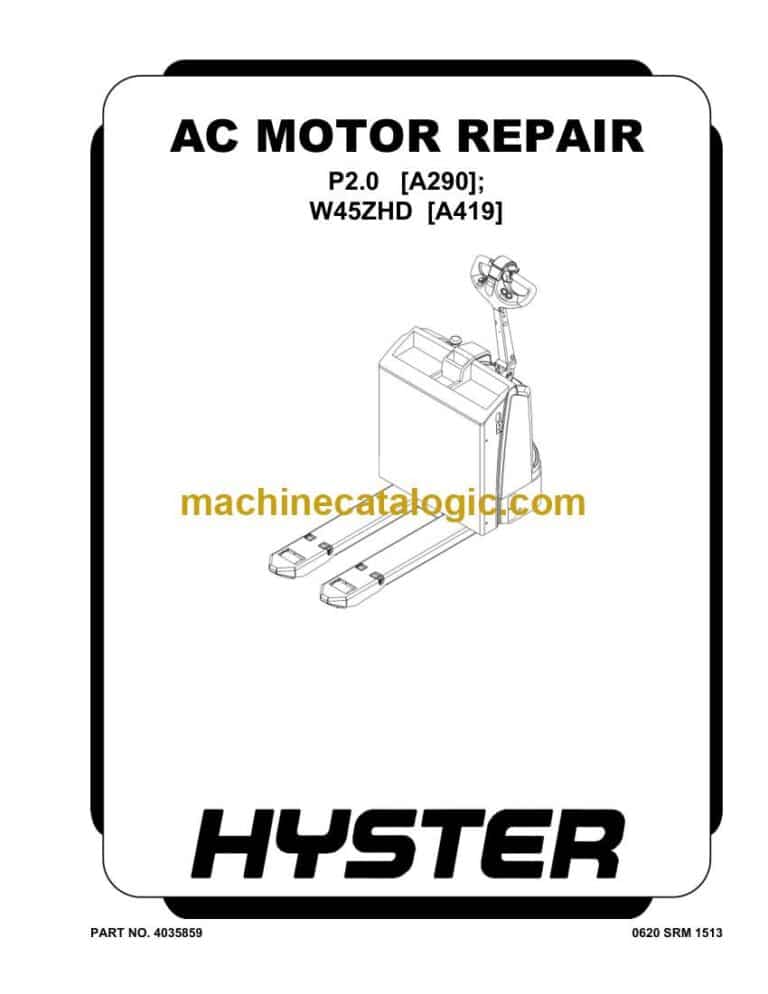
Hyster W45ZHD (A419 A245) Forklift Service Manual

Format: PDF (Printable Document)

File Language: English

File Pages: 964

File Size: 22.86 MB (Speed Download Link)

Brand: Hyster

Model: W45ZHD (A419 A245) Forklift

Type of Document: Service Manual

Categories: ,

$ 45

Share:

Hyster W45ZHD (A419 A245) Forklift Service Manual

Hyster W45ZHD (A419 A245) Forklift Service Manual

📘 Show Index

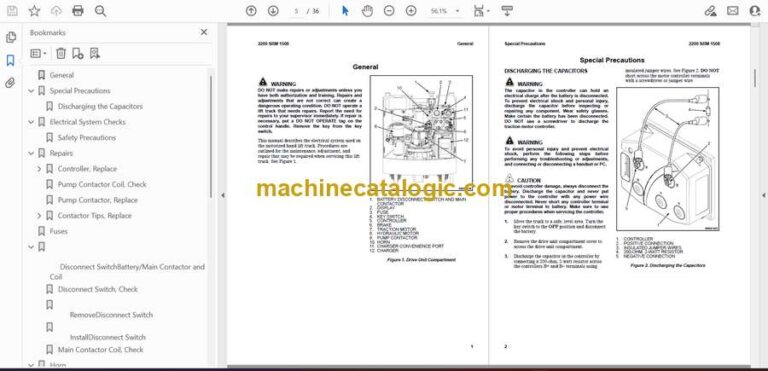
Hyster W45ZHD (A419 A245) Forklift Index:

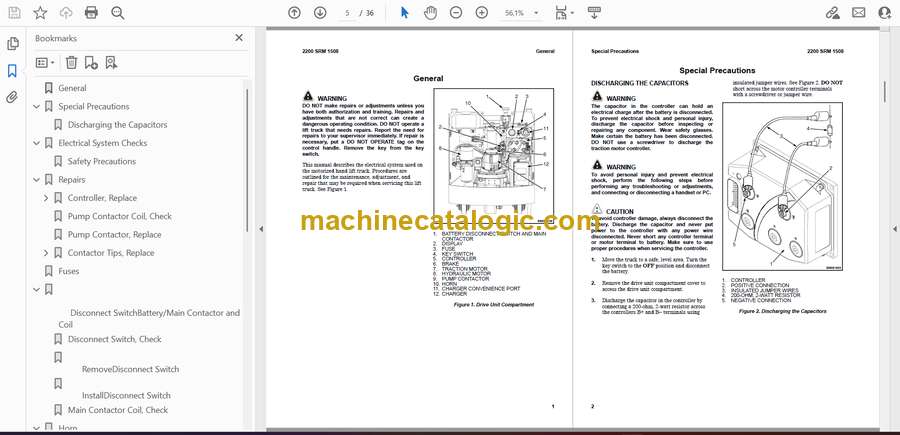
  • General
  • Special Precautions
    • Discharging the Capacitors
  • Electrical System Checks
    • Safety Precautions
  • Repairs
    • Controller, Replace
      • Remove
      • Install
    • Pump Contactor Coil, Check
    • Pump Contactor, Replace
    • Contactor Tips, Replace
      • Remove
      • Install
  • Fuses
  • Disconnect SwitchBattery/Main Contactor and Coil
    • Disconnect Switch, Check
    • RemoveDisconnect Switch
    • InstallDisconnect Switch
    • Main Contactor Coil, Check
  • Horn
    • Remove
    • Install
  • Brake and Interlock Sensor
    • Remove
    • Install
    • Check
  • Steer Reduction Sensor
    • Remove
    • Install
  • Height Limit
  • Control Handle
    • Disassemble
    • Control Handle Card
      • Configure
      • Calibrate
    • Assemble
  • Charger and Convenience Port
    • Remove
    • Install
  • ACCUSENSE Battery Charger
    • Charger Mode/Battery Type Selection
      • Changing Mode Setting
    • Convenience Port
      • General
      • LED Status Display
      • Charging
    • Troubleshooting
      • General
      • Error Modes
      • Battery Pack Troubleshooting
  • BDI Display
    • Remove
    • Install
  • General
  • Special Precautions
    • Discharging the Capacitors
  • Electrical System Checks
    • Safety Precautions
  • Repairs
    • Controller, Replace
      • Remove
      • Install
    • Pump Contactor Coil, Check
    • Pump Contactor, Replace
    • Contactor Tips, Replace
      • Remove
      • Install
  • Fuses
  • Disconnect SwitchBattery/Main Contactor and Coil
    • Disconnect Switch, Check
    • RemoveDisconnect Switch
    • InstallDisconnect Switch
    • Main Contactor Coil, Check
  • Horn
    • Remove
    • Install
  • Brake and Interlock Sensor
    • Remove
    • Install
    • Check
  • Steer Reduction Sensor
    • Remove
    • Install
  • Height Limit
  • Control Handle
    • Disassemble
    • Control Handle Card
      • Configure
      • Calibrate
    • Assemble
  • Charger and Convenience Port
    • Remove
    • Install
  • ACCUSENSE Battery Charger
    • Charger Mode/Battery Type Selection
      • Changing Mode Setting
    • Convenience Port
      • General
      • LED Status Display
      • Charging
    • Troubleshooting
      • General
      • Error Modes
      • Battery Pack Troubleshooting
  • BDI Display
    • Remove
    • Install
  • General
  • AccuSense® Q-Series Charger
    • Charger Mode/Battery Type Selection
      • Mode Setting Check
    • Convenience Port
    • Multi-Stage Charging
      • LED Display, Multi-Stage Charge
  • Cell, Battery, and Battery Pack Voltage
    • Voltages
  • Troubleshooting
    • Charger Troubleshooting
      • Error Code Description
      • Diagnostics and Troubleshooting

Hyster

Latest Product

0
    0
    Your Cart
    Your cart is emptyReturn to Shop