$ 0
0
$ 0
0

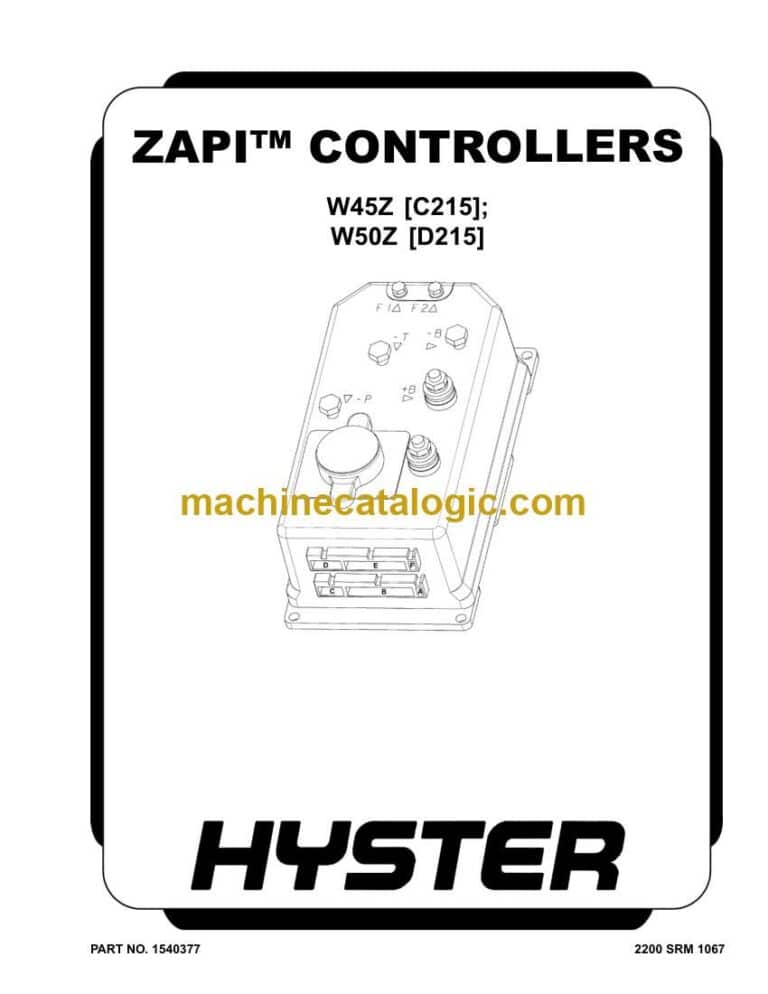
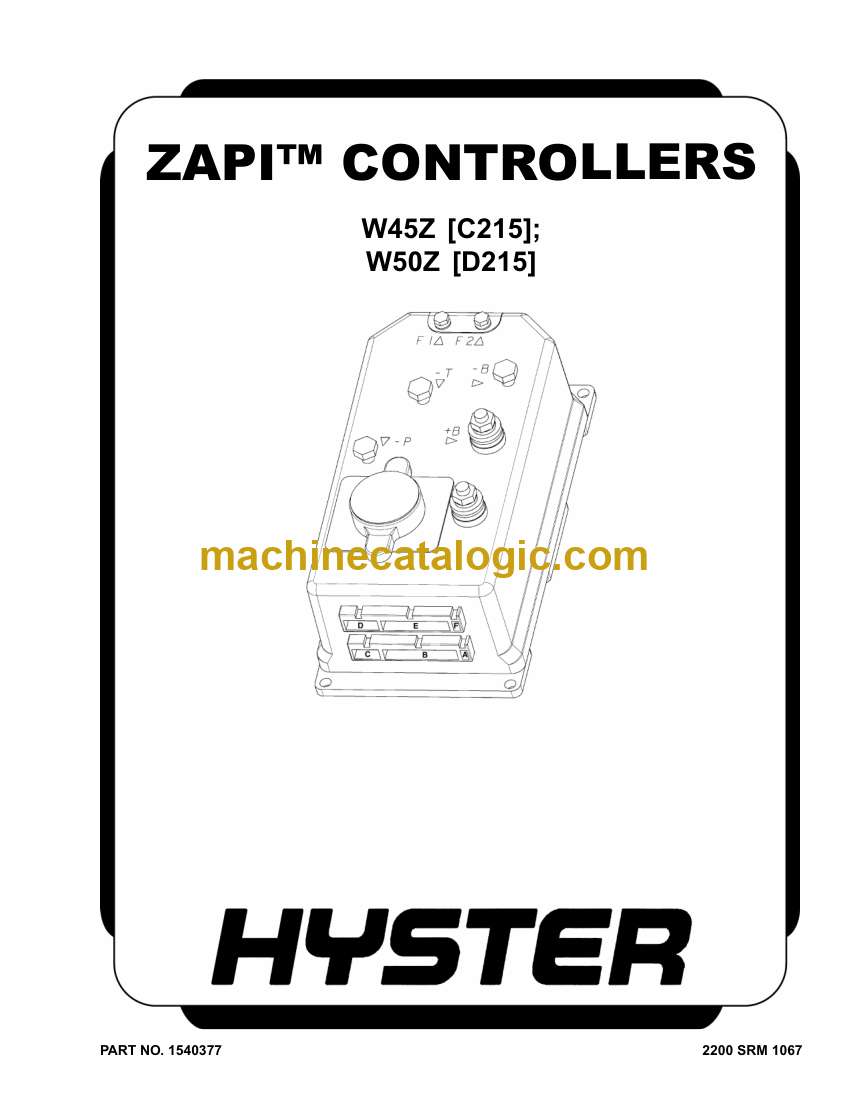
Hyster W50Z (D215 C802) Forklift Service Manual

Format: PDF (Printable Document)

File Language: English

File Pages: 984

File Size: 40.31 MB (Speed Download Link)

Brand: Hyster

Model: W50Z (D215 C802) Forklift

Type of Document: Service Manual

Categories: ,

$ 45

Share:

Hyster W50Z (D215 C802) Forklift Service Manual

Hyster W50Z (D215 C802) Forklift Service Manual

📘 Show Index

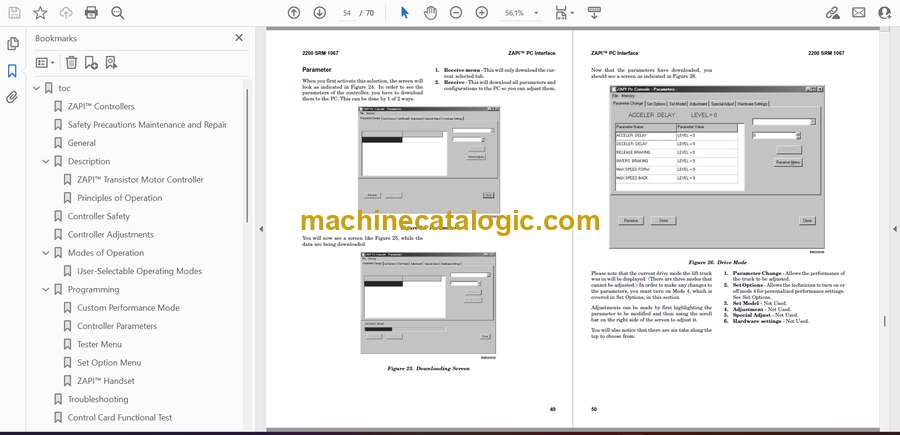
Hyster W50Z (D215 C802) Forklift Index:

  • toc
    • ZAPI™ Controllers
    • Safety Precautions Maintenance and Repair
    • General
    • Description
      • ZAPI™ Transistor Motor Controller
      • Principles of Operation
    • Controller Safety
    • Controller Adjustments
    • Modes of Operation
      • User-Selectable Operating Modes
    • Programming
      • Custom Performance Mode
      • Controller Parameters
      • Tester Menu
      • Set Option Menu
      • ZAPI™ Handset
    • Troubleshooting
    • Control Card Functional Test
    • ZAPI™ PC Interface
      • Connecting PC to ZAPI™ Controller
      • File Menu
      • Connection Menu
      • Function Menu
      • Programming Tilt and Sideshift on the ZAPI Controller (Laptop)
    • Repair
      • Remove
      • Brass Stud Replacement
      • Install
      • Repair
  • tables
    • Table 1. Parameters
  • toc
    • ZAPI™ Controllers
    • Safety Precautions Maintenance and Repair
    • General
    • Description
      • ZAPI™ Transistor Motor Controller
      • Principles of Operation
    • Controller Safety
    • Controller Adjustments
    • Modes of Operation
      • User-Selectable Operating Modes
    • Programming
      • Custom Performance Mode
      • Controller Parameters
      • Tester Menu
      • Set Option Menu
      • ZAPI™ Handset
    • Troubleshooting
    • Control Card Functional Test
    • ZAPI™ PC Interface
      • Connecting PC to ZAPI™ Controller
      • File Menu
      • Connection Menu
      • Function Menu
      • Programming Tilt and Sideshift on the ZAPI Controller (Laptop)
    • Repair
      • Remove
      • Brass Stud Replacement
      • Install
      • Repair
  • tables
    • Table 1. Parameters
  • toc
    • Periodic Maintenance
    • Safety Precautions Maintenance and Repair
    • General
      • How to Move a Disabled Truck
      • How to Put a Lift Truck on Blocks
      • Welding Repairs
    • Battery Maintenance
      • How to Charge the Battery
      • How to Change the Battery
    • Maintenance Schedule
      • Checks and Inspection Procedures
      • Casters
    • Recommended Schedule of Maintenance
    • Lubrication Instructions
      • Every 8 Hours or Daily
      • Every 350 Hours or 6 Months
      • Every 2000 Hours or 2 Years
  • tables
    • Table 1. Specific Gravity Corrections
  • toc
    • Periodic Maintenance
    • Safety Precautions Maintenance and Repair
    • General
      • How to Move a Disabled Truck
      • How to Put a Lift Truck on Blocks
      • Welding Repairs
    • Battery Maintenance
      • How to Charge the Battery
      • How to Change the Battery
    • Maintenance Schedule
      • Checks and Inspection Procedures
      • Casters
    • Recommended Schedule of Maintenance
    • Lubrication Instructions
      • Every 8 Hours or Daily
      • Every 350 Hours or 6 Months
      • Every 2000 Hours or 2 Years
  • tables
    • Table 1. Specific Gravity Corrections
  • General
  • Description of Operation
  • Special Precautions
  • Moving a Disabled Lift Truck
  • Electrical System Checks
    • Safety Precautions
  • Repairs
    • Controller, Replace
      • Remove
      • Install
    • Contactor Coil, Check
    • Contactor, Replace
      • Remove
      • Install
  • Key Switch Removal and Installation
    • Remove
    • Install
  • Battery Indicator/Hourmeter Display
    • Remove
    • Install
  • Fuses
    • W40Z
    • W45-50Z
    • W20-25ZA
    • W25-30ZA2
  • Control Handle Arm Proximity Switch
    • Repair
      • Check and Adjust
      • Remove
      • Install
  • Control Handle
    • Disassemble
    • Control Handle Card (Old Style)
    • Control Handle Card (New Style)
      • Configure
      • Calibrate
    • Assemble
    • Switches (ON/OFF and Proportional)
      • Remove
      • Install
  • Traction Motor
    • Disassemble
    • Assemble
  • Lift Pump Motor
    • Repair (W20-25ZA and W25-30ZA2)
  • Lift Link Proximity Sensor (W50Z)
    • Check
    • Repair
      • Remove
      • Test
      • Install
      • Adjust
  • Battery Charger (Moran®)
    • Description
    • Operation
      • Charging
      • Equalize
      • Signals
      • Protections
    • Troubleshooting
  • Battery Charger (Accusense by DPI®)
    • Description
    • Operation
      • LED Display
      • Charging
    • Charger Mode/Battery Type Selection (DPI Gen II Models)
      • Changing Mode Setting (DPI Gen II Models)
    • Charger Mode/Battery Type Selection (DPI Gen III Models)
      • Changing Mode Setting (DPI Accusense Gen III Models with Jumper Ports)
      • Accusense Gen III with Dip Switches
      • Changing Mode Setting
    • Troubleshooting (DPI Chargers)
      • General
      • Error Modes
      • Battery Pack Troubleshooting
  • Battery Charger (Accusense® 20A)
    • Description
    • Operation
      • LED Display
      • Charging
    • Charger Mode/Battery Type Selection (Accusense 20A)
      • Changing Mode Setting (Accusense 20A)
    • Troubleshooting (Accusense 20A Chargers)
      • General
      • Error Modes
      • Battery Pack Troubleshooting
  • Troubleshooting

Hyster

Latest Product

0
    0
    Your Cart
    Your cart is emptyReturn to Shop