$ 0
0
$ 0
0

Komatsu D37EXi-24, D37PXi-24, D39EXi-24, D39EXI-24 Bulldozer Operation and Maintenance Manual (TEN01131-00)

Format: PDF (Printable Document)

File Language: English

File Pages: 319

File Size: 25.97 MB (Speed Download Link)

Brand: Komatsu

Model: D37EXi-24, D37PXi-24, D39EXi-24, D39EXI-24 Bulldozer

Book No: TEN01131-00

Type of Document: Operation and Maintenance Manual

Categories: ,

$ 40

Share:

Komatsu D37EXi-24, D37PXi-24, D39EXi-24, D39EXI-24 Bulldozer Operation and Maintenance Manual (TEN01131-00)

Komatsu D37EXi-24, D37PXi-24, D39EXi-24, D39EXI-24 Bulldozer Operation and Maintenance Manual (TEN01131-00)

📘 Show Index

Komatsu D37EXi-24, D37PXi-24, D39EXi-24, D39EXI-24 Bulldozer Index:

  • Cover
  • Foreword
    • Table of Contents
    • Read This Manual
    • Safety Information
    • Introduction
      • intelligent Machine Control
      • Machine Features
    • Abbreviation List
  • Safety
    • General Precautions Common to Operation and Maintenance
      • Precautions When Getting on or off Machine
      • Precautions for Blade Automatic Control
    • Precautions for Operation
      • Start Engine
    • Precautions for Maintenance
      • Precautions for Check and Maintenance
  • Operation
    • General View
      • Names of Machine Equipment
      • Control Levers and Pedals
    • Explanation of Components
      • intelligent Machine Control System
      • Other Equipment
    • Machine Operations and Controls
      • Checks and Adjustment Before You Start Engine
      • Operations and Checks After You Start Engine
      • How to Stop Engine
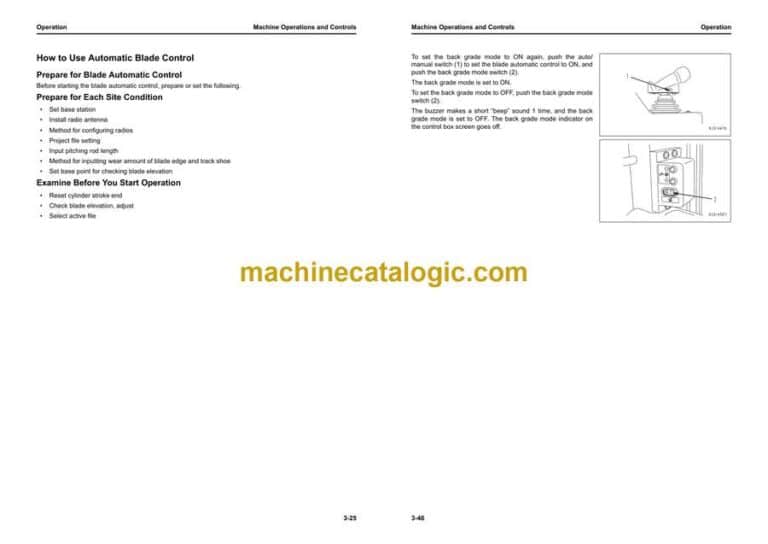
      • How to Use Automatic Blade Control
    • Transportation
      • Remove Radio Device Antenna Cable
    • Precautions for Long-Term Storage
      • Turn Battery Disconnect Switch to OFF Position Before Long-Term Storage
    • Troubles and Procedures
      • Troubles and Procedures During Automatic Blade Control When Simple Grading Mode is OFF
      • Phenomena and Procedures for Control Box
  • Handle Control Box
    • Table of Contents
    • Overview
      • Function of Switches
      • Brightness and Volume Control
      • LED Indicator
      • Keyboard Functions
      • How to Show Main Menu
    • File Menu
      • Project Files
      • Control Point Files
      • Layers
      • Point Data
      • Surface File
      • 2 Surfaces Mode
      • Active File
      • Exit 3DMC
    • Control Menu
      • Machine Setting
      • How to Set AS-BUILT Control Options
      • Blade Control
      • Steer Indication Options
      • Dozing Control
      • Adjust Blade Elevation
      • Pitch Rod Calibration
      • Adjust Wear Volume
      • Machine Calibration
    • Tools Menu
      • Radio Device Settings
      • Position Settings
      • Navigate Points
      • Topo Shot for Topographic Survey
      • Set Sitelink3D
      • Komatsu Options
      • Supervisor Mode
    • View Menu
      • Main Window Display
      • Left Window Display
      • Right Window Display
      • Lower Window Display
      • Display Options
      • 3DMC
    • Main Window Display
      • Elevation Control Key
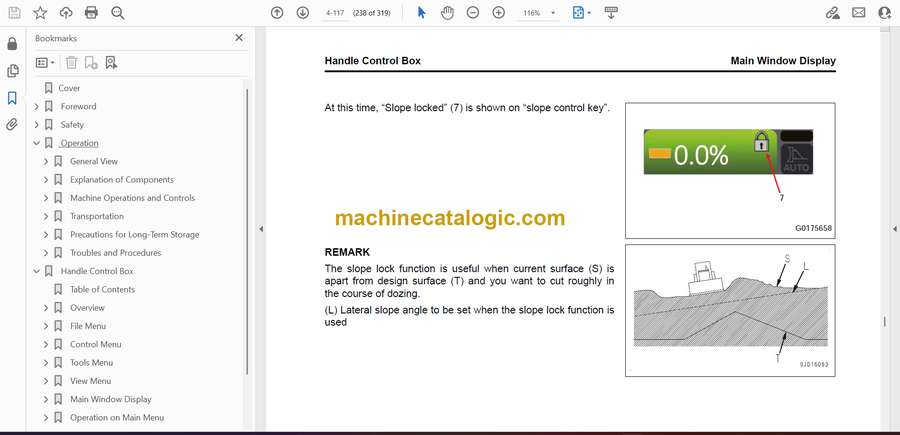
      • Slope Control Key
      • Shortcut on the Main Window
      • Pan of Main Map View
    • Operation on Main Menu
      • How to Show GNSS Information
      • How to Adjust Cut/Fill Offsets
      • How to Change Grade Indicator Display
      • How to Change Display of Light Bar
      • Operation by Pop-up Menu
      • How to Set Lift Layer Control Function
      • How to Use Quick Surface Creation Function
      • Use Quick Surface Adjustment Function
  • Specifications
    • Specifications
      • Specifications: D37EXI-24
      • Specifications: D37PXI-24
      • Specifications: D39EXI-24
      • Specifications: D39PXI-24
  • 2D Laser Machine Control
    • Handle 2D Laser Machine Control
      • 2D Laser Machine Control
      • Operations and Controls of 2D Laser Machine Control
      • 2D Laser Machine Control Application
    • Troubles and Procedures
      • Other Trouble
      • Procedures When Pop-Up Message is Shown on Control Box
  • Index

Komatsu

Latest Product

0
    0
    Your Cart
    Your cart is emptyReturn to Shop