Komatsu KomVision Supplement Hydraulic Excavator Operation and Maintenance Manual (UENAM01350)
On a hydraulic excavator working in tight jobsites, near structures, trucks, and foot traffic, KomVision is what helps you see what’s happening around the machine. This supplement shows you how to use that camera/monitor system correctly so you can keep the iron moving without bumping into anything. I’d pull this manual out when an operator says the KomVision image is confusing, delayed, or not coming up at all, and walk through the basic checks and monitor operations before calling in a laptop or parts.
Applications & Use Cases
- Set up KomVision for daily use, so operators start each shift with the right views and warnings active.
- Trace visibility issues, like dark images or blind spots, back to dirty lenses, wrong settings, or simple wiring checks.
- Verify monitor operation after a repair or replacement, making sure the display responds properly to lever movements.
- Train new operators on what KomVision is showing them, so they don’t ignore useful alerts or misread the surroundings.
- Plan preventive checks around the cameras and monitor to avoid sudden loss of visibility in the middle of a job.
FAQ
Q: Can I keep this manual on a tablet in the cab?
A: Yes, it’s handy to have digitally so the operator can reference the monitor steps right from the seat.
Q: Is it worth printing parts of this manual?
A: Printing the key operating pages and laminating them works well for quick reference during pre-start checks.
Safety Note
Always treat KomVision as an aid, not a replacement for proper walk-around inspections and direct visual checks.
📘 Show Index
Komatsu KomVision Supplement Hydraulic Excavator Index:
- OPERATION
- BASIC OPERATION OF MACHINE MONITOR WHEN THE LEVER OPERATED
- CAUTION LAMP LIST
- CAMERA SYSTEM CAUTION LAMP
- CAMERA CONTROLLER CAUTION LAMP
- FUSE
- KomVision
- PRECAUTIONS WHEN USING KomVision
- MACHINE MONITOR EQUIPMENT NAME
- EXPLANATION OF MACHINE MONITOR EQUIPMENT
- WARNING DISPLAY
- MONITOR DISPLAY
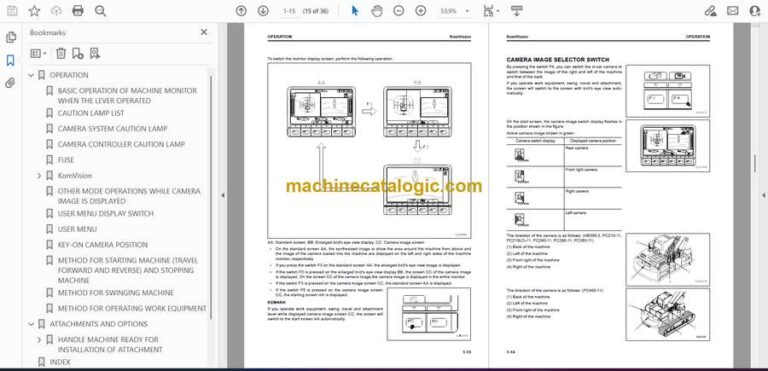
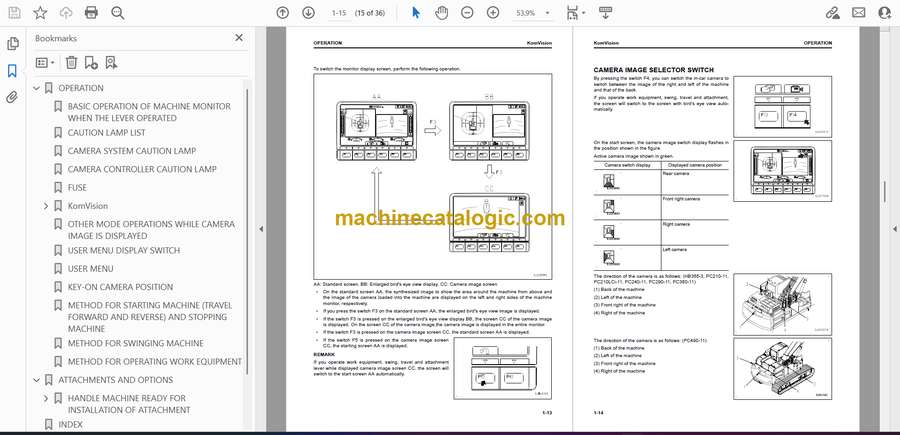
- OPERATION OF CAMERA IMAGE DISPLAY SCREEN
- CAMERA IMAGE SELECTOR SWITCH
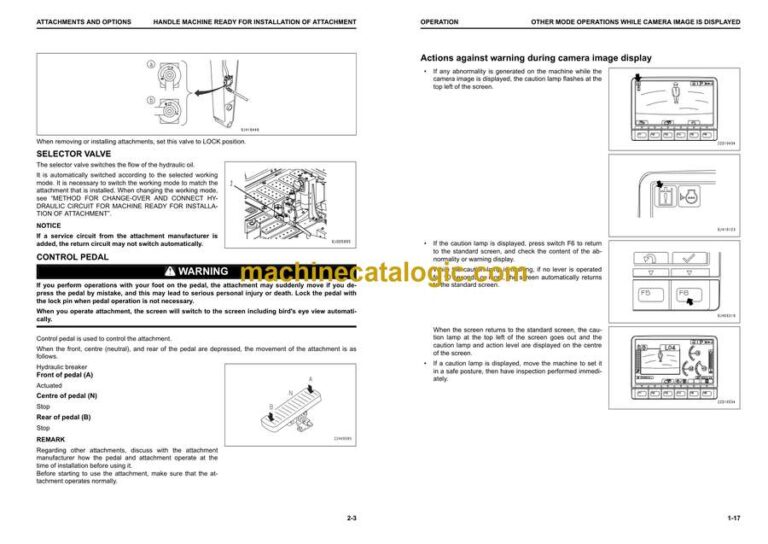
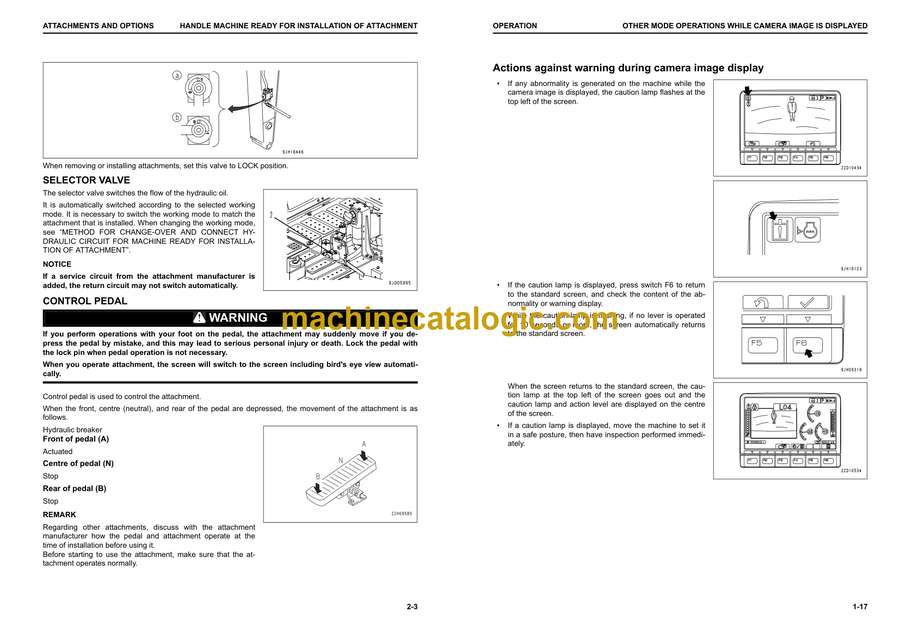
- OTHER MODE OPERATIONS WHILE CAMERA IMAGE IS DISPLAYED
- USER MENU DISPLAY SWITCH
- USER MENU
- KEY-ON CAMERA POSITION
- METHOD FOR STARTING MACHINE (TRAVEL FORWARD AND REVERSE) AND STOPPING MACHINE
- METHOD FOR SWINGING MACHINE
- METHOD FOR OPERATING WORK EQUIPMENT
- ATTACHMENTS AND OPTIONS
- HANDLE MACHINE READY FOR INSTALLATION OF ATTACHMENT
- EXPLANATION OF COMPONENTS ON MACHINE EQUIPPED WITH ATTACHMENT
- METHOD FOR OPERATING ATTACHMENT
- INDEX
- Front Cover.pdf
Komatsu