Format: PDF (Printable Document)
File Language: English, German, French, Italian, Spanish, Finnish
File Pages: 1,116
File Size: 49.59 MB (Speed Download Link)
File Count: 6 PDF files
Brand: Liebherr
Model: LICCON Work Planner
Equipment Type: Software
Type of Document: Operator Manual
Serial No.: 089385
Searchable: Yes, text is searchable and copyable
Delivery: Instant download after payment
$ 45
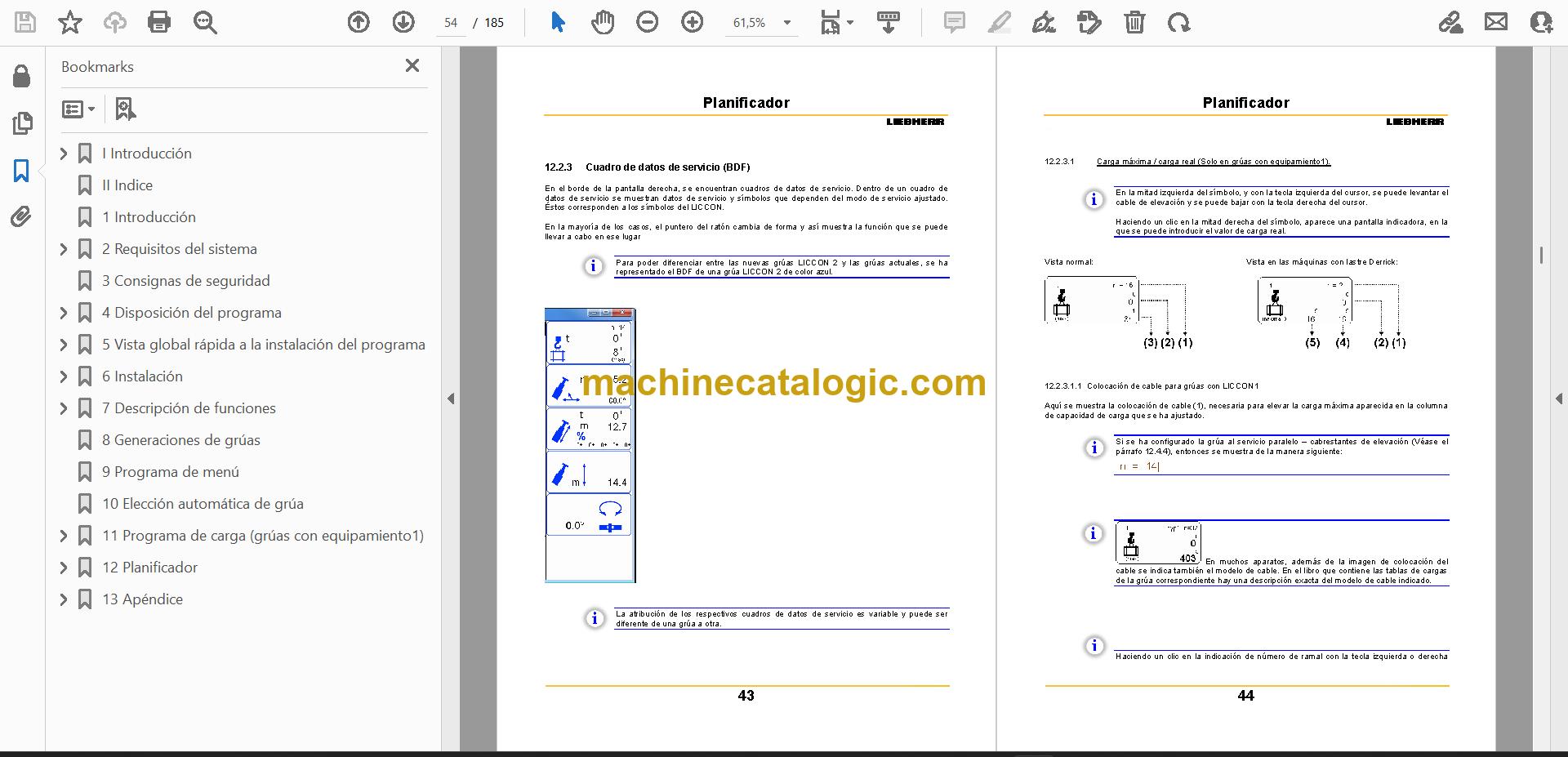
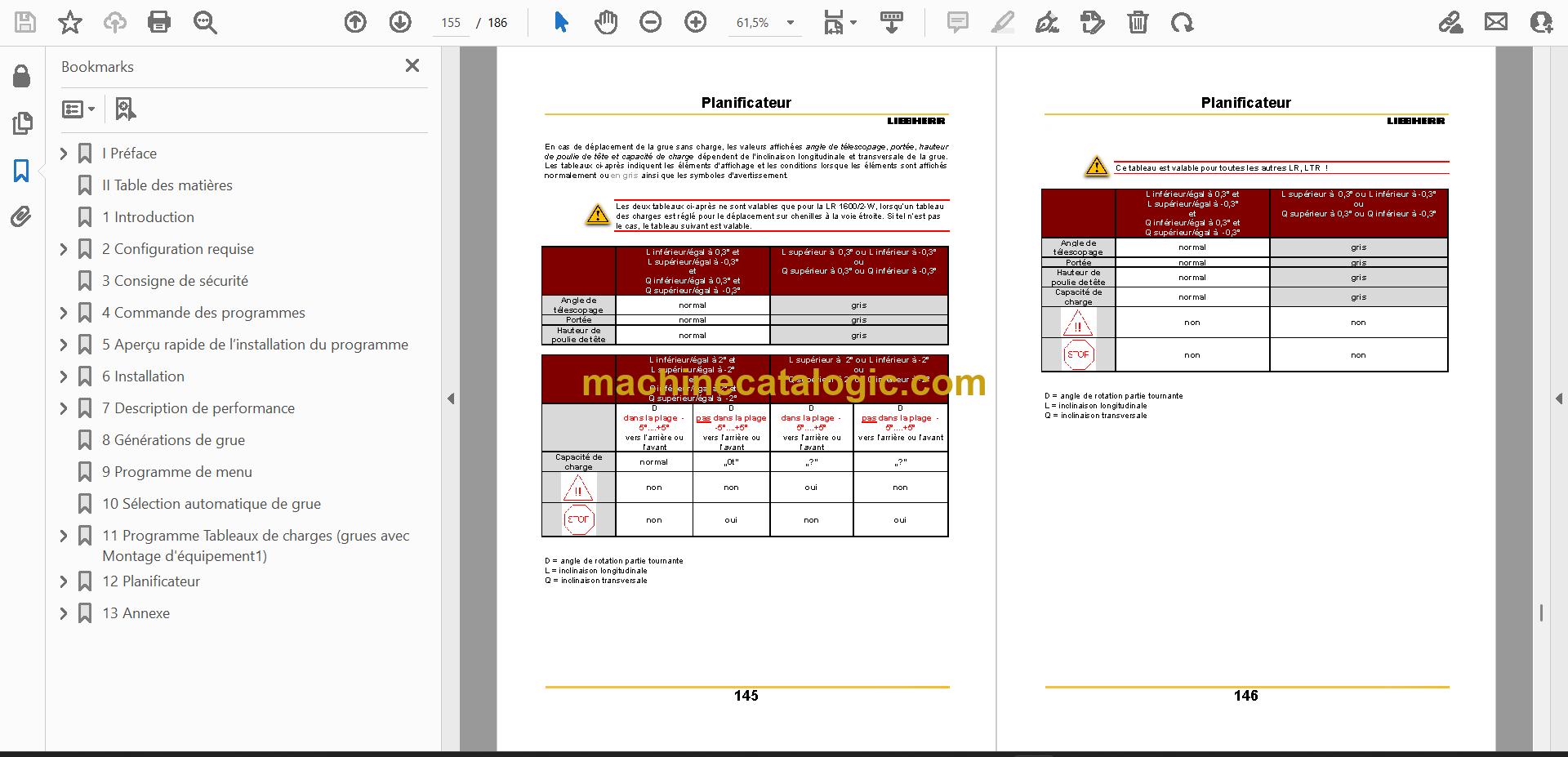
Liebherr's LICCON Work Planner is crane planning software. You use it at the desk to lay out a lift before the crane ever leaves the yard. A lift planner or new user opens this manual when they're installing the program or learning its menus, and they want the planning done the way the software expects.
What this manual helps you do
Who this is for
A lift planner uses this manual to work through a job in the software and confirm each step is done correctly. A rental or hire company keeps it in the office so every planner on the team follows the same instructions.
FAQ
Q: What do I receive and how is it organised?
A: You get 6 PDF files, 1,116 pages in total, in English, German, French, Italian, Spanish and Finnish. The text can be searched and copied, so you can jump straight to a menu or a topic. Sections run from the preface and notes on safety through installation, crane generations and the planner to the appendix.
Q: Which software does it fit?
A: It is the LICCON Work Planner User and Reference Manual. The serial number printed on the main manual cover is 089385.
Q: How does it fit my job?
A: If you plan lifts on a computer, this is the reference you keep open next to the program. You'd expect to find the installation steps, the menus and the planning workflow in one place.
Keep it on the office PC and you can check any screen or setting before you commit a lift to paper.
Click here to view the preview (PDF)
| Model | Serial No. |
| LICCON Work Planner | 089385 |
The serial number shown is the one printed on the manual cover. Check the model and serial number on your machine's data plate before ordering.