$ 0
0
$ 0
0

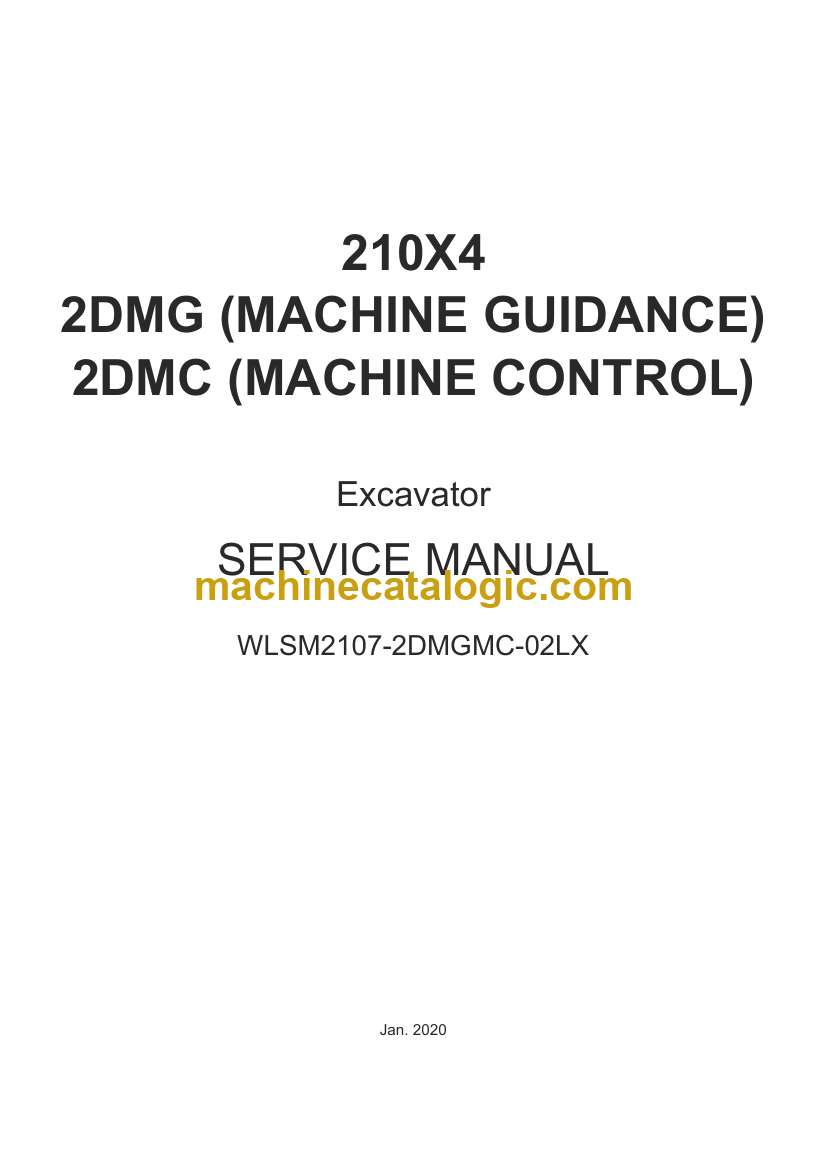
Link Belt 210X4, 2DMG, 2DMC Excavator Service Manual

Format: PDF (Printable Document)

File Language: English

File Pages: 157

File Size: 11.41 MB (Speed Download Link)

Brand: Link Belt

Model: 210X4, 2DMG, 2DMC Excavator

Type of Document: Service Manual

Category:

$ 40

Share:

Link Belt 210X4, 2DMG, 2DMC Excavator Service Manual

Link Belt 210X4, 2DMG, 2DMC Excavator Service Manual

📘 Show Index

Link Belt 210X4, 2DMG, 2DMC Excavator Index:

  • Calibration
    • About Calibration
      • What is necessary for calibration
    • Calibration Flow
    • Connect to the Controller
      • Connection using Wi-Fi
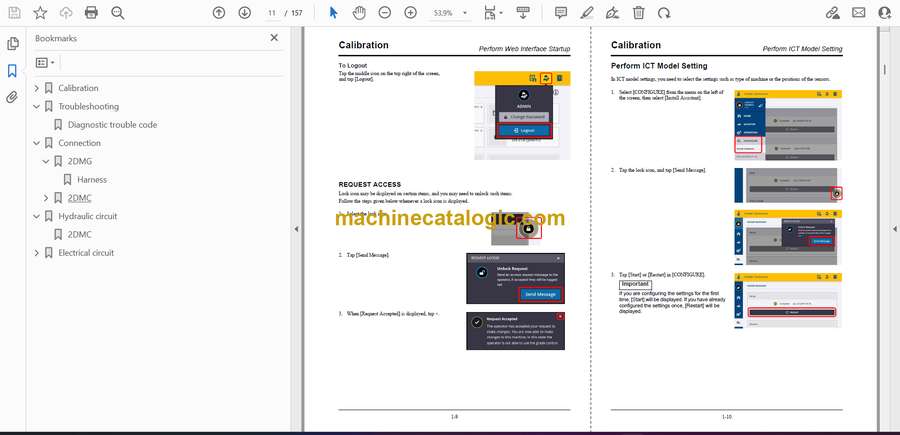
    • Perform Web Interface Startup
      • REQUEST ACCESS
    • Perform ICT Model Setting
      • Machine ID
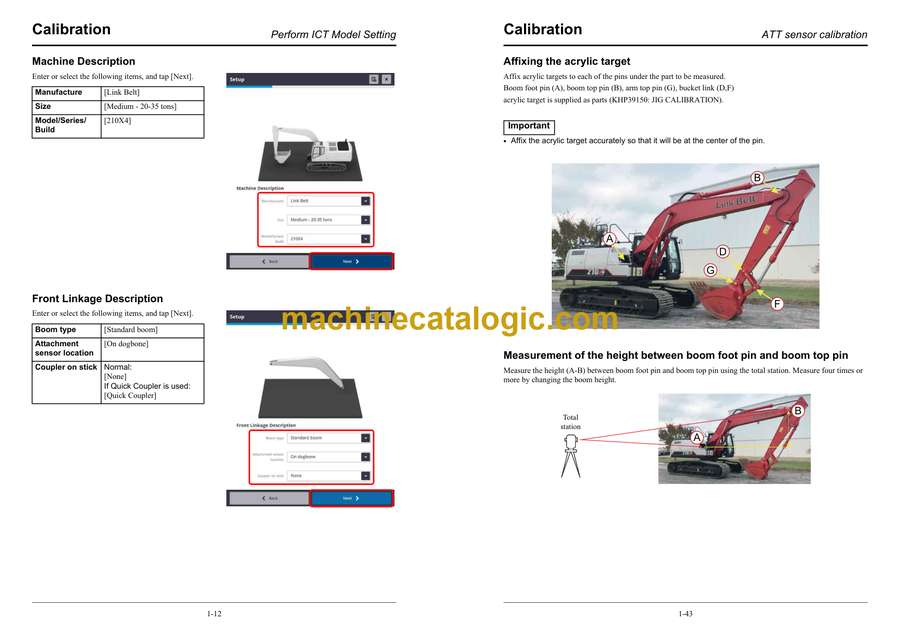
      • Machine Description
      • Front Linkage Description
      • Sensor Mounting Locations
      • Radios and Gateways
      • Select Valve Control
      • Optional Devices
    • Perform ATT Sensor Recognition
      • Checking the workspace
      • Bucket sensor recognition
      • Arm sensor recognition
      • Boom sensor recognition
    • Perform Body Sensor Calibration
      • 360 degree rotation
      • 2-degree tilted turning
    • Enter the ICT Dimensions (Other Than Bucket)
      • Body
      • Boom
      • Stick (arm)
      • Dogbone
      • Valve Control (2DMC only)
    • ATT sensor calibration
      • Calibration Flow
      • Affixing the acrylic target
      • Measurement of the height between boom foot pin and boom top pin
      • Measurement (G-B) of the height between arm top pin and boom top pin
      • Measurement of the height and slope distance between bucket links
    • Enter ICT Dimensions (Bucket)
      • Items to be input for the bucket
    • Fixed Sensor Initialization
    • Check Accuracy
    • Check Valve Operation (2DMC Only)
    • Perform Valve Calibration (2DMC Only)
      • Calibrating the boom operation
      • Calibrating the arm operation
      • Calibrating the bucket operation
    • Check Accuracy (2DMC)
    • Backup and Recovery of Machine Settings File
      • Backup of machine settings file
      • Recovery of machine settings file
    • ICT model selection
    • Installing the license
    • Add user
    • Power Down Delay
    • Installing the Operator App
    • Firmware upgrade
    • Updating OS of TD520
      • Update procedure
  • Troubleshooting
    • Diagnostic trouble code
  • Connection
    • 2DMG
      • Harness
    • 2DMC
      • Harness
      • Hose connection table
  • Hydraulic circuit
    • 2DMC
  • Electrical circuit
    • 2DMG
    • 2DMC

Link Belt

Latest Product

🎄 New Year Deal: 12% OFF on all products — Use code MCAT12
0
    0
    Your Cart
    Your cart is emptyReturn to Shop