Format: PDF (Printable Document)
File Language: English
File Pages: 651
File Size: 48.78 MB (Speed Download Link)
File Count: 31 PDF files
Brand: Mitsubishi
Model: FD30HS
Equipment Type: Forklift
Book No: 99729-10100
Serial No: CF51-10011-up
Type of Document: Service Manual
$ 45
A FD30HS is a mid-size diesel counterbalance truck you'll see loading trucks, feeding production lines, and living on docks. The service manual is what you pull when the hour meter says it's time for a major service, a warning light comes on, or something starts leaking or slipping and you don't want surprises before it goes back out on rent. Around my shop, this is the book you need when you're past "check the basics" and into "I need specs, clear procedures, and the right sequence."
What this manual helps you do
Who this is for
This is for a shop or plant that owns or maintains Mitsubishi FD30HS trucks in the CF51-10011-up serial range and wants to do real repairs in-house. If you just need to know how to drive the truck or what the dash lights mean at a basic level, you want the operator's handbook instead.
FAQ
Q: What format is it in, and can I read wiring diagrams clearly?
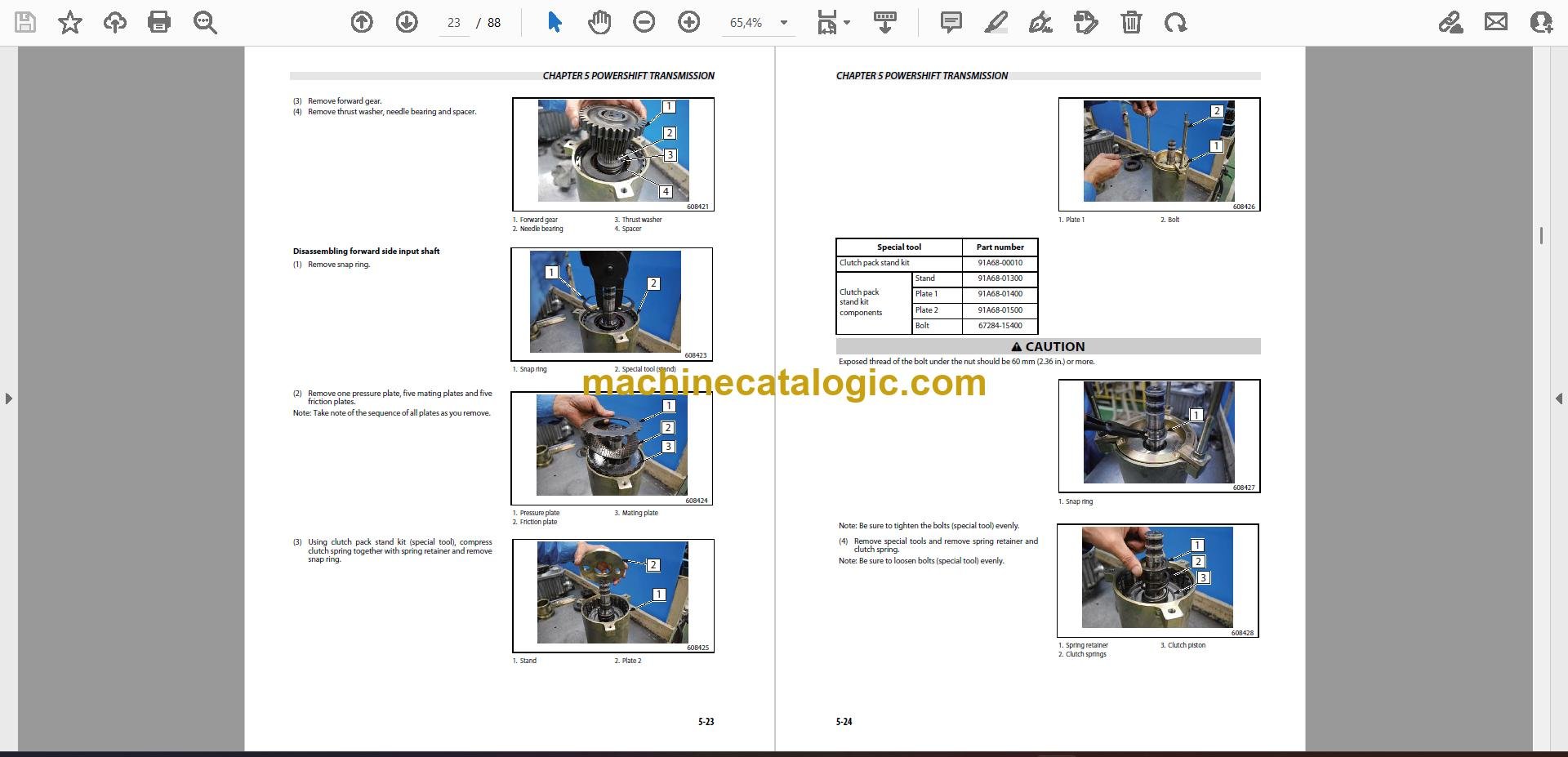
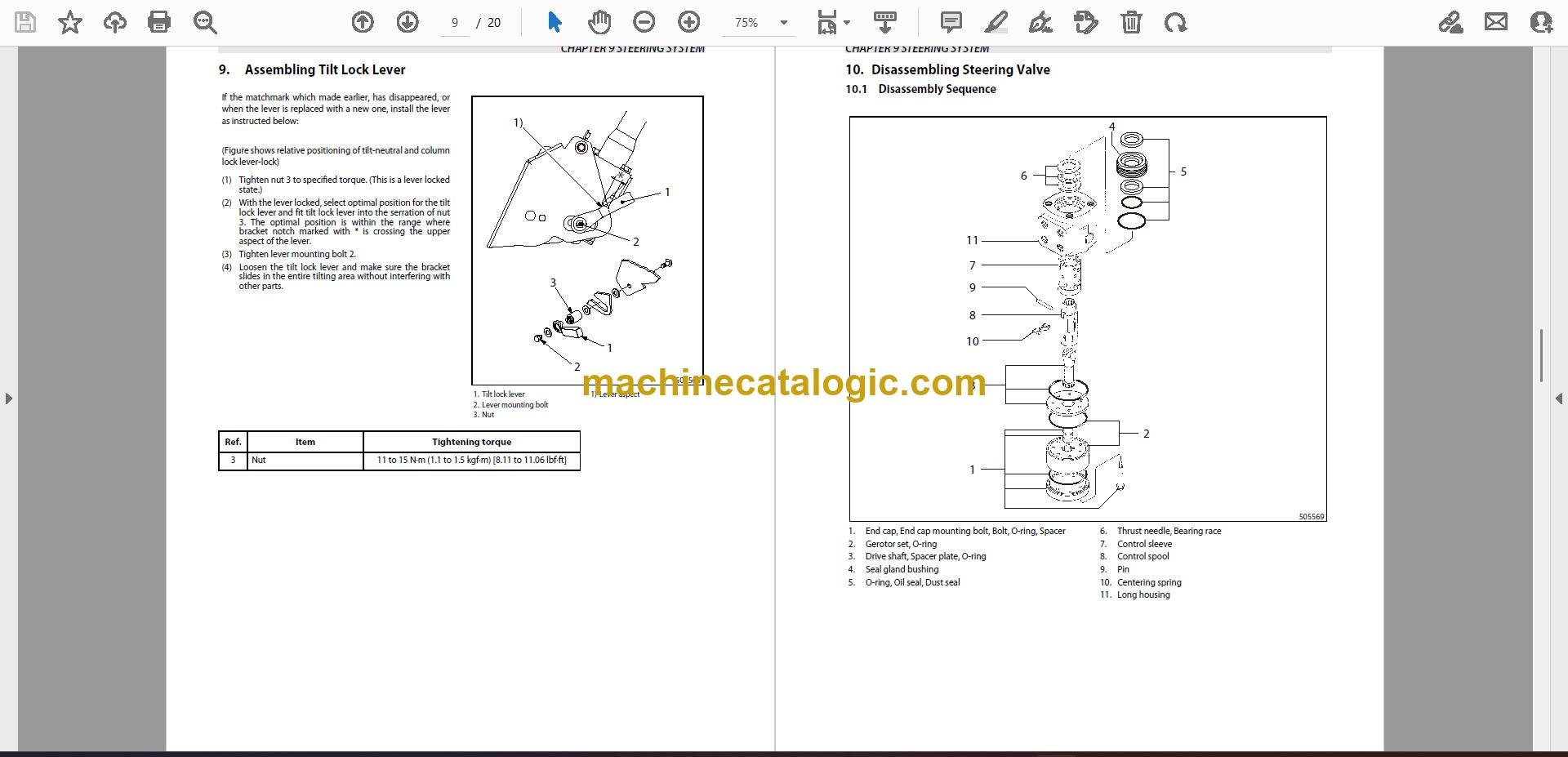
A: You get 31 PDF files with a real text layer, so they're searchable, and the wiring diagrams are readable on-screen and printable.
Q: How do I know it fits my truck?
A: Check the nameplate; if your model is FD30HS and the serial is CF51-10011 or higher, this is the right manual family.
Q: Is this the right document for basic parts lookup?
A: No, this is a service manual for diagnostics and repair; for part numbers you still want the separate parts catalog.
Bottom line: If you're fixing or maintaining a Mitsubishi FD30HS in that serial range, this is the correct workshop manual. If you're after operating tips or parts lists, it's not.
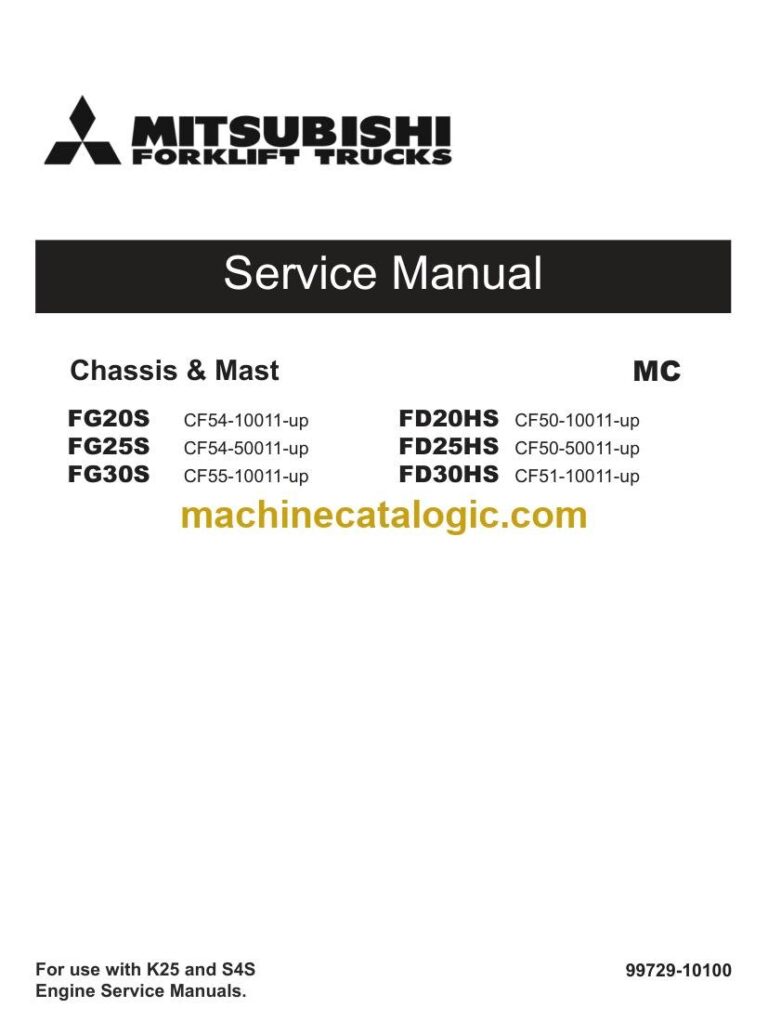
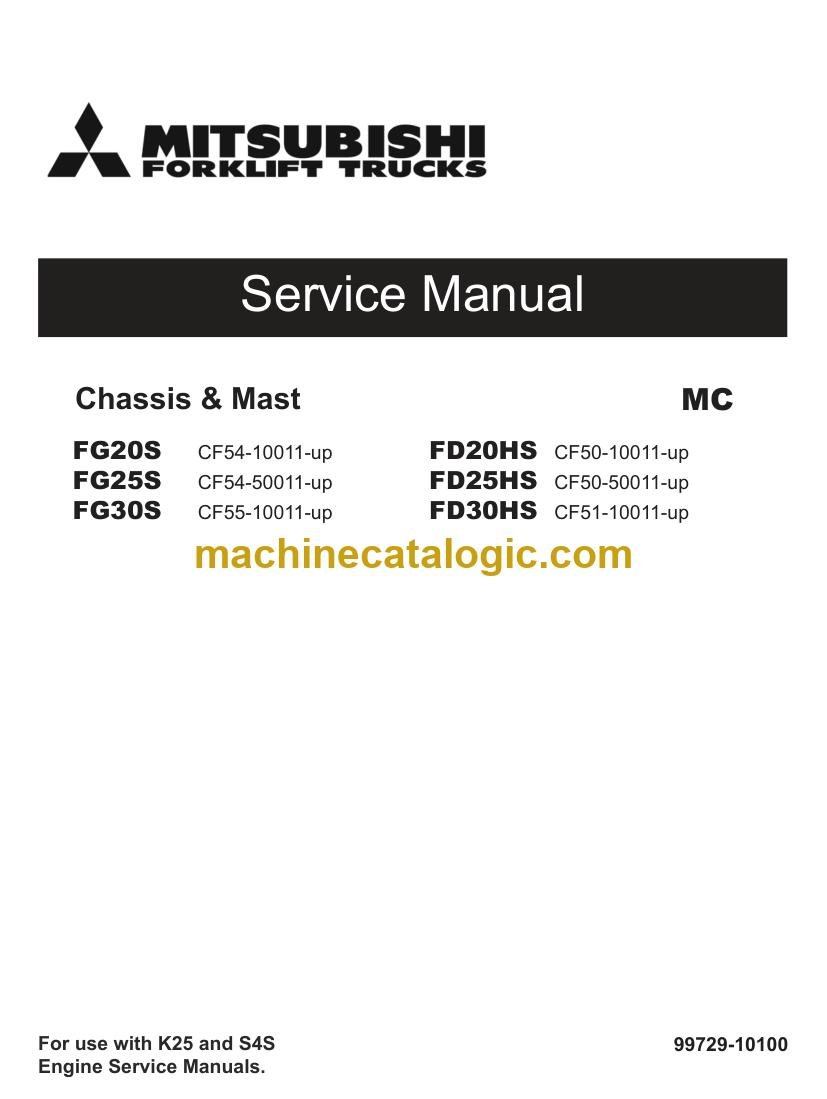
Mitsubishi publication 99729-10100 is the factory service manual for the FD30HS, serial range CF51-10011-up. The same publication covers 5 further forklift models: FD20HS, FD25HS, FG20S, FG25S, FG30S. Check the model and serial number on your data plate before ordering.