Format: PDF (Printable Document)
File Language: English
File Pages: 235
File Size: 69.57 MB (Speed Download Link)
File Count: 23 PDF files
Brand: Mitsubishi
Model: OPB20N2
Equipment Type: Order Picker
Book No: 639784-EN-A
Type of Document: Service Manual
$ 45
This OPB20N2 is a warehouse order picker, the kind you use for case picking from racking with the operator platform going up and down. Around my shop, this service manual is what we pull when we're chasing alarm codes, checking mast and chain condition, or dialing in controller parameters after a repair. If you're trying to keep an OPB20N2 in spec after warranty, this is the workshop document you'd work from, not the driver's handbook and not the parts book.
What this manual helps you do
Who this is for
This is aimed at dealer technicians, warehouse or plant maintenance techs, independent forklift shops, and rental fleet mechanics working on Mitsubishi OPB20N2 order pickers. If you just need basic controls, daily checks, or capacity info, you want the operator's handbook instead.
FAQ
Q: What format is it in, and can I search it and read the wiring diagrams?
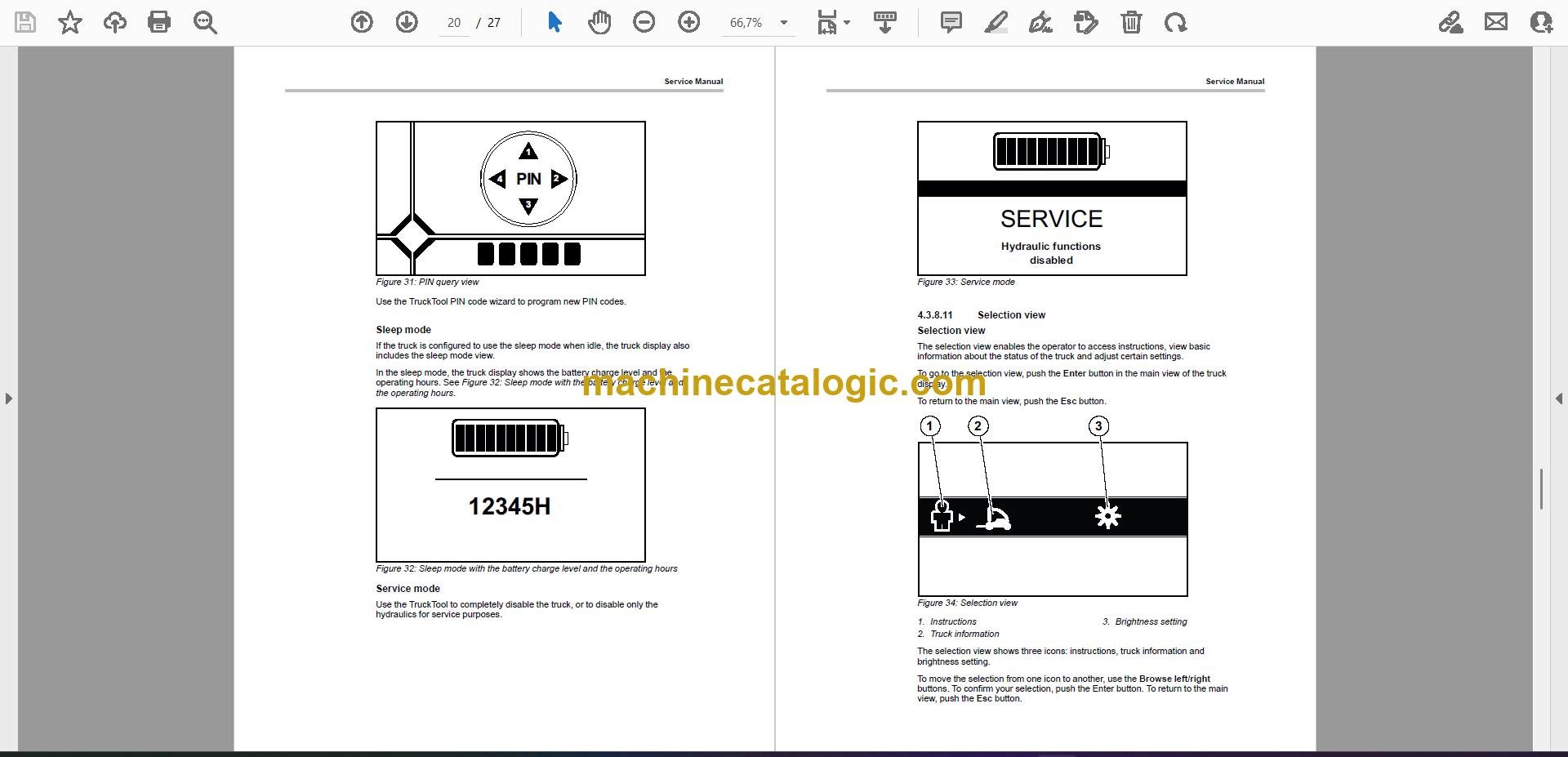
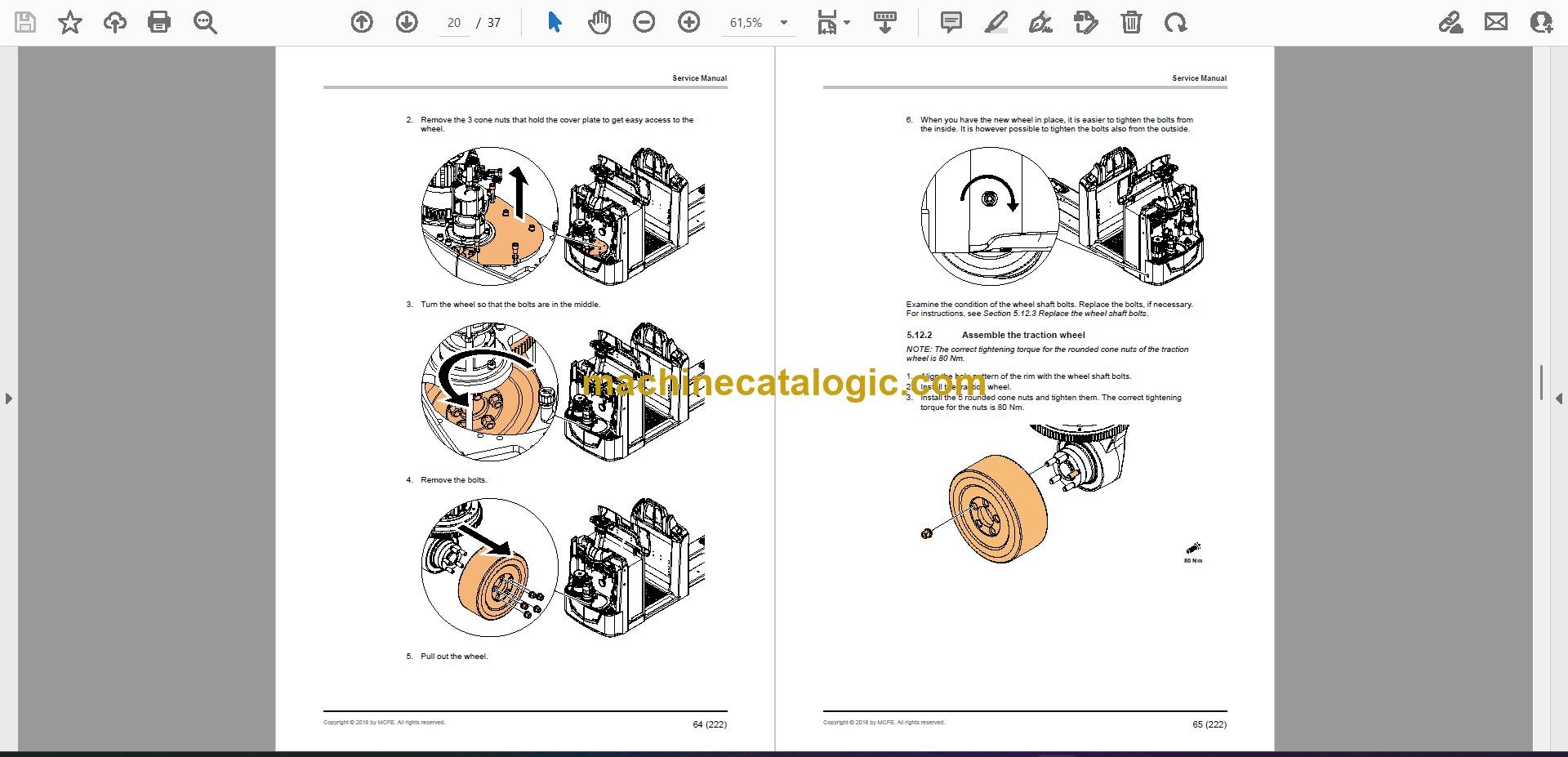
A: It's a set of 23 PDF files with a real text layer, so you can search and copy text. Wiring and hydraulic diagrams are in the PDFs and are readable when you zoom in.
Q: How do I know if it covers my exact serial number or variant?
A: It's written for the OPB20N2 family. If your nameplate says OPB20N2, this is more or less the right service manual, even though the exact serial range isn't listed here.
Q: Is this the right document if I'm planning in-house repairs and PM?
A: Yes. This is the workshop-level service manual you'd use for fault finding, repairs, and planned maintenance on an OPB20N2.
Bottom line: If you're maintaining or repairing a Mitsubishi OPB20N2 order picker, this is the correct service manual to buy.
Mitsubishi publication 639784-EN-A is the factory service manual for the OPB20N2. The same publication covers 5 further order picker models: OPB12N2F, OPB12N2FP, OPB20N2P, OPB25N2, OPB25N2P. Check the model and serial number on your data plate before ordering.