Format: PDF (Printable Document)
File Language: English
File Pages: 574
File Size: 52.72 MB (Speed Download Link)
File Count: 35 PDF files
Brand: Mitsubishi
Model: SBR12N
Equipment Type: Stacker
Book No: 619099
Type of Document: Service Manual
$ 45
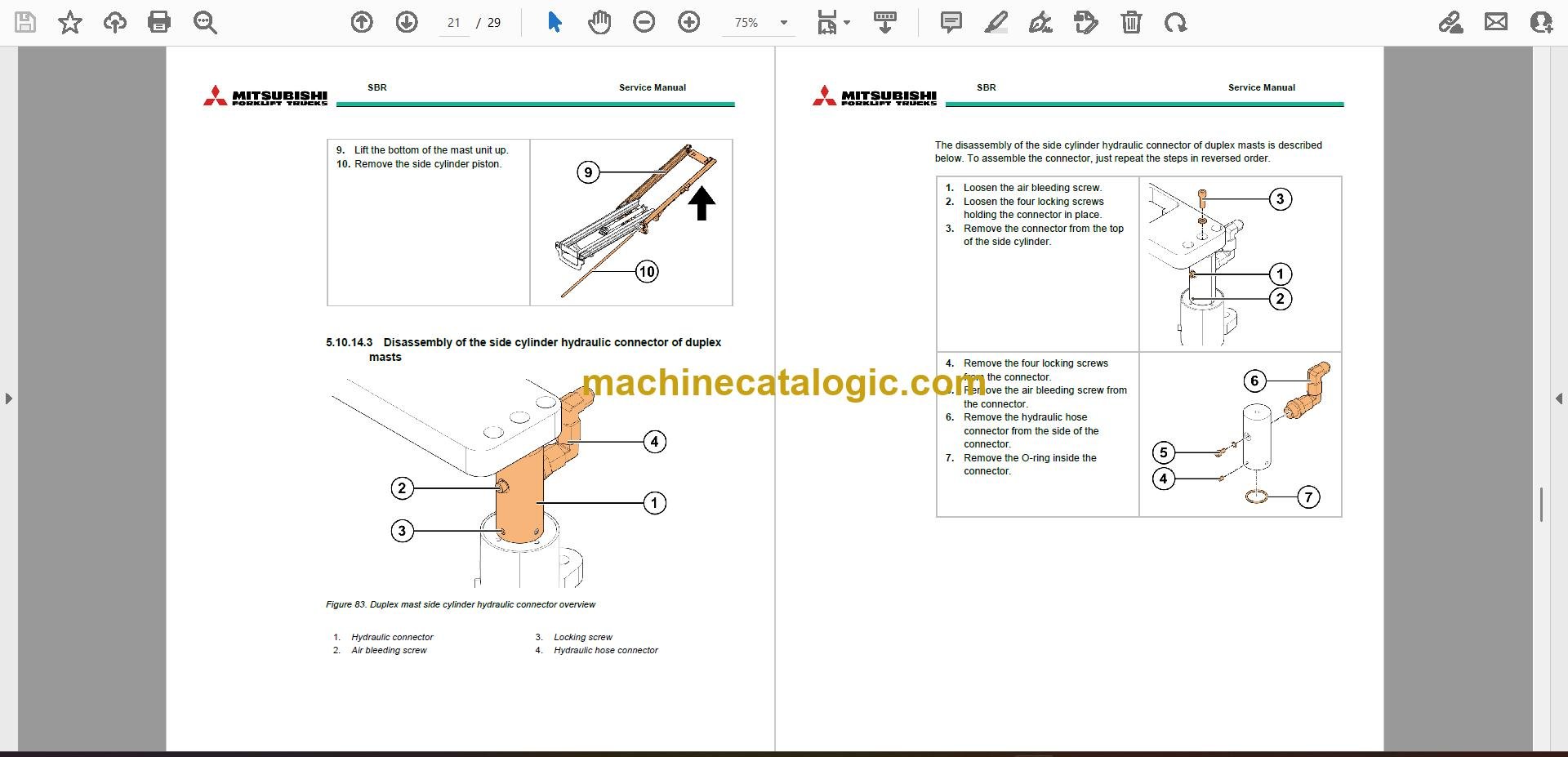
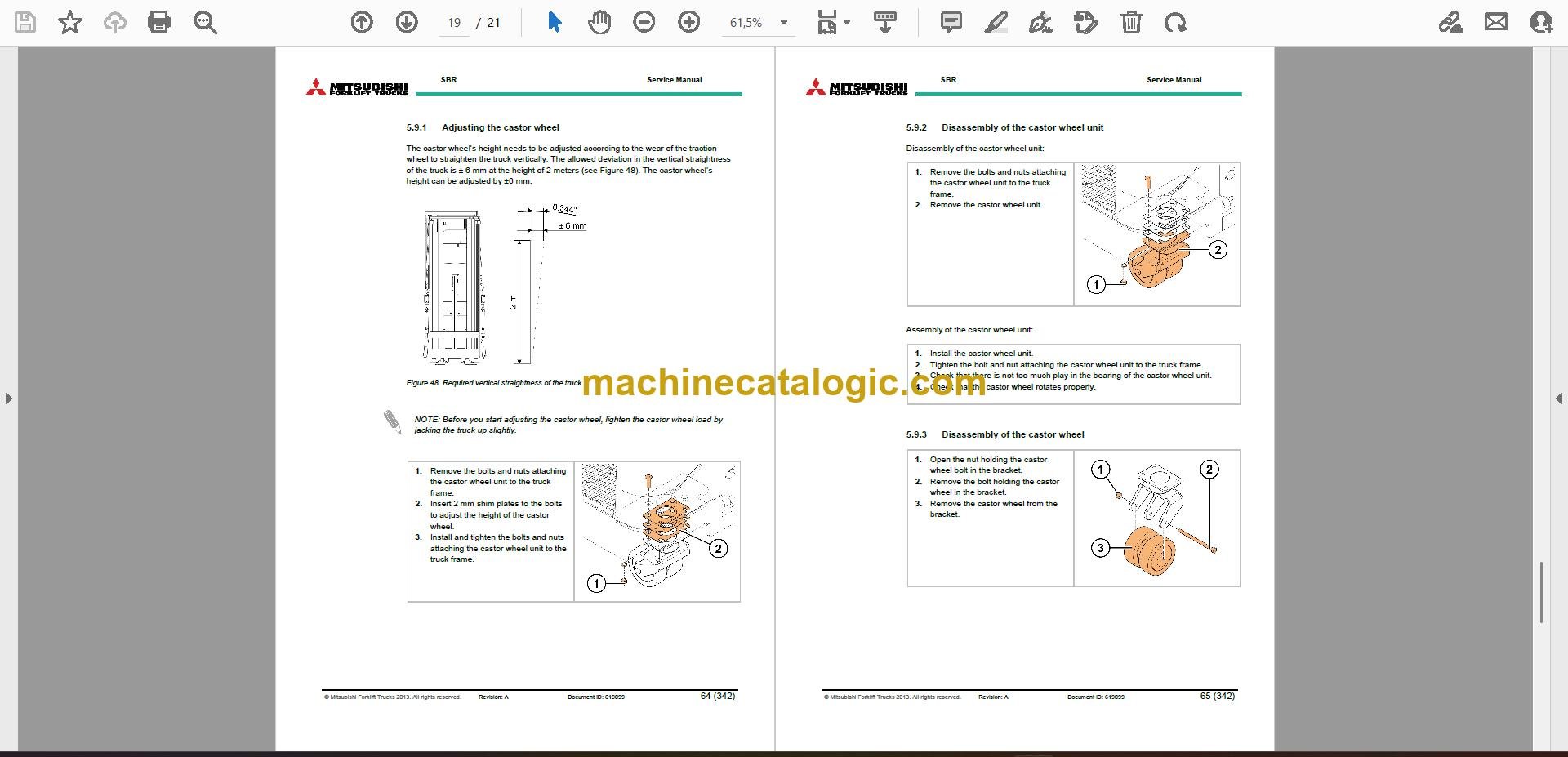
This SBR12N is a warehouse stacker, the kind that shuttles pallets into racking where a pallet jack can't reach. Around my shop, this level of manual comes out when a truck is down and needs to be right for the next shift, not just "good enough." If you're chasing a fault code, a dead drive unit, strange mast behavior, or an electrical gremlin, this is the type of book you want. It's not about how to drive the truck, it's about how to put it back into service without guessing.
What this manual helps you do
Who this is for
This is aimed at dealer technicians, warehouse or plant maintenance, independent forklift shops, and rental fleet mechanics who actually turn wrenches on SBR12N stackers. If you just need operating instructions or basic safety info, you want the operator's handbook, not this service manual.
FAQ
Q: What format is it in, and can I search it and read the wiring diagrams?
A: It's a set of 35 PDF files with a real text layer, so you can search and copy text. The wiring diagrams are in the PDFs as well, split by section.
Q: Will this cover my exact SBR12N serial number or variant?
A: It's written for the SBR12N family in general. For edge-case serial breaks or odd options, you may still want to confirm details with your dealer.
Q: Is this the right document if I'm planning in-house repairs?
A: Yes, this is the workshop-level service manual with the procedures and specs you'd expect for real repairs, not just daily checks.
Bottom line: If you're responsible for repairing a Mitsubishi SBR12N stacker, this is the right manual. If you're only training operators, it's the wrong one.
Mitsubishi publication 619099 is the factory service manual for the SBR12N. The same publication covers 3 further stacker models: SBR16N, SBR16Ni, SBR20N. Check the model and serial number on your data plate before ordering.