Format: PDF (Printable Document)
File Language: English
File Pages: 123
File Size: 2.90 MB (Speed Download Link)
File Count: 1 PDF file
Brand: Robway
Model: RCI-8522
Equipment Type: Load Moment Indicator
Book No: MAN-1110 Rev 0.8
Type of Document: Service Manual
Searchable: Yes, text is searchable and copyable
Delivery: Instant download after payment
$ 55
A load moment indicator monitors loading on a crane and tells the operator how close the lift is to its limit. When the system acts up, a crane can sit idle until someone sorts out the sensors, calibration or display. This service manual is what a technician picks up to install, calibrate, troubleshoot and update the Robway RCI-8522 in-house, especially on a machine that came in with no paperwork.
What this manual helps you do
Who this is for
A crane service technician or rental fleet mechanic who maintains LMI systems and wants the procedures on the shop computer, not in someone's head. It also suits independent repair shops and dealer technicians who install or service the RCI-8522.
FAQ
Q: What do I receive and how is it organised?
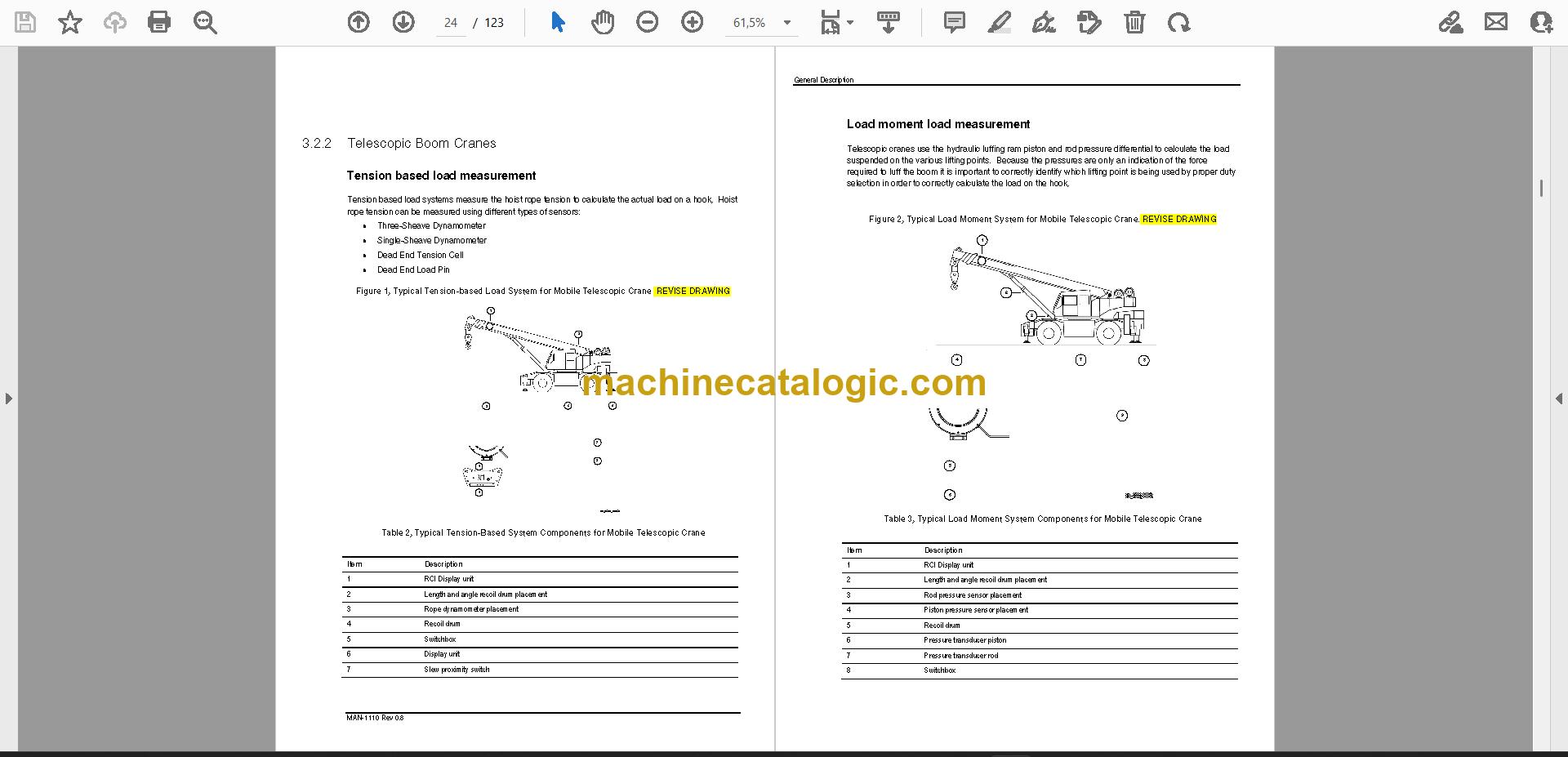
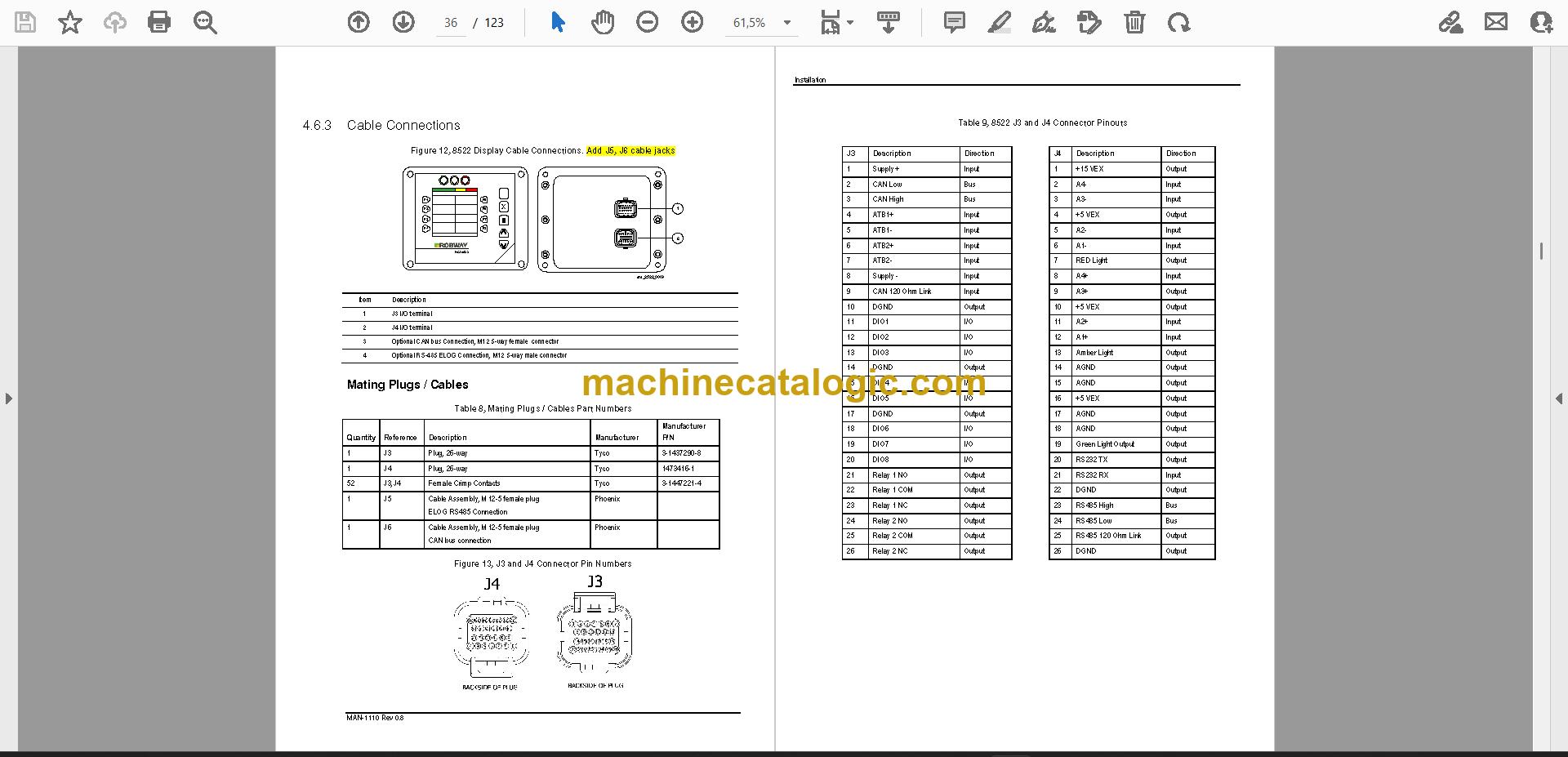
A: You get 1 PDF file of 123 pages in English, with searchable, copyable text. It runs from overview, safety and general description through installation, calibration, service menu, software update, data logger, troubleshooting and specifications. Component drawings and three appendices follow: general arrangement drawings, duty listing and software configuration.
Q: Which equipment does it fit?
A: It is written for the Robway RCI-8522, published as MAN-1110 Rev 0.8. The title wording is "RCI-8522 HRT and LM Systems Installation and Service Manual."
Q: How does it fit my job?
A: If you're installing, calibrating or chasing a fault on this LMI, you'd expect to find the steps in the sections for installation, calibration and troubleshooting. The service menu and data logger sections give you a way to look at what the system is doing.
Keep it on the shop computer, search it by keyword, and have the procedure open next to the crane.
Click here to view the preview (PDF)