10% OFF on all manuals and programs. Use code: MCAT10
$ 0
0
$ 0
0

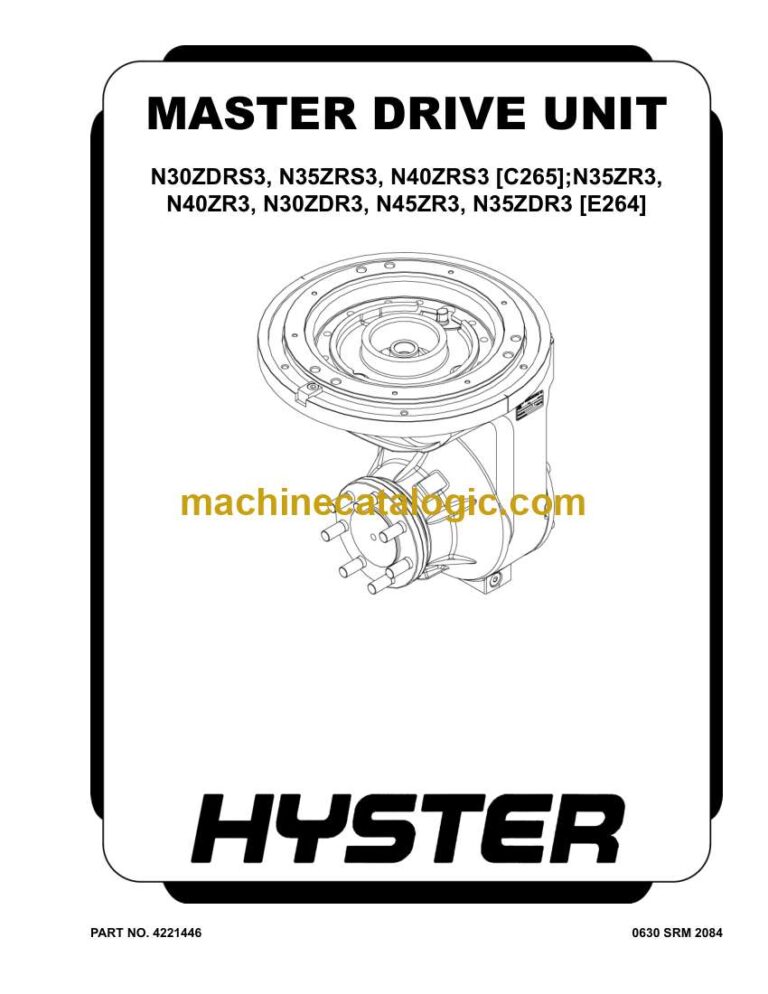
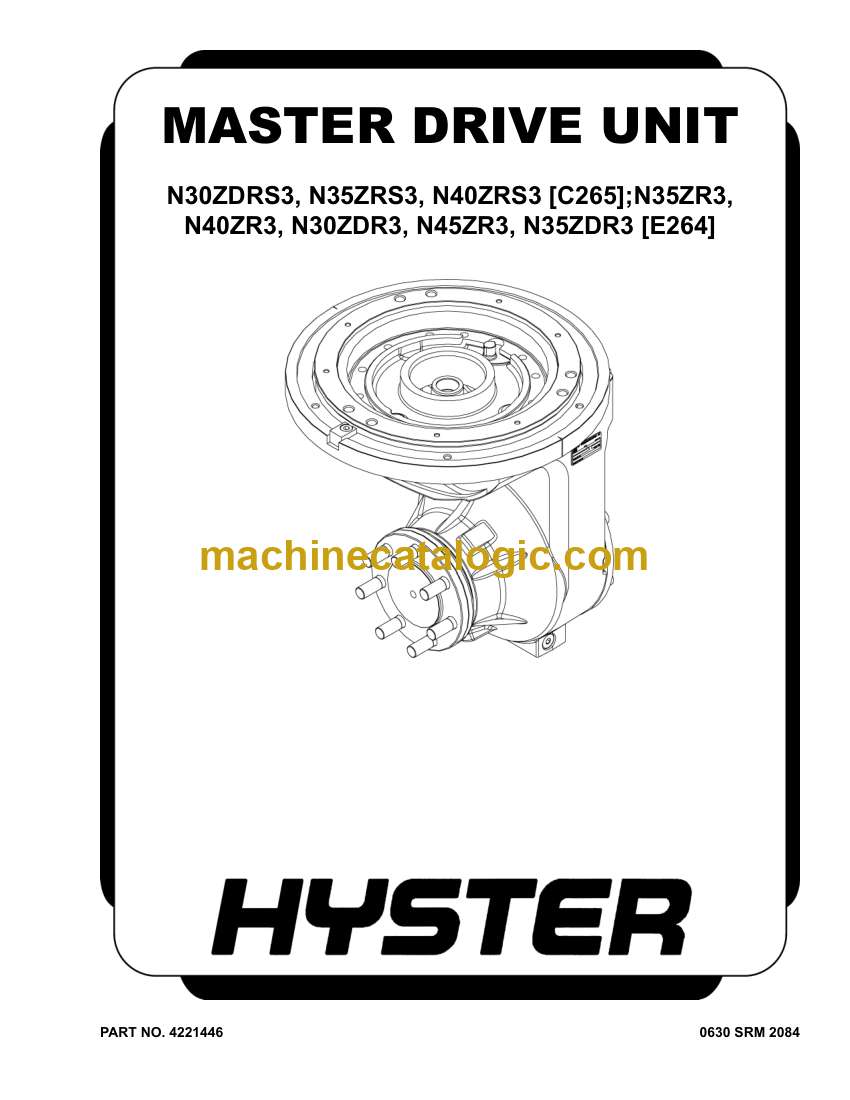
Hyster N30ZDR3, N35ZR3, N35ZDR3, N40ZR3, N45ZR3 (E264 E861) Forklift Service Manual

Format: PDF (Printable Document)

File Language: English

File Pages: 2924

File Size: 118.84 MB (Speed Download Link)

Brand: Hyster

Model: N30ZDR3, N35ZR3, N35ZDR3, N40ZR3, N45ZR3 (E264 E861) Forklift

Type of Document: Service Manual

Excellent Rating (4.8) on Trustpilot · Trusted Worldwide
Categories: ,

$ 45

Share:

Hyster N30ZDR3, N35ZR3, N35ZDR3, N40ZR3, N45ZR3 (E264 E861) Forklift Service Manual

Hyster N30ZDR3, N35ZR3, N35ZDR3, N40ZR3, N45ZR3 (E264 E861) Forklift Service Manual

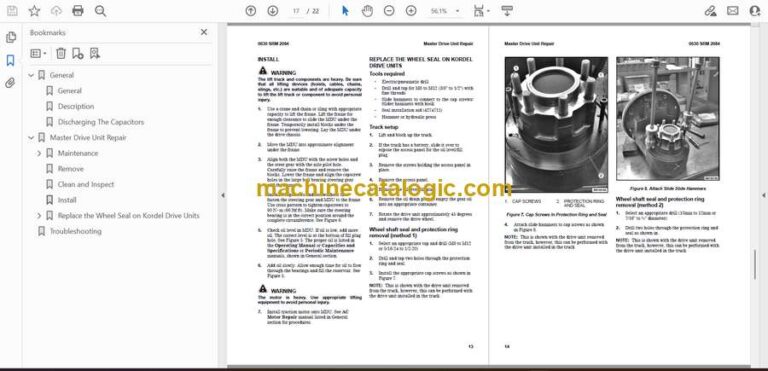
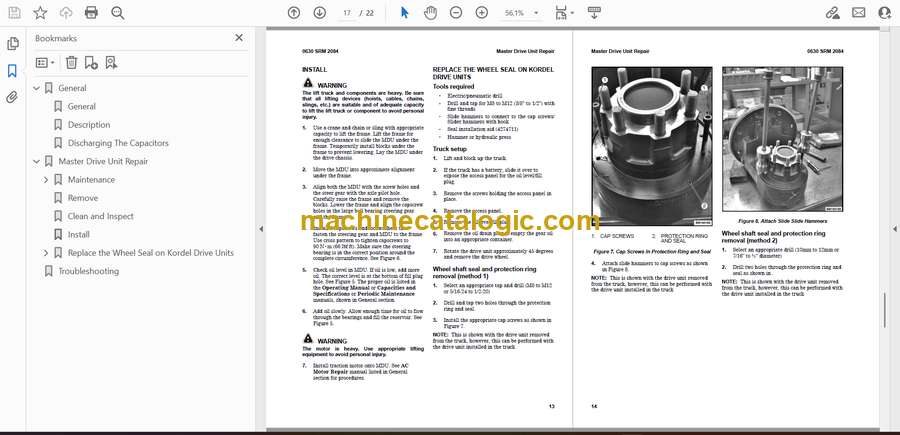
Hyster N30ZDR3, N35ZR3, N35ZDR3, N40ZR3, N45ZR3 (E264 E861) Forklift Index:

  • General
    • General
    • Description
    • Discharging The Capacitors
  • Master Drive Unit Repair
    • Maintenance
      • Draining the Oil
    • Remove
    • Clean and Inspect
    • Install
    • Replace the Wheel Seal on Kordel Drive Units
      • Tools required
      • Truck setup
      • Wheel shaft seal and protection ring removal (method 1)
      • Wheel shaft seal and protection ring removal (method 2)
      • Wheel shaft seal and protection ring installation
  • Troubleshooting
  • General
    • General
    • Description
    • Discharging The Capacitors
  • Master Drive Unit Repair
    • Maintenance
      • Draining the Oil
    • Remove
    • Clean and Inspect
    • Install
    • Replace the Wheel Seal on Kordel Drive Units
      • Tools required
      • Truck setup
      • Wheel shaft seal and protection ring removal (method 1)
      • Wheel shaft seal and protection ring removal (method 2)
      • Wheel shaft seal and protection ring installation
  • Troubleshooting
  • General
    • Introduction
  • Menu Navigation
    • Navigation Key
    • Arrow Keys and Scroll Bar
    • Startup Sequence
      • Password Entry
      • Adding/Changing Passwords
    • Home Screen
      • Home Screen Layout
    • Menu Structure
      • Password Based Menus
  • Service Logging In
    • Log In
    • Enable/disable password (optional)
  • Main Menus
    • Information Menu
    • Faults Menu
    • Settings Menu
      • Performance Menu
      • Hydraulic Menu
      • Drive Menu
      • Sensors/Presets Menu
      • Maintenance Menu
      • Truck Setup
      • Operators Menu
    • Calibrations Menu
      • Calibration Parameters
    • Diagnostics Menu
      • Diagnostic Parameters
  • Hour Meters
    • View Hour Meters
  • Hardware and Software Versions
    • View Hardware and Software Versions
  • Interlocks
    • General
  • Switched Inputs and Preset Heights
    • General
    • Setting Preset Heights
  • General
    • Introduction
  • Menu Navigation
    • Navigation Key
    • Arrow Keys and Scroll Bar
    • Startup Sequence
      • Password Entry
      • Adding/Changing Passwords
    • Home Screen
      • Home Screen Layout
    • Menu Structure
      • Password Based Menus
  • Service Logging In
    • Log In
    • Enable/disable password (optional)
  • Main Menus
    • Information Menu
    • Faults Menu
    • Settings Menu
      • Performance Menu
      • Hydraulic Menu
      • Drive Menu
      • Sensors/Presets Menu
      • Maintenance Menu
      • Truck Setup
      • Operators Menu
    • Calibrations Menu
      • Calibration Parameters
    • Diagnostics Menu
      • Diagnostic Parameters
  • Hour Meters
    • View Hour Meters
  • Hardware and Software Versions
    • View Hardware and Software Versions
  • Interlocks
    • General
  • Switched Inputs and Preset Heights
    • General
    • Setting Preset Heights
  • General
    • Discharging the Internal Capacitors
    • Static Strap
      • Inspect
      • Replace
  • Safety Procedures When Working Near Mast
  • Battery Connection
    • Inspect
    • Replacing Cables
  • Key Switch
    • General
    • Replace
  • Major Electrical System Features
    • General
    • Integrated System
    • CANbus Advantages
    • CANbus Communications
      • Electric Steering / Steer Caster (Optional)
      • Traction and Hydraulic Functions
      • Vehicle System Manager
    • Encoder Integrity
    • Test Encoders
    • Proximity Switches
    • Dash Display Panel
    • BDI
    • Speed
    • Steer Angle
    • Truck Hours
    • Performance Mode
  • Setup
  • Calibrations
  • AC Motor Controllers and Connecting Cables
    • General
    • Controller Removal
    • Install
    • Low-Voltage Protection Function
  • CDF File Installation Procedure
  • Contactor and Electrical Panel Checks
    • Fuse Panel and Relays
    • Contactors Inspection
      • General
      • Test
      • Tips
      • Replacing The Main Contactor
      • Replacing The Freezer Contactor
  • Instrument Panel and Dash Display
    • Description
    • Remove
      • Display
    • Install
  • Battery Power Disconnect Switch
    • Replace
  • Side-Stance Controls
    • Multifunction Control Handle
      • Horn
      • Inspection
    • Remove
    • Install
  • Side Stance Control Handle Disassembly and Repair
    • Handle Grip and Switch Repairs
      • Handle Grip Support Mounting
    • Handle Disassembly
  • Forward-Stance Controls
    • Control Handle Functions
      • Repair
    • Aft Travel Control Handle Option
      • Repair
      • Aft Handle Sensor Adjustment
  • Steering Handle
    • Steering Unit Repair
  • Steering Sensors and Steering Controllers
    • Steering Proximity Sensor
      • Remove
      • Adjust/Install
    • Proximity Caster Centering Sensor
      • Remove
      • Adjustment
      • Install
    • Power Steering Controller
      • Steered Caster Option
      • Non-Steered Caster Option
  • Brake Switch
    • General
    • Repair, Cushioned and Non-Freezer Floor Plate Configuration
    • Repair, Suspended, Non-Freezer Floor Plate Configuration
    • Repair, Freezer Floor Plate Configuration
      • General
  • Operator Sensing System
    • General
    • Remove
    • Install
  • Audible Alarm and Horn
    • Horn
    • Audible Alarm
  • Light Assemblies
    • General
    • Front Headlights
      • Remove
      • Install
    • Front Blue Spot Light, Rear Work Light, and Rear Blue Spot Light
      • Remove
      • Install
    • Visible Alarm Light (Strobe Light)
      • Remove
      • Install
    • Operator Compartment Light
      • Remove
      • Install
    • Light Switches
  • Cooling Fans
    • Electrical Compartment Fans
      • Controller Cooling Fan, Replace
      • Rear Cooling Fan, Replace
    • Operator Fan
      • Repair
  • Vehicle Systems Manager, O-Box, and DC/DC Converter
    • General
    • Vehicle Systems Manager (VSM)
      • Remove
      • Install
    • O-Box (Control Module)
      • Remove
      • Install
    • DC-DC Converter
      • Remove
      • Install
  • Height Proximity Switch
    • Test
    • Remove
    • Install
  • Reach Carriage Proximity Sensor
    • General
    • Remove
    • Install
    • Adjust
  • Fork Height Sensor Option
    • Lift Trucks Equipped With 5.5-in. (C567) Mast
    • Remove
      • Encoder Assembly
      • Timing Belt
    • Install
      • Encoder Assembly
      • Timing Belt
    • Lift Trucks Equipped With 9.4-in Short (E570) and Tall (D585) Mast
    • Remove
    • Install
  • Sideshift Auto Center Sensor
    • General
    • Remove
    • Install
  • Retract Sensor
    • Remove
    • Install
  • Tilt Position Sensor
    • Remove
    • Install
  • Laser Option
    • Remove
    • Adjustment
      • Horizontal Adjustment
      • Vertical Adjustment
    • Install
  • Camera Option
    • Lift Trucks Equipped With 5.5-in. Mast
      • Description
      • Remove
      • Install
    • Lift Trucks Equipped With 9.4-in. Mast
      • Description
      • Remove
      • Install
  • Telemetry Management System
    • General
    • Remove
    • Install

Hyster

Latest Product

0
    0
    Your Cart
    Your cart is emptyReturn to Shop