Format: PDF (Printable Document)
File Language: English
File Pages: 166
File Size: 6.88 MB (Speed Download Link)
File Count: 13 PDF files
Brand: Caterpillar
Model: P6000
Equipment Type: Forklift
Book No: 99729-87120
Type of Document: Component Service Manual
$ 45
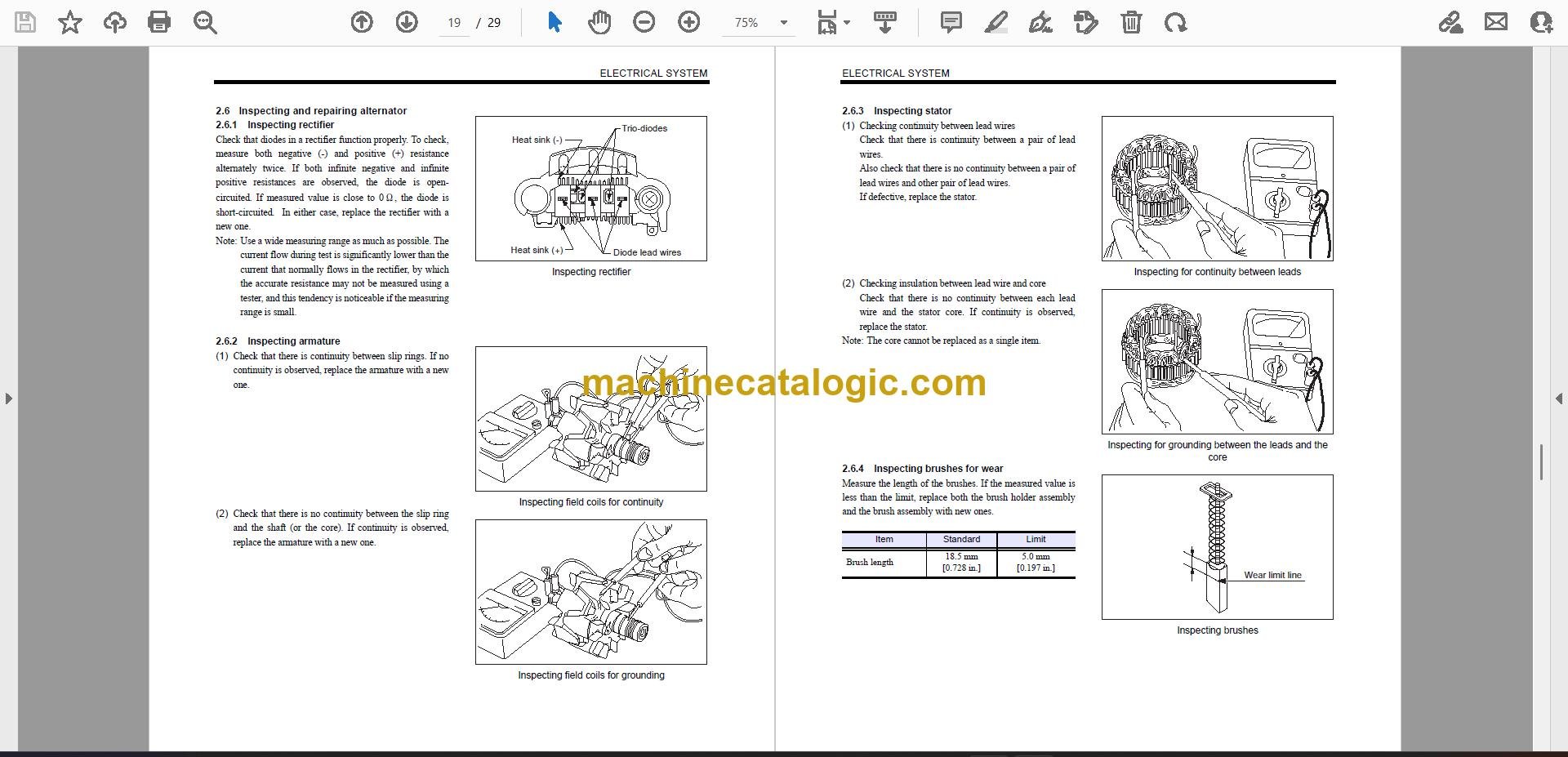
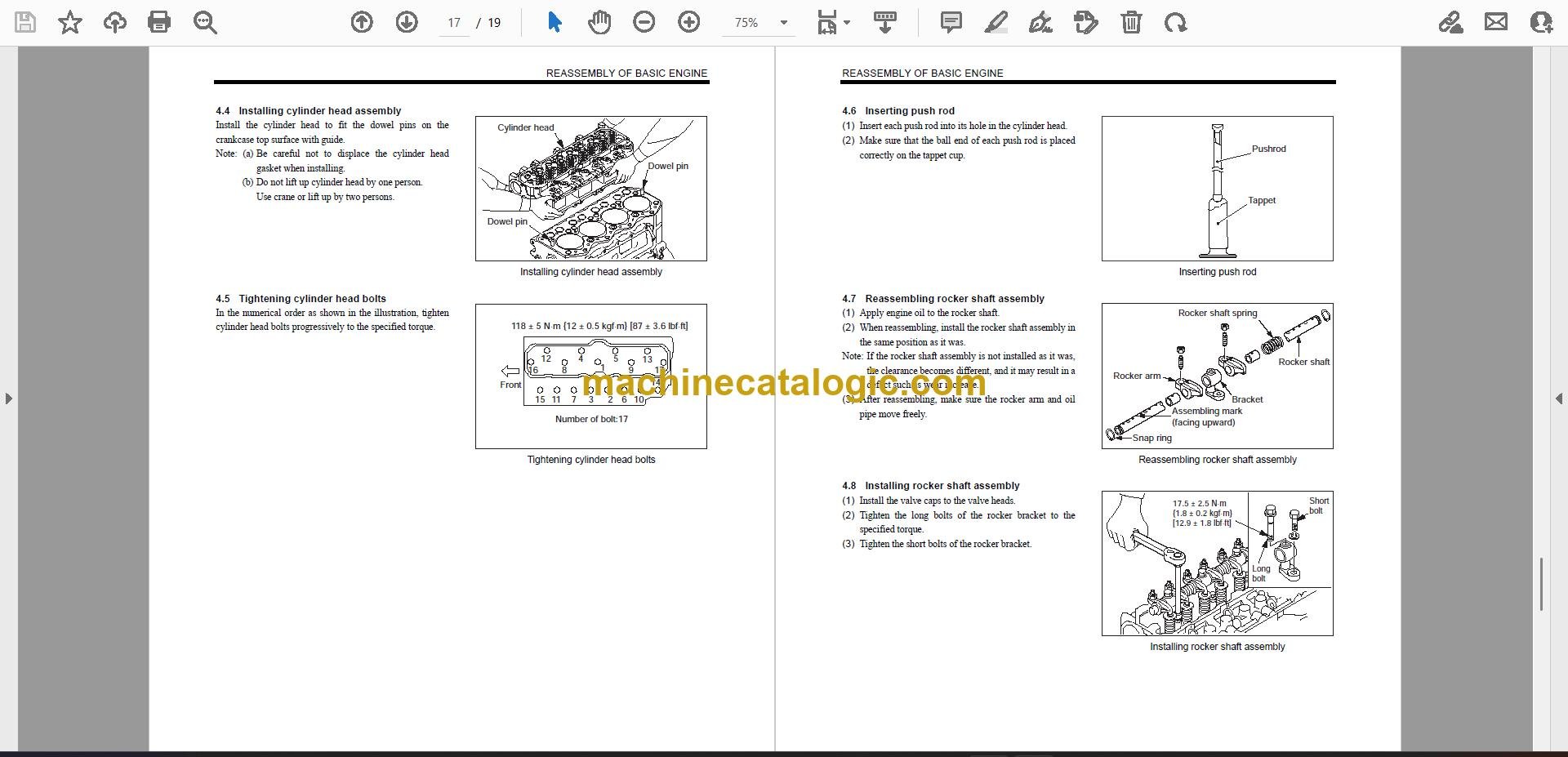
Yes, if you're repairing component assemblies on a Cat P6000 counterbalanced forklift. This is the book a warehouse maintenance tech pulls out when a truck is down in an aisle, a second-shift breakdown needs attention, or a rental unit has arrived without its paperwork. It gives workshop procedures for the P6000's truck components, so you can diagnose the fault, strip the assembly, repair it, and return the truck to service.
What this manual helps you do
Who this is for
This suits warehouse maintenance techs, plant maintenance teams, dealer technicians, independent forklift shops, and rental fleet mechanics working on Cat P6000 trucks. The companion P6000 chassis service manual is also available for broader truck systems, mast, steering, brakes, hydraulics, and related chassis work.
FAQ
Q: What do I receive, and how is it organised?
A: You receive 13 PDF files split by section, with 166 pages total. The set has a real text layer, so you can search it and copy text while working from a screen or printed pages.
Q: Will it fit my Cat P6000 variant?
A: Match the truck model and component identification details before starting work. That is the practical check for application fit, and the manual is organised around the P6000 service task.
Q: How does it fit the job I'm doing?
A: Use it for component-level troubleshooting, adjustment, teardown, inspection, and reassembly. It is a workshop manual for getting a P6000 repaired and back before the next wave of pallet work.
For a Cat P6000 component repair, this gives you the procedures and service data to work from instead of guessing at the breakdown.
Caterpillar publication 99729-87120 is the factory component service manual for the P6000. The same publication covers 3 further forklift models: P4000, P5000, P7000. Check the model and serial number on your data plate before ordering.