Format: PDF (Printable Document)
File Language: English
File Pages: 1566
File Size: 101.42 MB (Speed Download Link)
File Count: 45 PDF files
Brand: Mitsubishi
Model: FD100NM1
Equipment Type: Forklift
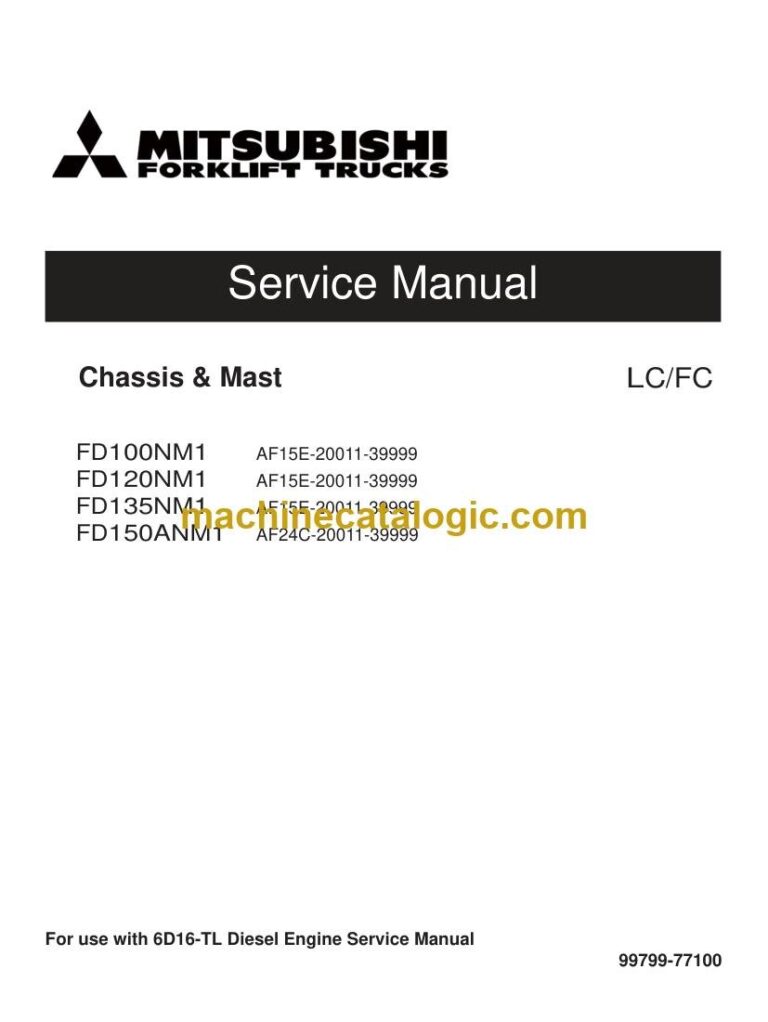
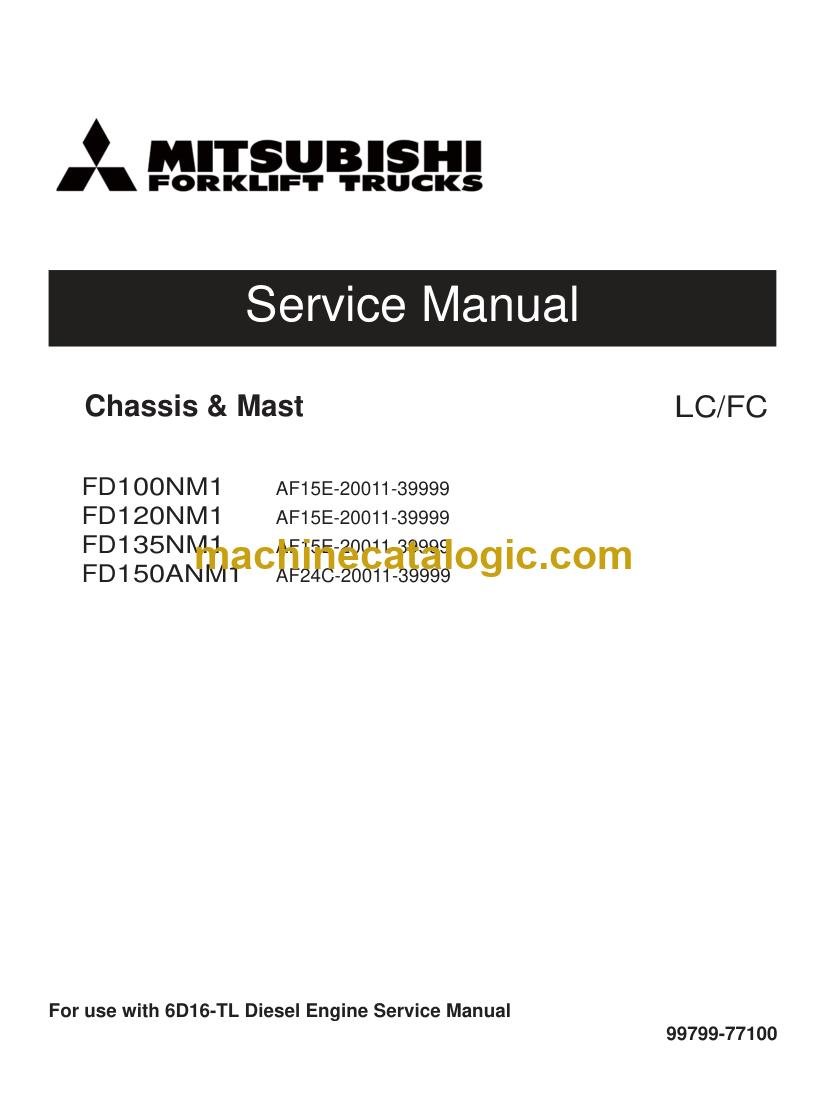
Book No: 99799-77100
Serial No: AF15E-20011-39999
Type of Document: Service Manual
$ 45
This FD100NM1 is a big diesel counterbalanced truck for yard work, docks, and heavy pallet moves where downtime kills you fast. Around my shop, this is the manual I'd pull when that unit is blocking a door, throwing a fault, or losing power and I need solid specs and procedures, not guesses. If you're trying to keep an FD100NM1 alive past warranty or bring a rough used one back into rotation, this is the book you lean on.
What this manual helps you do
Who this is for
This is aimed at warehouse or plant maintenance techs, dealer techs, independent forklift shops, and rental fleet mechanics working on Mitsubishi FD100NM1 trucks in the AF15E-20011-39999 serial range. If you just need operating instructions or safety checks, you want the operator's handbook, not this service manual.
FAQ
Q: What format is it in, and can I search it or read the wiring diagrams?
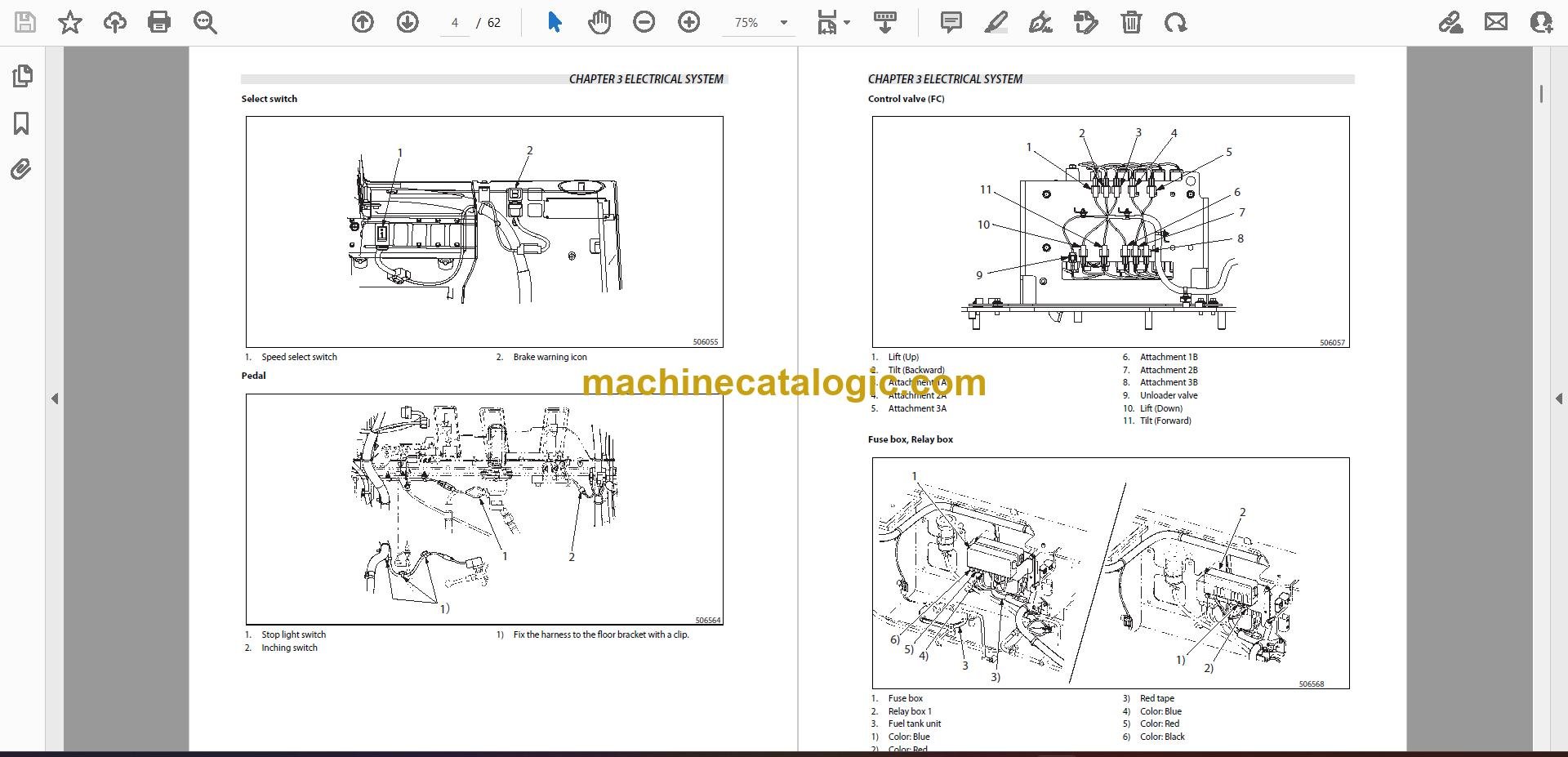
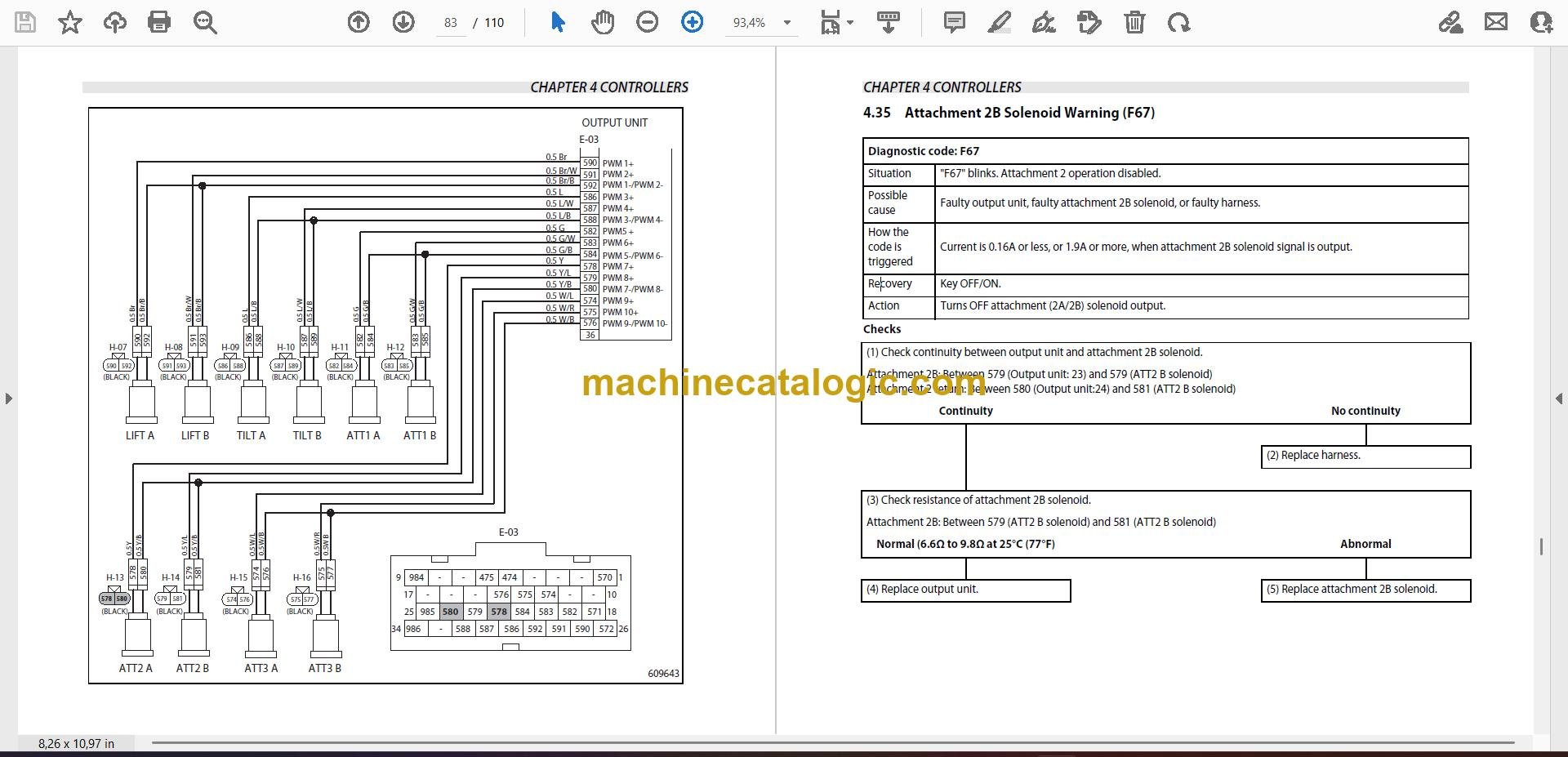
A: It's a multi-file PDF set split by section, with a real text layer, so you can search and zoom in on wiring and hydraulic schematics.
Q: How do I know it fits my truck?
A: It's written for FD100NM1 trucks in the AF15E-20011-39999 serial range. If your plate shows FD100NM1 and a serial in that window, this is the right one.
Q: Is this the right document if I'm planning major repairs?
A: Yes, this is the workshop-level service manual for full diagnostics, adjustments, and component rebuilds, not just basic checks.
Bottom line: If you're wrenching on an FD100NM1 in that serial range and need real repair info, this is the manual you want. If your model or serial doesn't match, skip it.
Mitsubishi publication 99799-77100 is the factory service manual for the FD100NM1, serial range AF15E-20011-39999. The same publication covers 3 further forklift models: FD120NM1, FD135NM1, FD150ANM1. Check the model and serial number on your data plate before ordering.