Format: PDF (Printable Document)
File Language: English
File Pages: 83
File Size: 1.20 MB (Speed Download Link)
File Count: 4 PDF files
Brand: Mitsubishi
Model: RB14
Equipment Type: Reach Truck
Book No: WHSM0062
Type of Document: Service Manual
$ 45
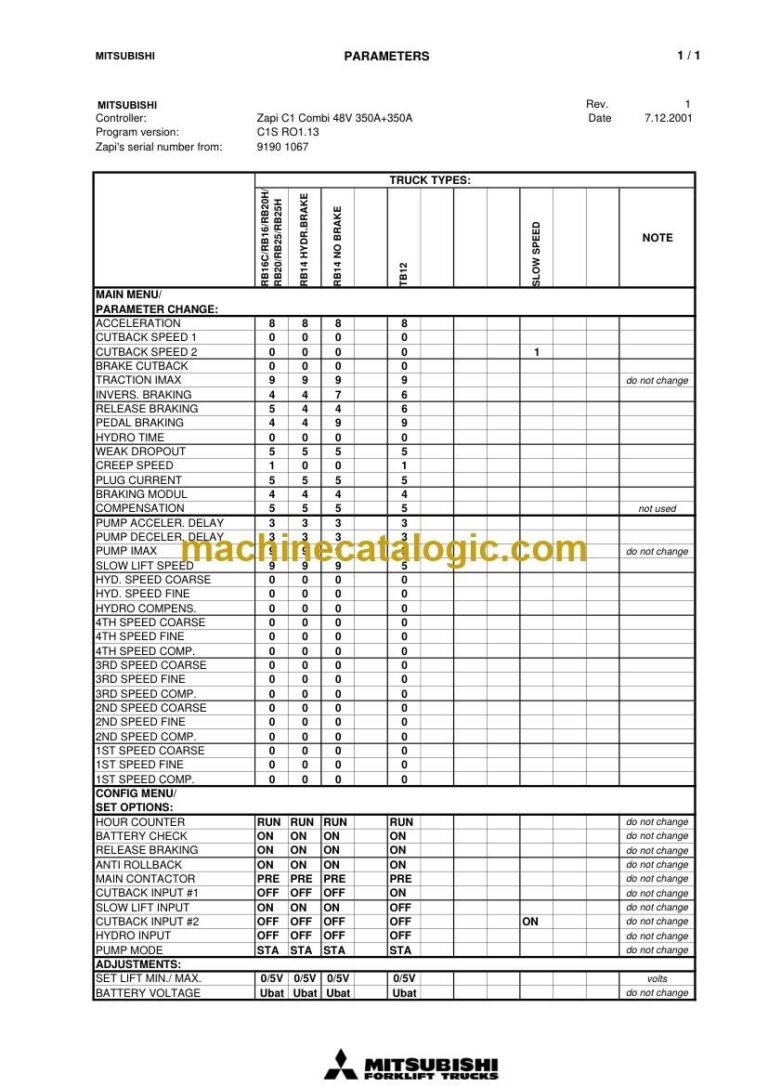
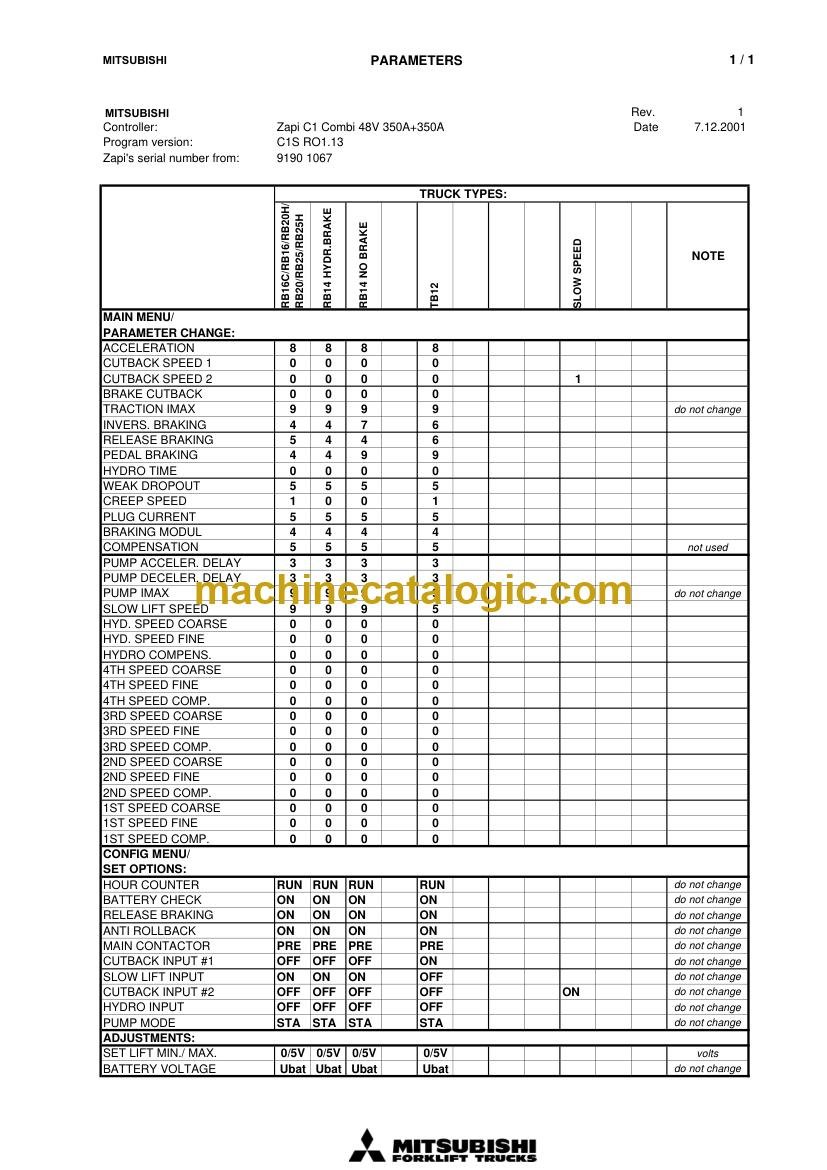
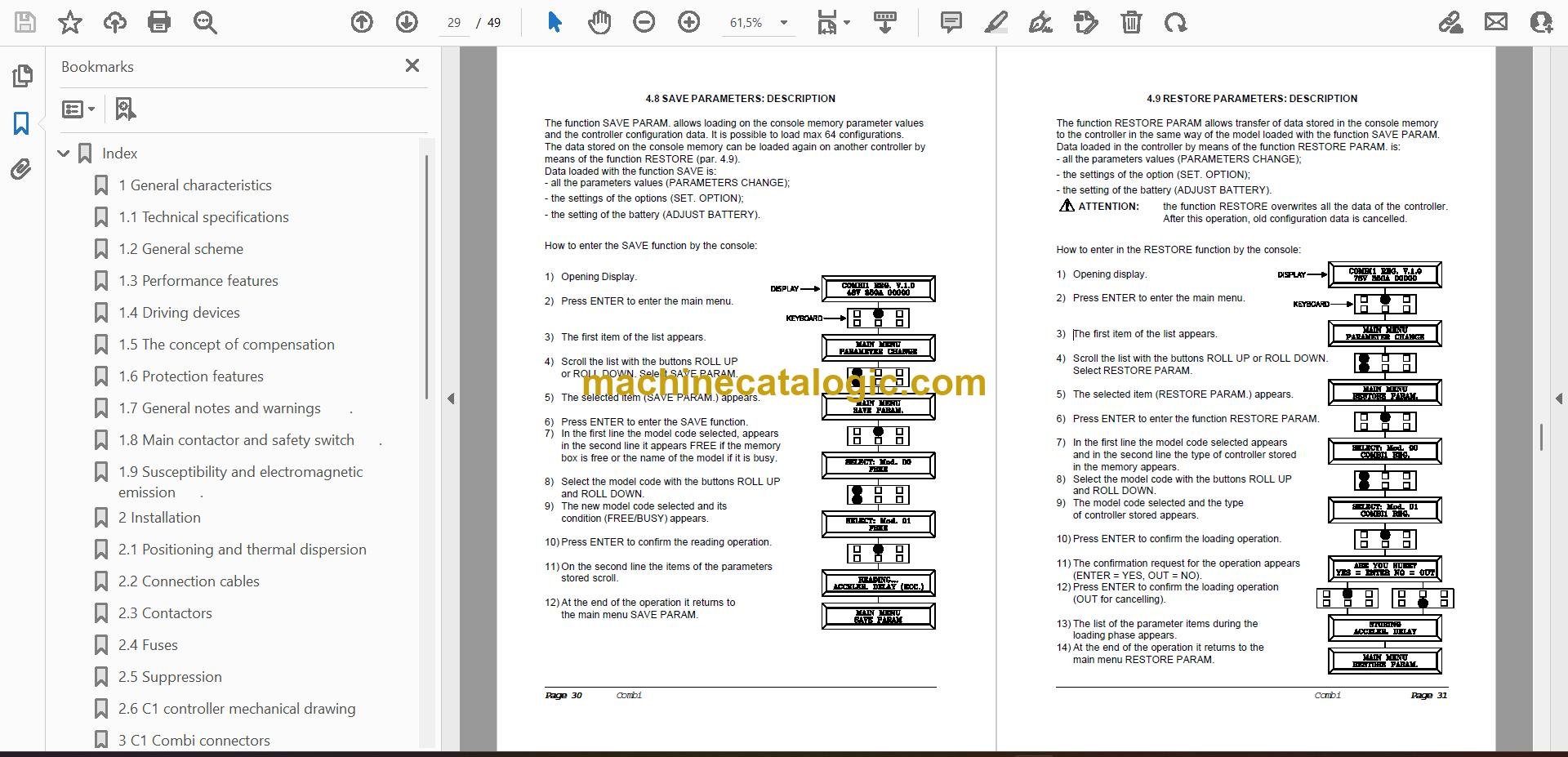
This RB14 is a narrow-aisle electric reach truck you'd see in a warehouse doing pallet put-away and retrieval in tight racking. People grab the service manual when the truck is down, out of warranty, or acting weird and they need solid procedures, not guesses. If you're chasing fault codes, setting up a replacement motor, or making sure a truck going out tomorrow won't bounce back on a callout, this is the kind of book you want.
What this manual helps you do
Who this is for
This is aimed at warehouse maintenance techs, dealer techs, independent forklift shops, and rental fleet mechanics who already turn wrenches on electric trucks. If you just need operating instructions or daily checks, you want the operator's handbook, not this service manual.
FAQ
Q: What format is it in, and can I read the wiring diagrams clearly?
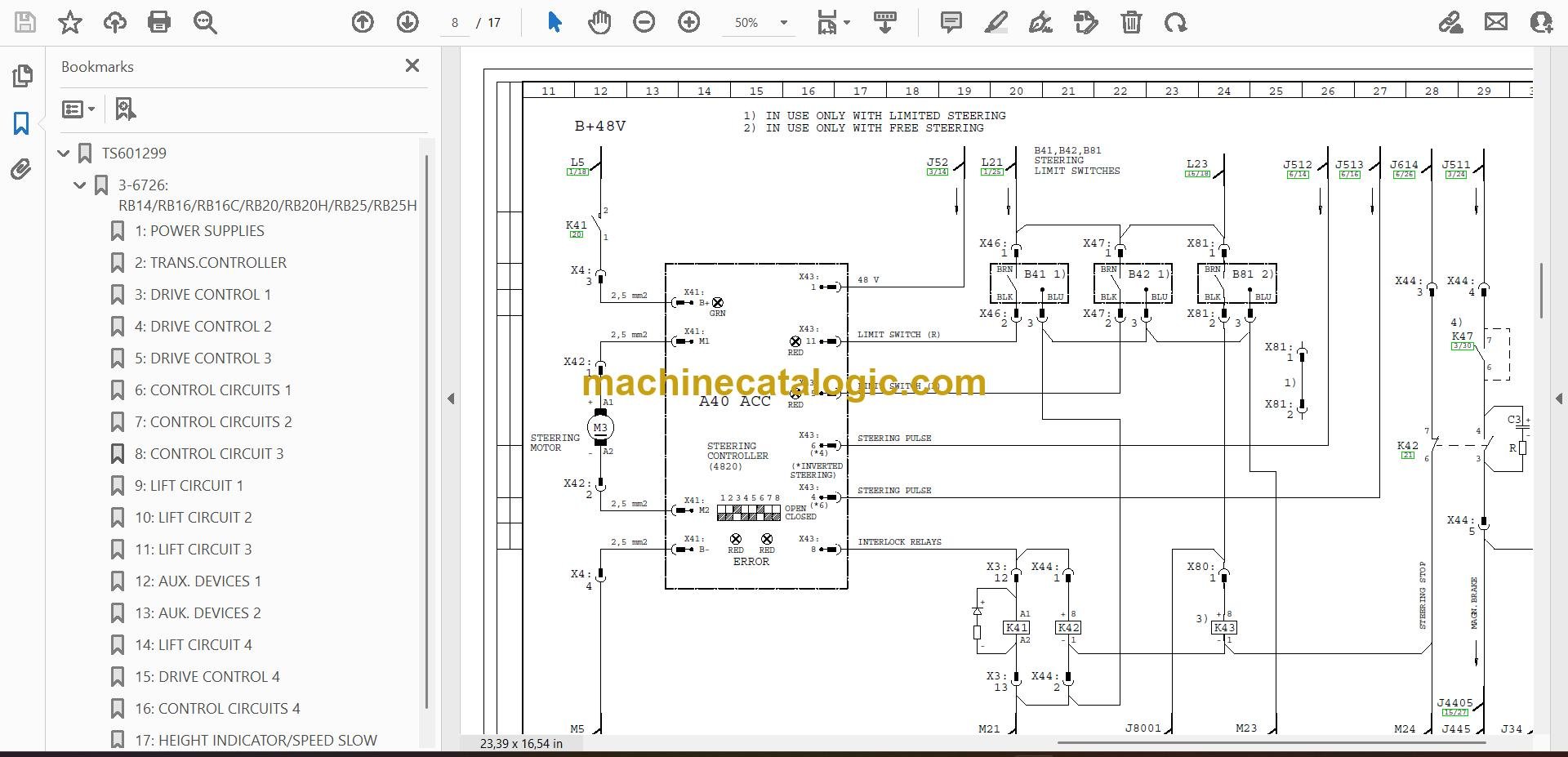
A: It's a 4-file PDF set, split by section, with a real text layer, so you can search and copy text. Wiring diagrams are in PDF and are readable when zoomed in.
Q: Will this cover my exact RB14 by serial number or variant?
A: It's written for the Mitsubishi RB14 reach truck family. For oddball options or very early/late builds, you may still confirm with your serial tag or dealer.
Q: Is this the right document if I'm setting up in-house repairs?
A: Yes, this is the workshop-level service manual you'd use for diagnostics, adjustments, and major repairs, not parts ordering or driver training.
Bottom line: If you have an RB14 reach truck and you're doing your own troubleshooting and repairs, this is the right manual. If you only need basic operation or a parts list, it isn't.
Mitsubishi publication WHSM0062 is the factory service manual for the RB14. The same publication covers 6 further reach truck models: RB16, RB16C, RB20, RB20H, RB25, RB25H. Check the model and serial number on your data plate before ordering.