Format: PDF (Printable Document)
File Language: English
File Pages: 201
File Size: 3.82 MB (Speed Download Link)
File Count: 11 PDF files
Brand: Mitsubishi
Model: RB16KC
Equipment Type: Reach Truck
Book No: WHSM0060
Type of Document: Service Manual
$ 45
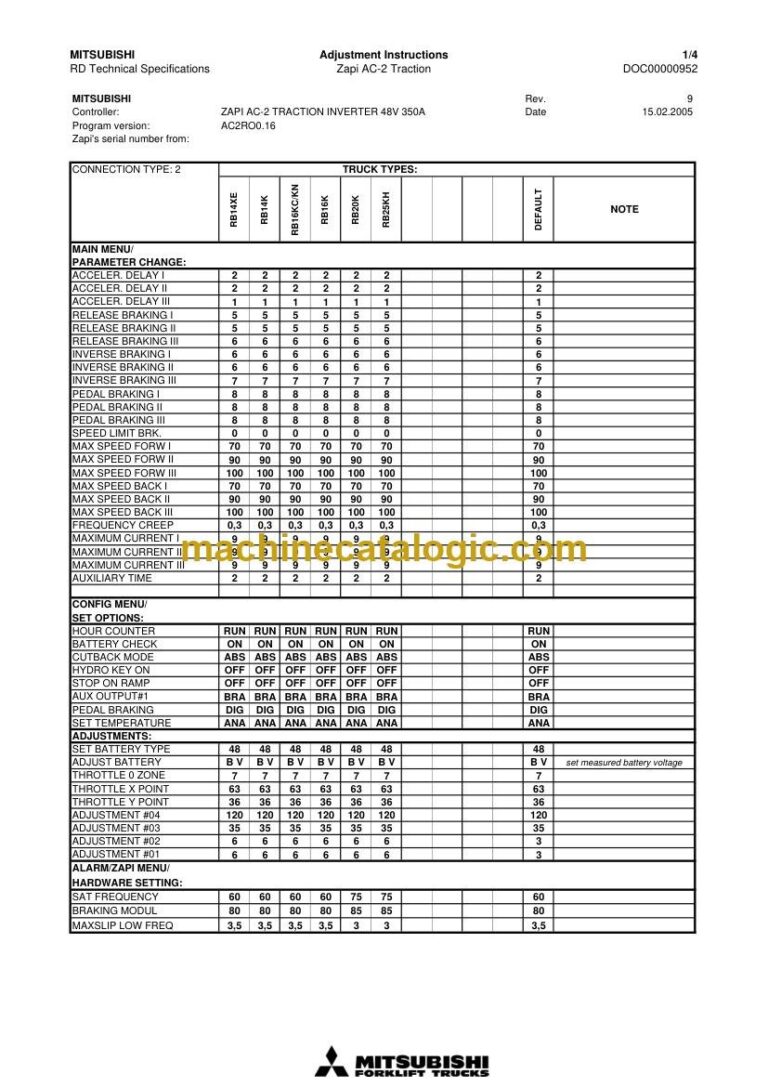
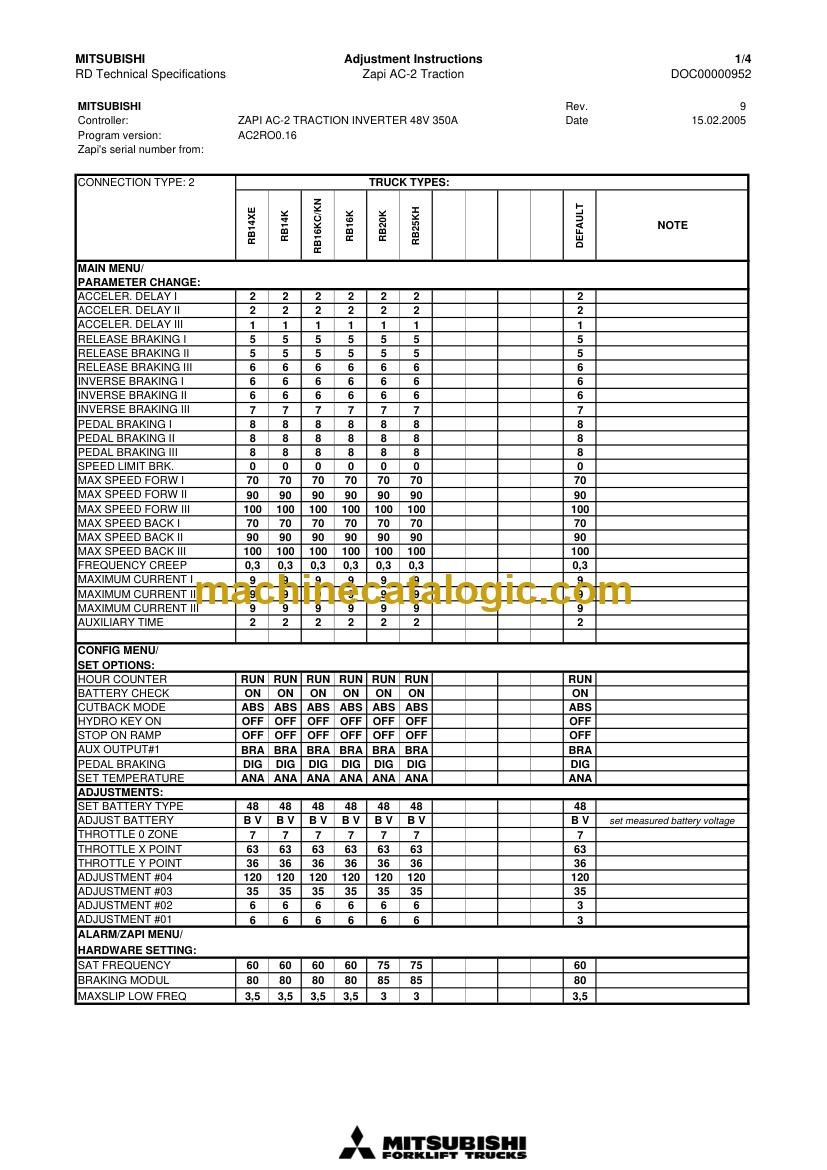
On a real shift this RB16KC is the truck buried in a narrow aisle, up in the third level, when it suddenly throws a fault and the picker is stuck waiting. The people who reach for this manual are the ones who get called to drag the truck out, clear the alarm, and get it back in the rack run before the next wave hits. You're looking for torque specs, alarm code meanings, wiring routes, and the right way to set parameters so it doesn't come back on a tow strap tomorrow.
What this manual helps you do
Who this is for
This is aimed at warehouse maintenance techs, dealer techs, independent forklift shops, and rental fleet mechanics working on a Mitsubishi RB16KC reach truck. If you want basic operating instructions or load charts, you need the operator's handbook, not this service manual.
FAQ
Q: What format is it in, and can I read the wiring diagrams?
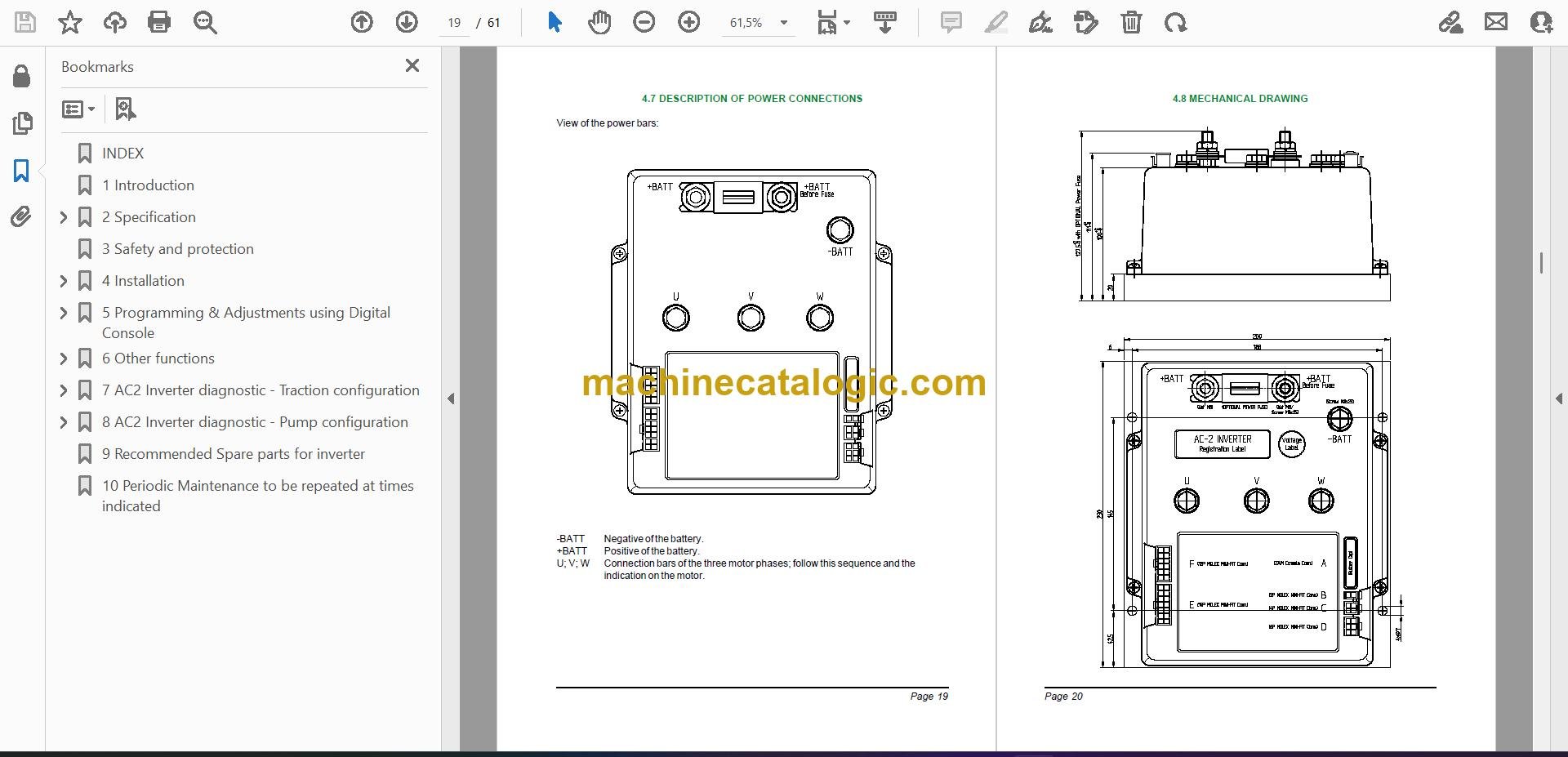
A: You get 11 PDF files with a real text layer, so they're searchable, and the wiring diagrams are clear enough to zoom in and follow circuits.
Q: How do I know if it covers my exact truck?
A: It's written for the Mitsubishi RB16KC reach truck family. For exact serial breaks or special options you should confirm against your truck's ID plate or a dealer.
Q: Is this the right document if I'm taking over out-of-warranty repairs?
A: Yes, this is the workshop-level service manual you'd use for out-of-warranty troubleshooting, adjustments, and component rebuilds on an RB16KC.
Bottom line: if you're responsible for keeping an RB16KC reach truck running and need real repair and diagnostic info, this is the manual you want.
Mitsubishi publication WHSM0060 is the factory service manual for the RB16KC. The same publication covers 9 further reach truck models: RB14K, RB14KC, RB14KE, RB14XC, RB14XE, RB16K, RB16KN, RB20K, RB25KH. Check the model and serial number on your data plate before ordering.