$ 0
0
$ 0
0

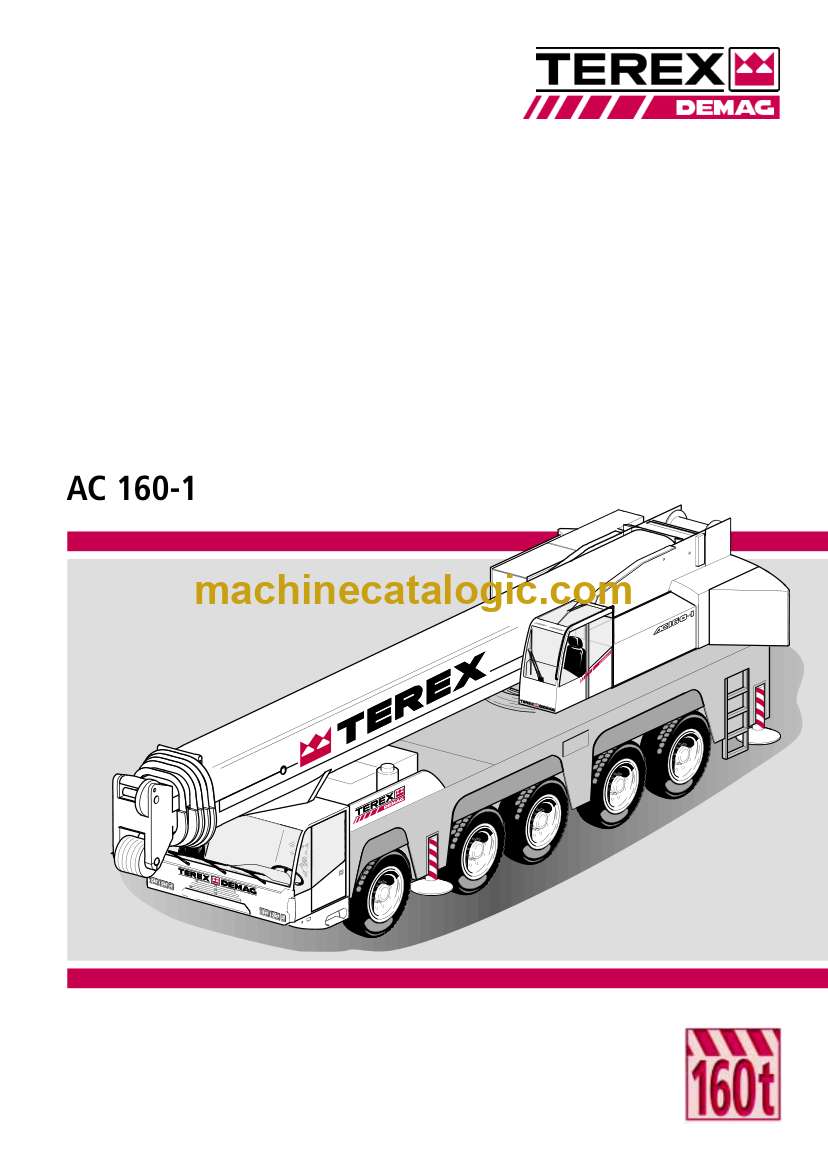
Terex AC160-1 All Terrain Crane Training Manual

Format: PDF (Printable Document)

File Language: English

File Pages: 1210

File Size: 40.97 MB (Speed Download Link)

Brand: Terex

Model: AC160-1 All Terrain Crane

Type of Document: Training Manual

Categories: ,

$ 50

Share:

Terex AC160-1 All Terrain Crane Training Manual

Terex AC160-1 All Terrain Crane Training Manual

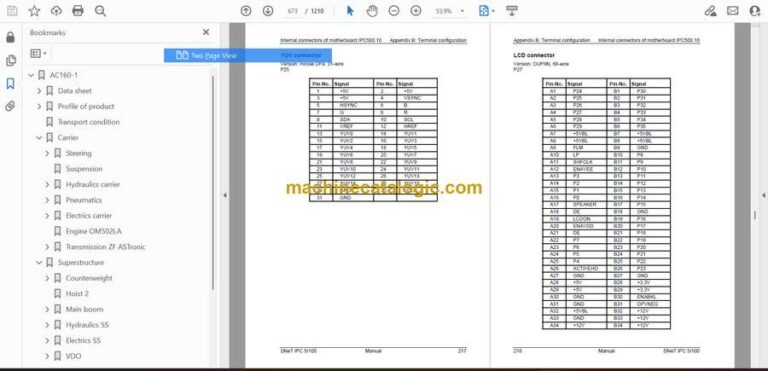
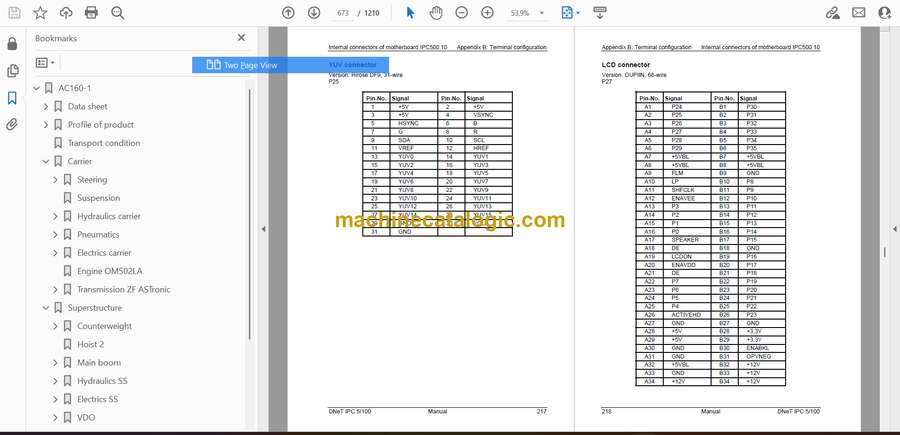
The Terex AC160-1 is a highly capable all-terrain crane built for precision lifting, and this Training Manual breaks down the machine’s behavior in a way that operators can actually absorb. It covers boom combinations, counterweight logic, steering modes, hydraulic responses under varying loads, and the crane’s electronic safety controls. The manual helps both new and experienced operators understand how the AC160-1 behaves when conditions shift suddenly, whether from wind pressure, awkward lift angles, or uneven ground.

Applications & Use Cases

  • Teaching correct boom configuration and geometry

  • Understanding load moment indicators and safety cutouts

  • Preparing for complex multi-angle lifts

  • Explaining counterweight adjustments for different job scenarios

  • Training technicians on hydraulic and electronic system interactions

FAQ
Does this manual help with advanced lifting concepts?
Yes, it includes real-world scenarios for planning difficult lifts.

Is it suitable for operator certification courses?
Absolutely. It’s structured for training environments.

Safety Note
Always verify that the crane’s safety interlocks are active before conducting any lift simulation or training exercise.
📘 Show Index

Terex AC160-1 All Terrain Crane Index:

  • AC160-1
    • Data sheet
      • Highlights
      • Inhalt
      • Abmessungen
      • Technische Daten
      • Arbeitsbereiche Hauptausleger
      • Tragfähigkeiten Hauptausleger
      • Arbeitsbereiche Hauptauslegerverlängerung
      • Tragfähigkeiten Hauptauslegerverlängerung
      • Anmerkungen zu den Tragfähigkeiten
      • Technische Beschreibung
      • Zeichenerklärung
    • Profile of product
      • General Data
      • Carrier
      • Optional Equipment Carrier
      • Superstructure
      • Optional Equipment Superstructure
      • Other Optional Equipment
    • Transport condition
    • Carrier
      • Steering
        • Manual electronic steering
      • Suspension
      • Hydraulics carrier
        • Drawing 132 928 12c
        • Logic chart valves
      • Pneumatics
        • Brake circuit
          • Page 2
        • Pneumatics
          • Page 2
      • Electrics carrier
        • Drawing 174 957 12a
        • Dash board
      • Engine OM502LA
      • Transmission ZF ASTronic
        • Drawings
        • Failure Reactions
    • Superstructure
      • Counterweight
        • counterweight cylinder
        • Counterweight Standard
        • Counterweight Page 2
      • Hoist 2
      • Main boom
        • VM Telecylinder
        • SVE complete
        • Proximity switch Teleposition
      • Hydraulics SS
        • Drawing 174 888 12h
          • Page 2
      • Electrics SS
        • Drawing SS 189 407 12d
        • Cabine electrics
        • Dash board
      • VDO
        • VDO Symbols
        • MOKI programming
        • Moki changing hours
      • Accessories
        • Main boom extension
        • Main boom extension 2
      • DLog manual
        • IC-1 controlled
          • Operating and Display elements
          • Main menu
          • Crane operation mask
          • Solenoid parameter settings
          • Working range limitation
          • Data logger
        • Manual DLOG Hardware
          • Introduction
          • Unpacking the equipment
          • Assembly
          • Initialisation
          • Maintenance
          • The BIOS of the DNeT IPC 5/100
          • The operating system
          • External peripheral units
          • Internal peripheral units
          • Software Tools
          • Appendix A: Technical Data
          • Appendix B: Terminal configuration
          • Appendix C: Jumpers
          • Appendix D:
          • Index
    • Intercontrol Documentations
      • Manual Digsy compact
      • Manual DM01
      • Programming
        • Which software for what
          • Hyperterminal
          • Firmware / Uploadertool
          • Firmware Bootloader
          • Prosyd 1131
          • Uploader 1.3
          • Superpin
          • Kibes_Runtime
          • Param_Exe
          • WinEEA
          • WinPCS
        • 04-68362A.pdf
          • A Brief Introduction to PROSYD 1131
          • What is What in PROSYD 1131
          • We Write a Little Program
          • The Individual Components
          • Editors in PROSYD 1131
          • The Resources
          • Library Manager
          • Visualization
          • DDE Interface
          • Appendix
          • Using the Keyboard
          • Data types
          • IEC Operators
          • Standard Library Elements
          • The UTIL.LIB Library
          • Operands in PROSYD 1131
          • Command Line/Command File Commands
          • Error messages
          • Index

Terex

Latest Product

0
    0
    Your Cart
    Your cart is emptyReturn to Shop