Format: PDF (Printable Document)
File Language: English
File Pages: 75
File Size: 2.79 MB (Speed Download Link)
File Count: 1 PDF file
Brand: PAT
Model: ECIS AC535, ECIS AC665, ECIS CC1400
Equipment Type: Load Moment Indicator
Type of Document: Service Manual
Searchable: No, scanned document
Delivery: Instant download after payment
$ 55
An LMI like the PAT ECIS keeps track of crane loading and warns the operator as the load moment approaches its limit. When the display, a sensor or the bus goes bad, the crane is usually down until someone sorts it out. The service manual is what a technician opens when that happens, whether to trace a fault, set the system up or swap a board.
What this manual helps you do
Who this is for
Crane service technicians and rental fleet mechanics who maintain cranes fitted with the ECIS system. It also suits independent repair shops and dealer technicians who need to work on the LMI in-house.
FAQ
Q: What do I receive and how is it organised?
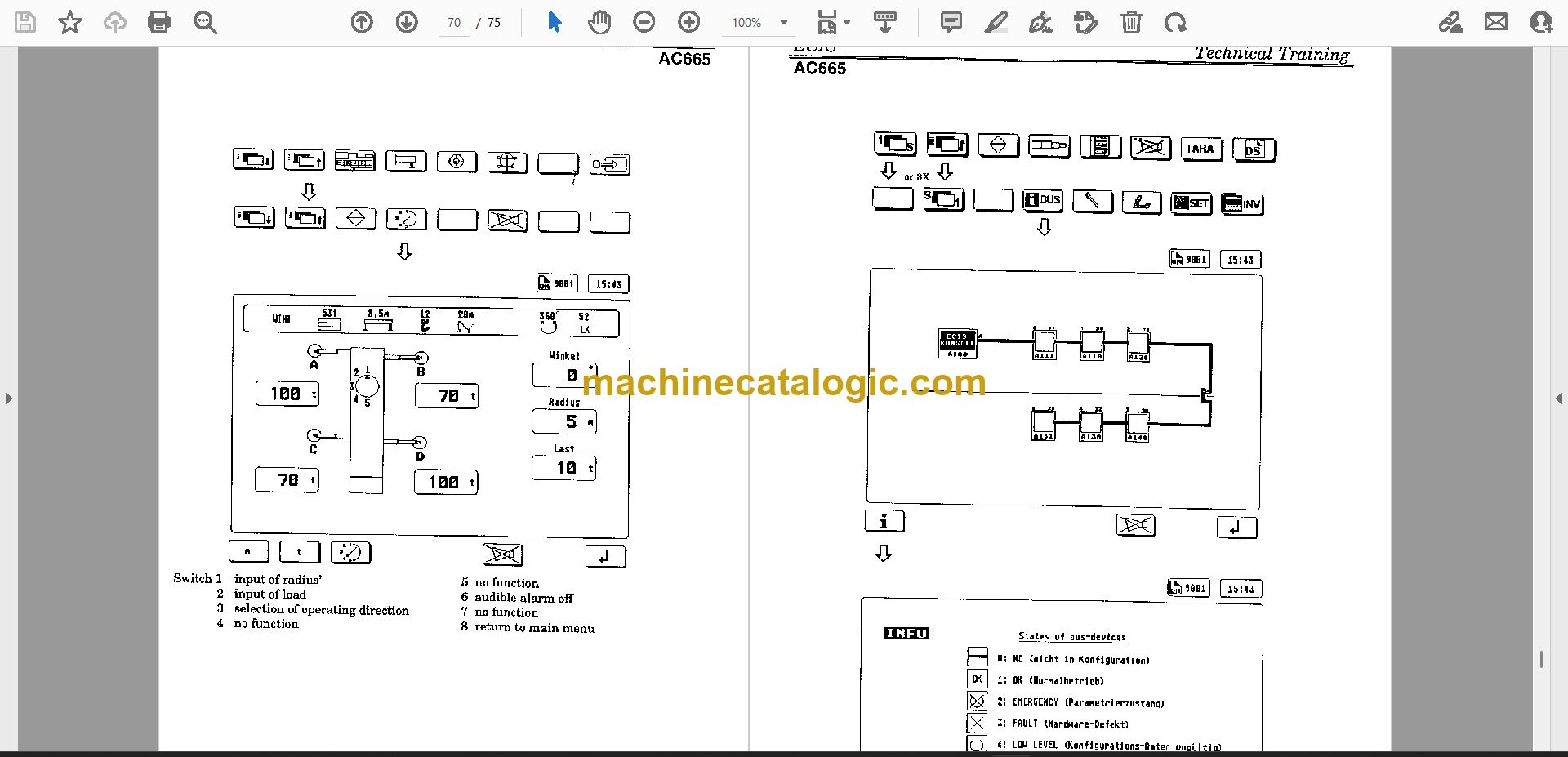
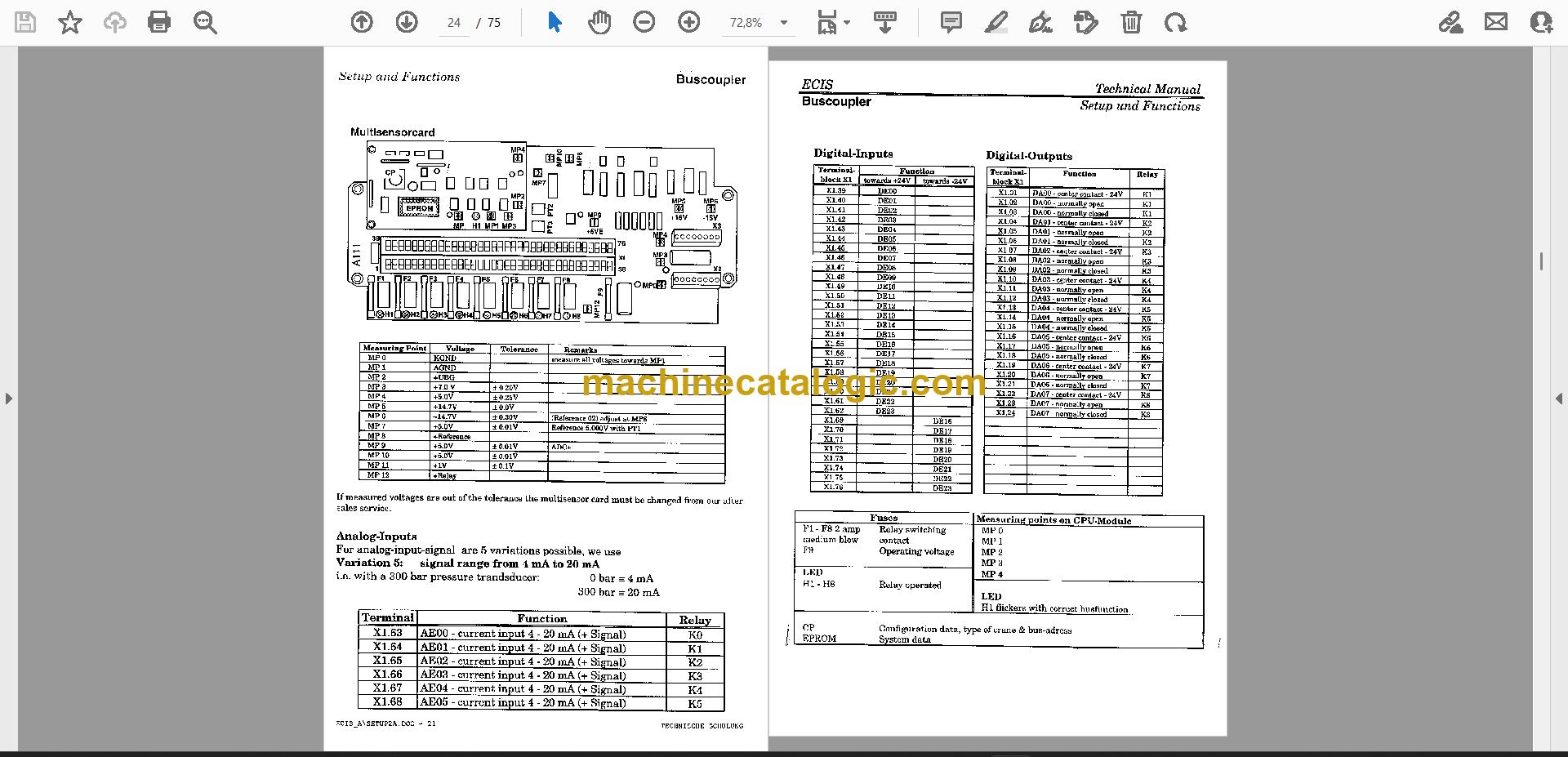
A: One English PDF of 75 pages. It runs from general and software through display and operating elements, central unit, boards, options, buscoupler, multisensor card, error codes and signal flow, ending with the transducers.
Q: Which machines does it fit?
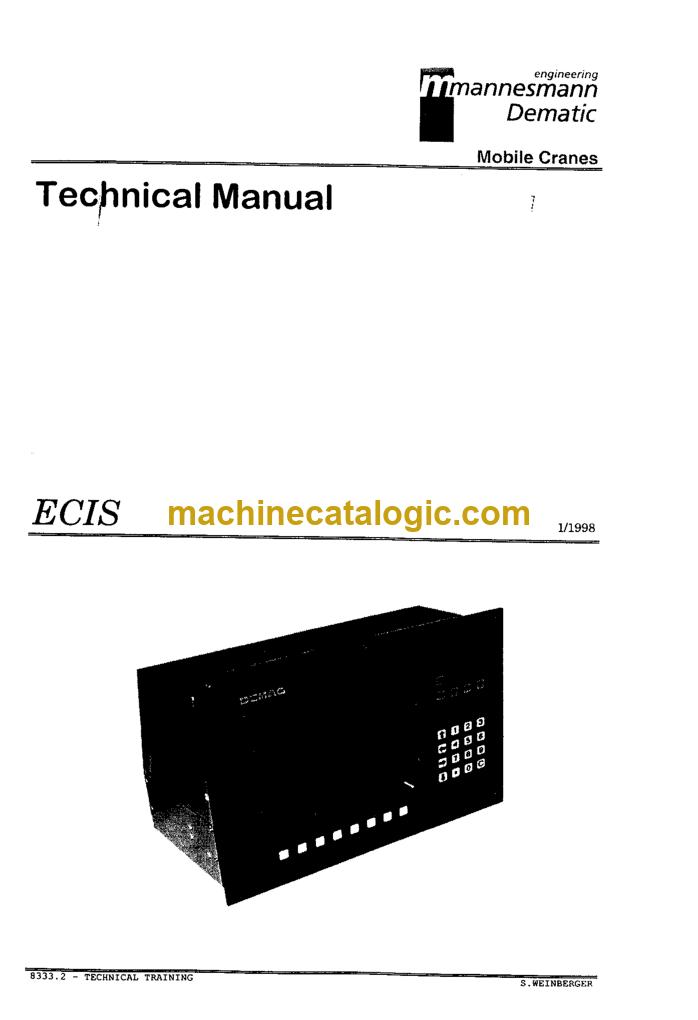
A: The PAT ECIS AC535, ECIS AC665 and ECIS CC1400 load moment indicators. The title reads "ECIS Technical Manual for AC665 AC535 CC1400".
Q: How does it fit the job I'm doing?
A: If you're chasing an error code, setting up a central unit or replacing a board or transducer, the sections on error codes, setup and the individual boards are where you'd look first. Everything is in one file you can keep at the bench.
Open it to the error code table for your model, and you'll have a clear starting point for the fault in front of you.
Click here to view the preview (PDF)