Format: PDF (Printable Document)
File Language: English
File Pages: 29
File Size: 3.43 MB (Speed Download Link)
File Count: 1 PDF file
Brand: PAT
Model: PAT modular PDC
Equipment Type: Load Moment Indicator
Type of Document: Service Manual
Searchable: Yes, text is searchable and copyable
Delivery: Instant download after payment
$ 55
An LMI like the PAT modular PDC watches crane loading and compares it against the rated limits. When a board fails or the software needs a change, the person at the bench is usually a service tech or a shop owner working out of warranty. They need to know which board is which and how to get the system back up.
What this manual helps you do
Who this is for
Crane service technicians, rental fleet mechanics and independent repair shops that open up PDC computers themselves. It also suits anyone who inherited a crane with an LMI and no paperwork for it.
FAQ
Q: What do I receive and how is it organised?
A: One PDF file, 29 pages, in English. The text is searchable, so you can jump straight to a board name or the software section. It opens with general instructions, then goes board by board.
Q: Which equipment does it fit?
A: It is the PDC Modular System Service Manual for the PAT modular PDC load moment indicator. If your crane runs that system, this is the book for the computer and its boards.
Q: How does it fit my repair job?
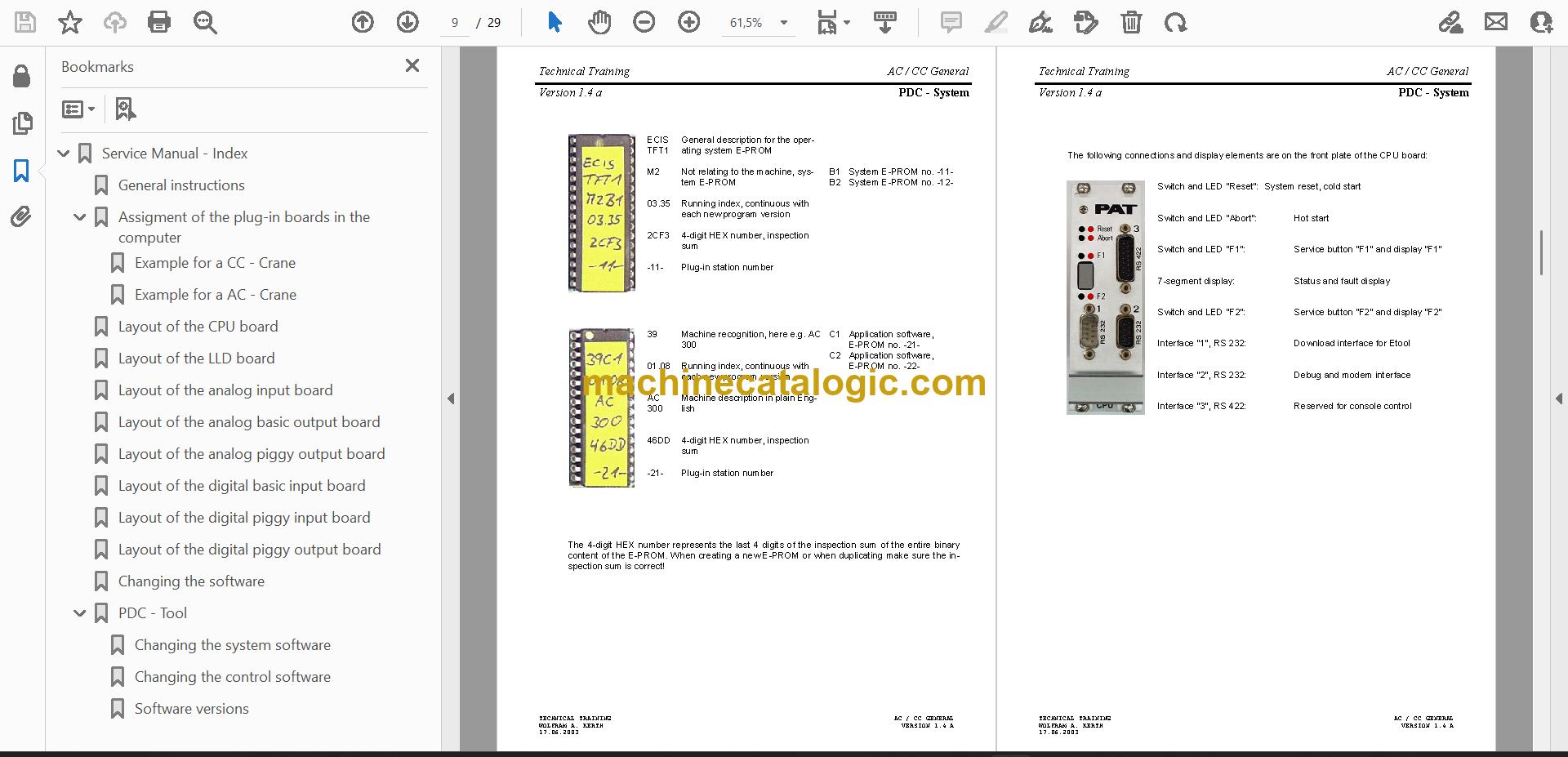
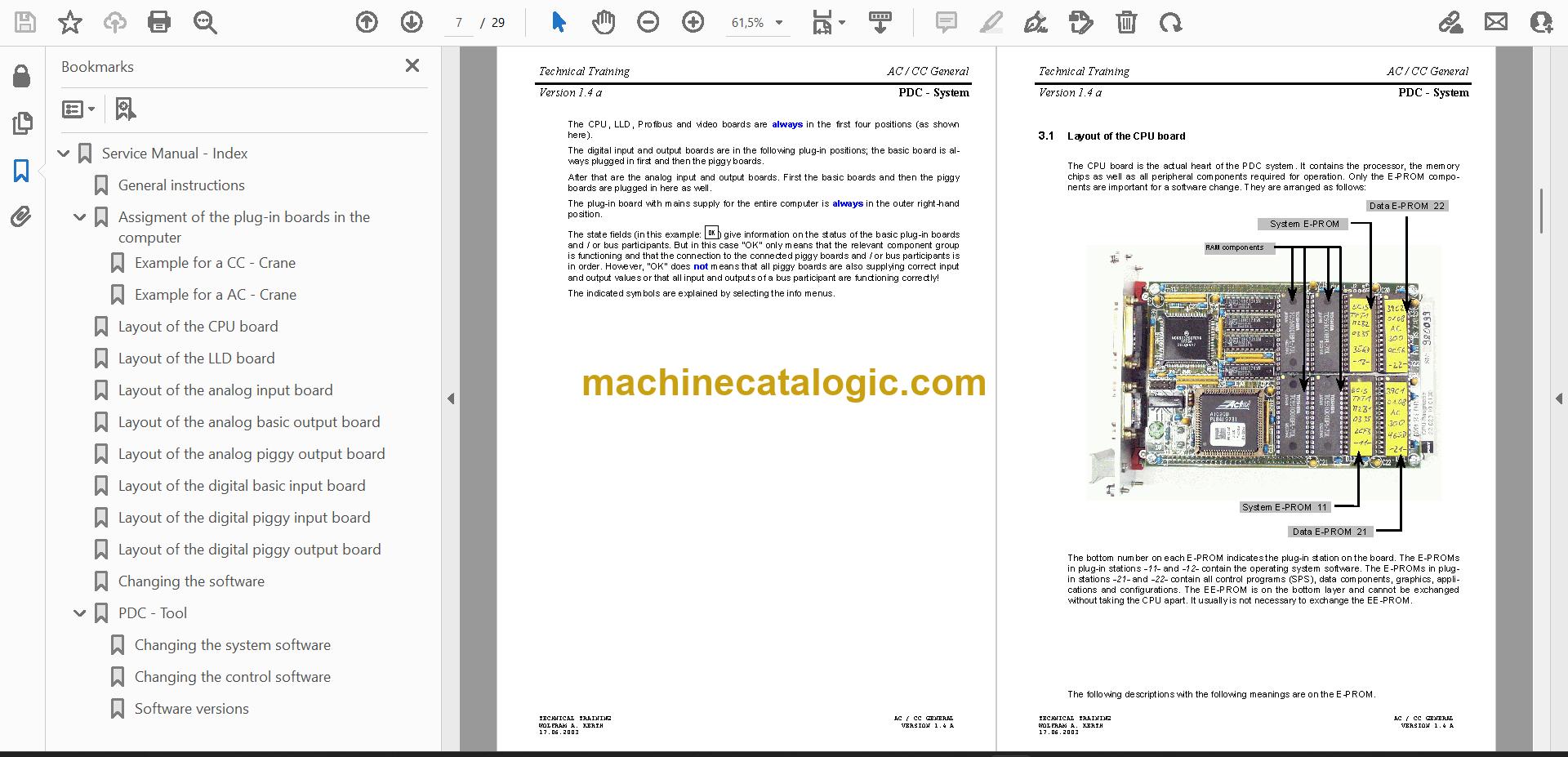
A: It is a short component service manual, and it is complete. You get the board layouts, the slot assignment, the software change procedure and the PDC – Tool section in one file you can keep on the bench laptop.
Pull up the board layout, find your part and get the PDC computer back in service.
Click here to view the preview (PDF)