Format: PDF (Printable Document)
File Language: English
File Pages: 61
File Size: 2.25 MB (Speed Download Link)
File Count: 1 PDF file
Brand: PAT
Model: iFLEX2
Equipment Type: Load Moment Indicator
Book No: 50 650 69 0101e
Type of Document: Service Manual
Searchable: Yes, text is searchable and copyable
Delivery: Instant download after payment
$ 55
An LMI watches the loads and boom position on a crane and warns the operator before the machine gets near its limits. When it throws a fault or reads wrong, the crane can sit idle until someone sorts it out. The service manual is what a technician picks up to find the cause and fix it in-house, without waiting on outside support.
What this manual helps you do
Who this is for
A crane service technician or rental fleet mechanic who maintains Grove RT and TM cranes fitted with this system. Also useful to an independent repair shop that takes in cranes with LMI faults and has no documentation on hand.
FAQ
Q: What do I receive and how is it organised?
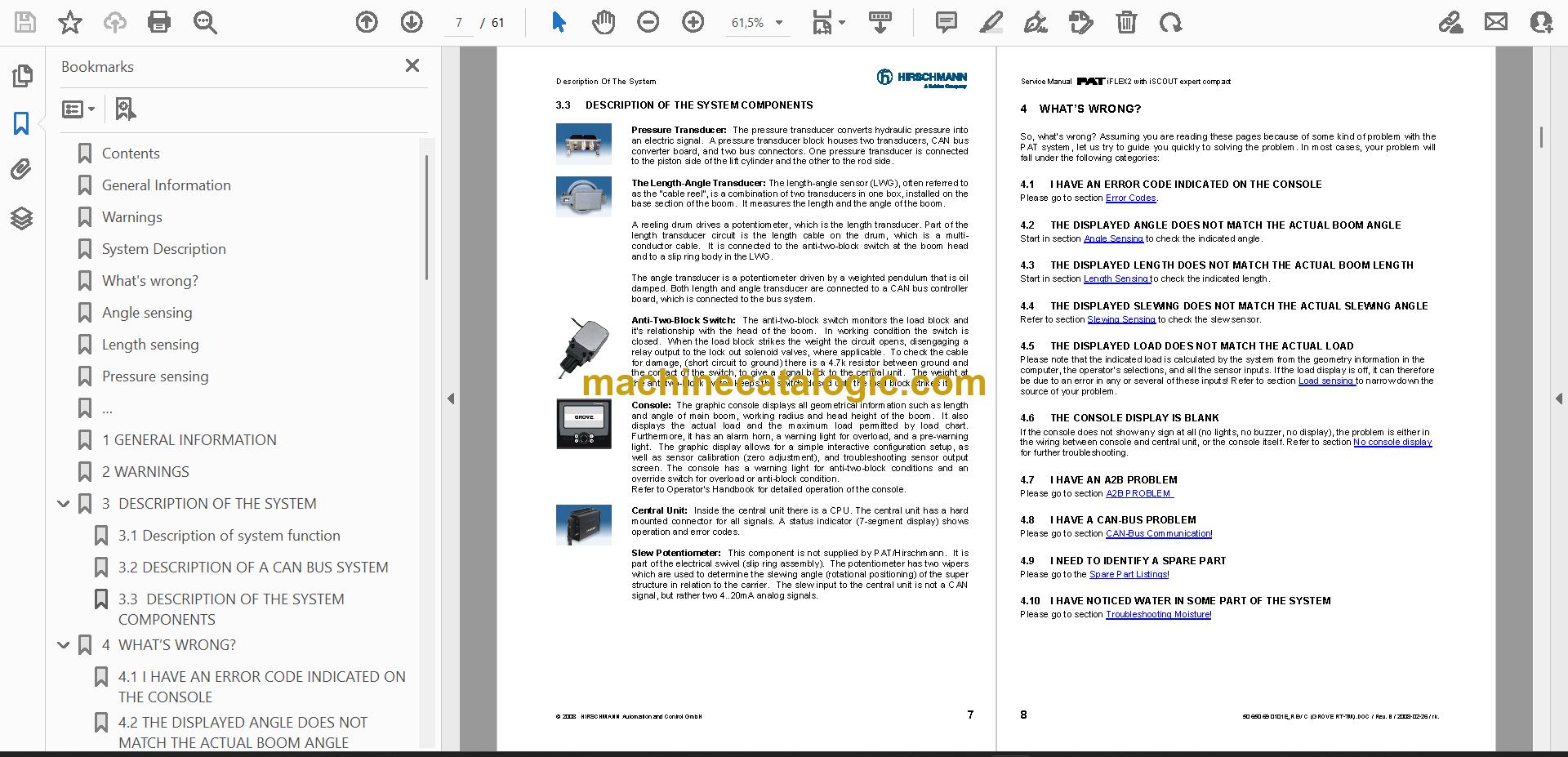
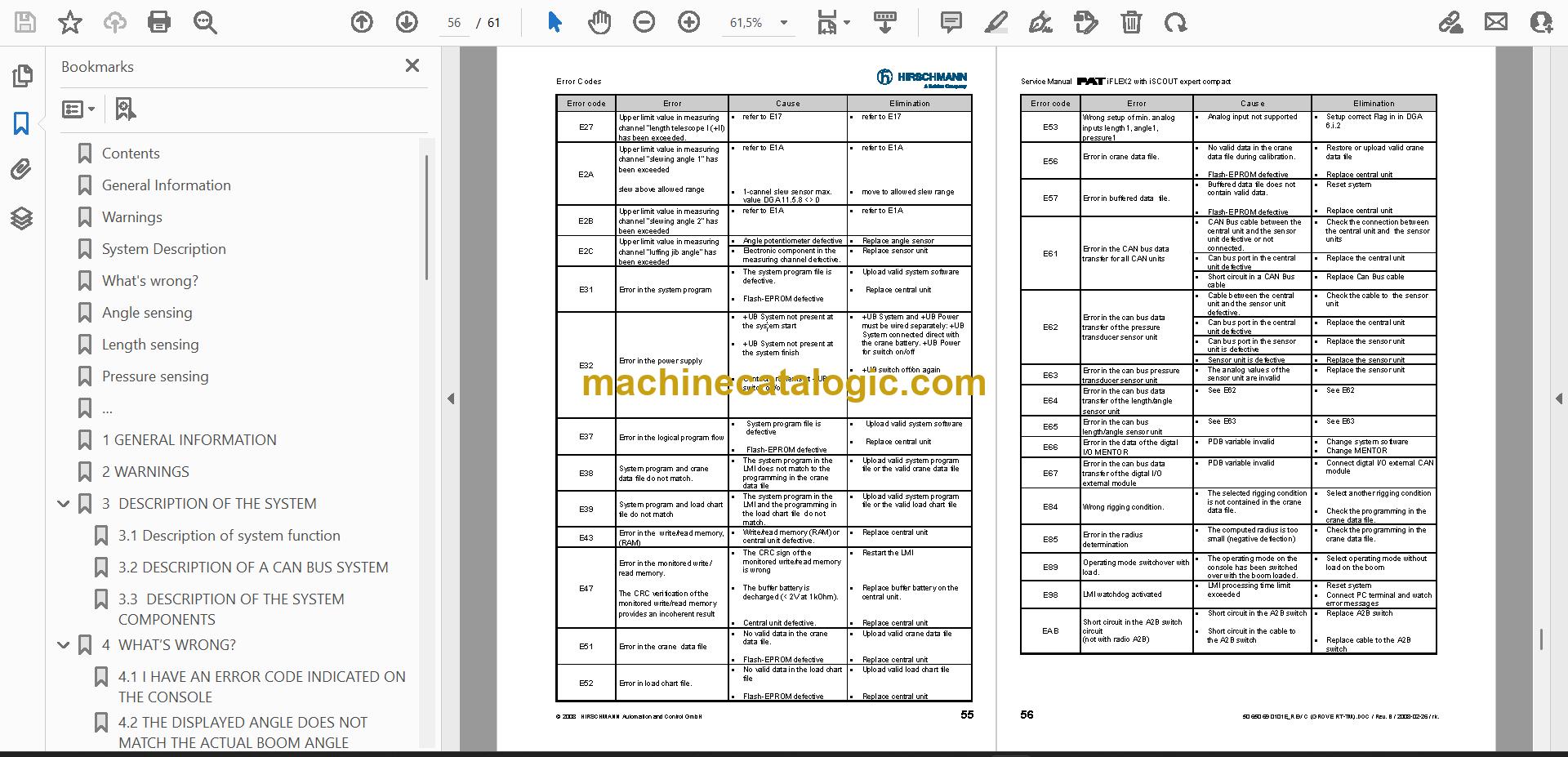
A: You get 1 PDF file of 61 pages in English, publication number 50 650 69 0101e. The text is searchable, so you can jump straight to an error code or a sensor topic. Sections run from general information, warnings and system description through troubleshooting, drawings, sensor calibration and error codes.
Q: Which machine does it fit?
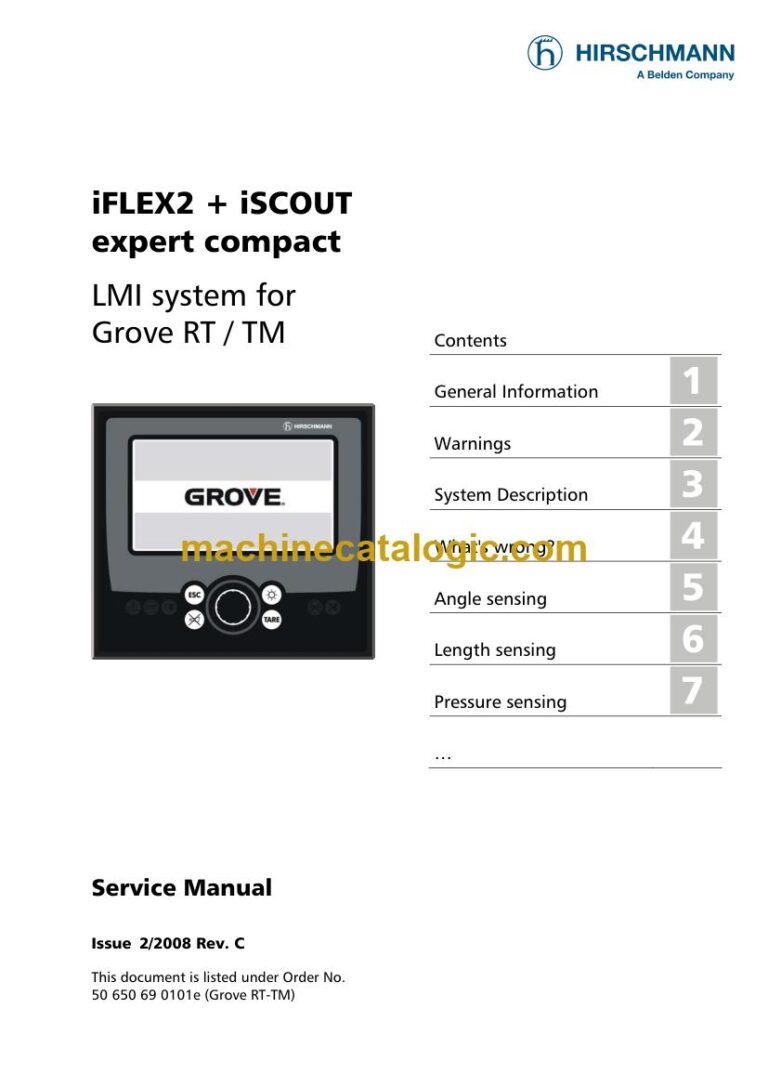
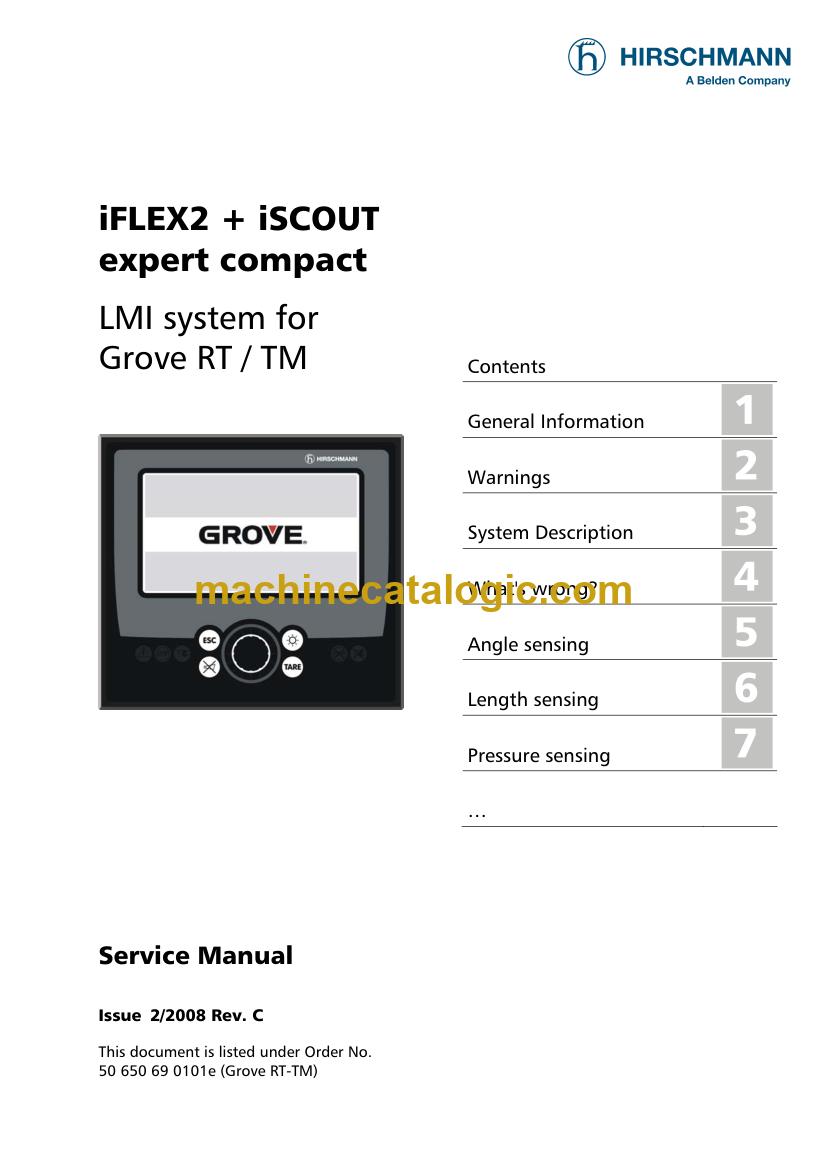
A: It is the iFLEX2 iSCOUT Service Manual for Grove RT/TM, and it covers both the iFLEX2 and the iSCOUT. The cover may show the older Hirschmann brand name, so don't let the logo throw you.
Q: How does it fit the job I'm doing?
A: If you're chasing a fault on the crane, the "What's wrong?" sections and the error codes give you a path from symptom to cause. The calibration section helps you finish the job and put the crane back to work.
Keep it in the shop and you'll have the fault tracing and calibration steps ready the next time an LMI acts up.
Click here to view the preview (PDF)
This service manual is also used for one further Load Moment Indicator model: iSCOUT. Check the model and serial number on your data plate before ordering.