
Heavy equipment fault codes are supposed to tell you what’s wrong, and half the time they just raise more questions. A machine throws SPN 3226 FMI 1, or maybe just E045, and you need to know whether this is a finish-the-shift problem or a shut-it-down problem.
Most of the confusion comes from there not being one system. There are several, and they look nothing alike.
J1939: the two-part code
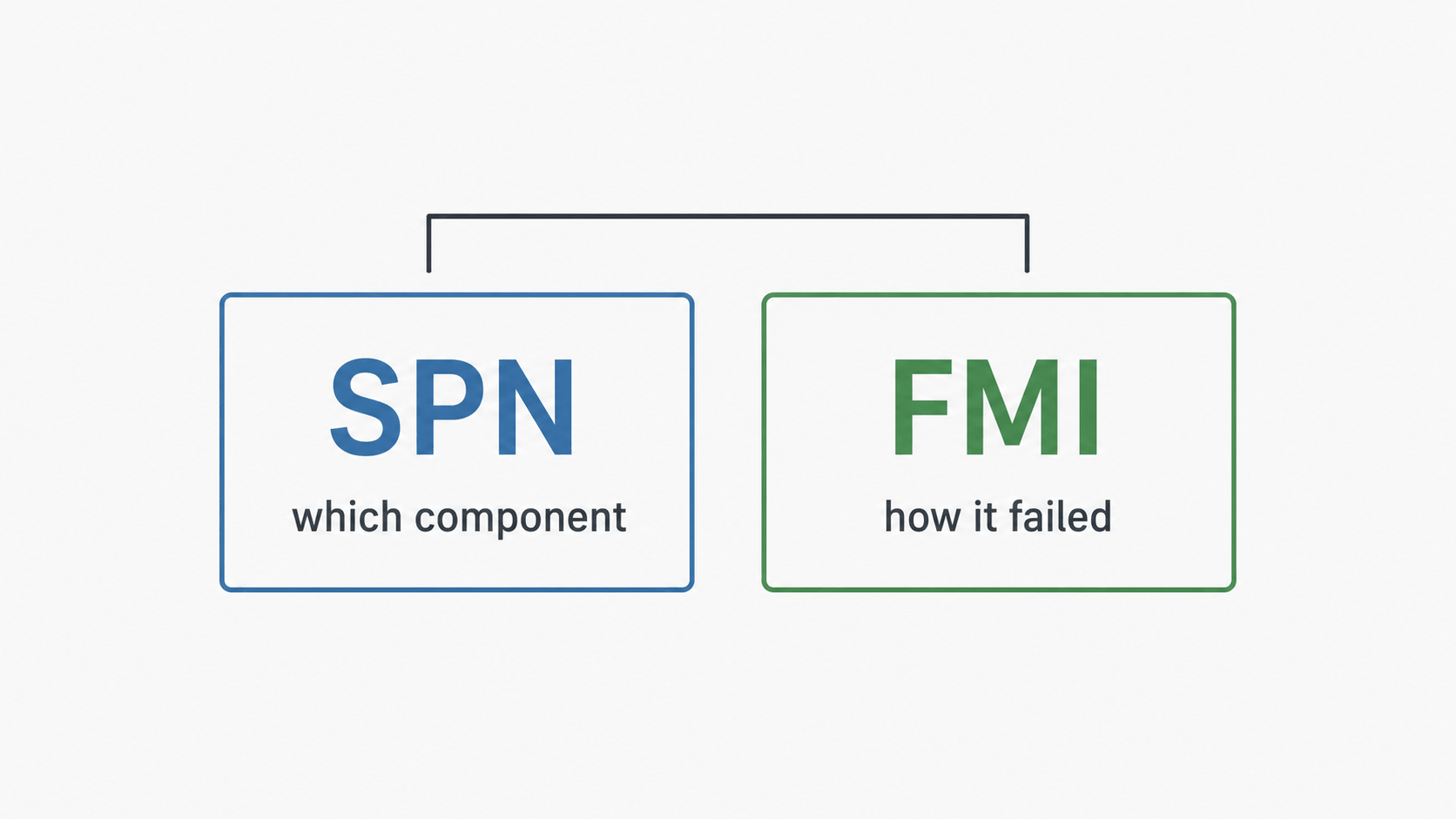
Almost everything built in the last two decades runs SAE J1939. Codes come in two parts.
The SPN, or Suspect Parameter Number, is the what. It identifies the component or parameter reporting a problem: oil pressure sensor, DEF tank level, turbo boost.
The FMI, or Failure Mode Identifier, is the how. It describes the type of failure.
SPN 3226 FMI 1 reads as: DEF tank level sensor, below normal range. That already narrows the job considerably. You’re looking at wiring, a dead sensor, or an actually empty tank. Not a dosing problem, not DEF quality.
FMI is where diagnosis starts
Learn eight or nine FMI numbers and you can triage most heavy equipment fault codes before you pick up a wrench.
FMI 3, voltage above normal, usually means an open circuit. The ECU sees maximum voltage because nothing is pulling the signal down. Broken wire, unplugged connector.
FMI 4, voltage below normal, points the opposite direction. Typically a short to ground.
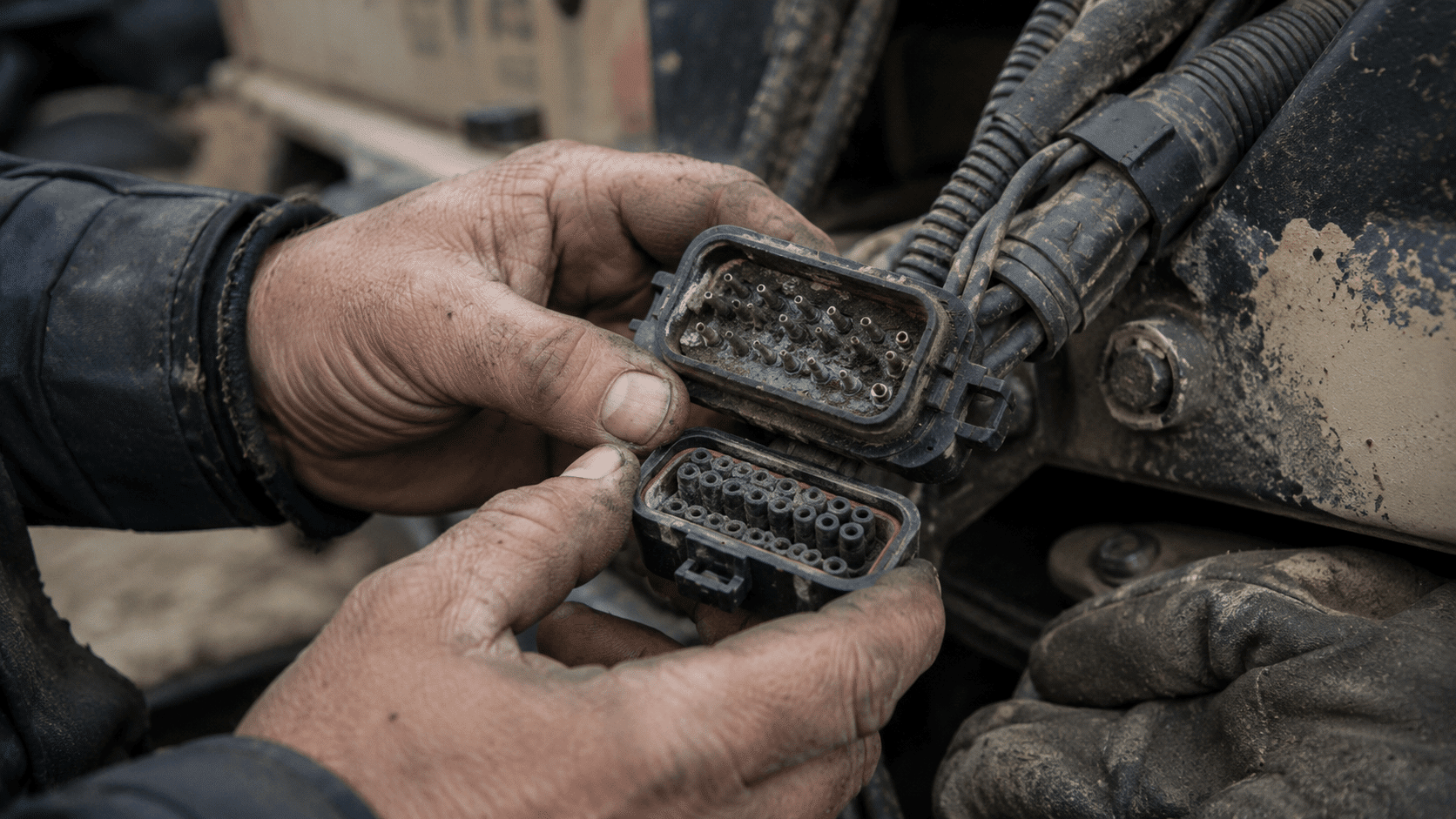
FMI 2, erratic or intermittent, is the connector code. Signal’s there but jumping around. Corroded pins, chafed harness, something vibrating loose.
FMI 5 is open circuit or current below normal.
FMI 7 means the system commanded something and didn’t get the result it expected. This one leans mechanical rather than electrical.
FMI 0 and 1 mean data valid, but above or below normal range. Nothing wrong with the sensor. It’s reporting a real condition.
Rough sorting rule: 3, 4 and 5 send you to the wiring, 2 sends you to connectors, 7 sends you to the component itself.
Active, stored, and occurrence count
Two codes with the same number can mean completely different things depending on status.
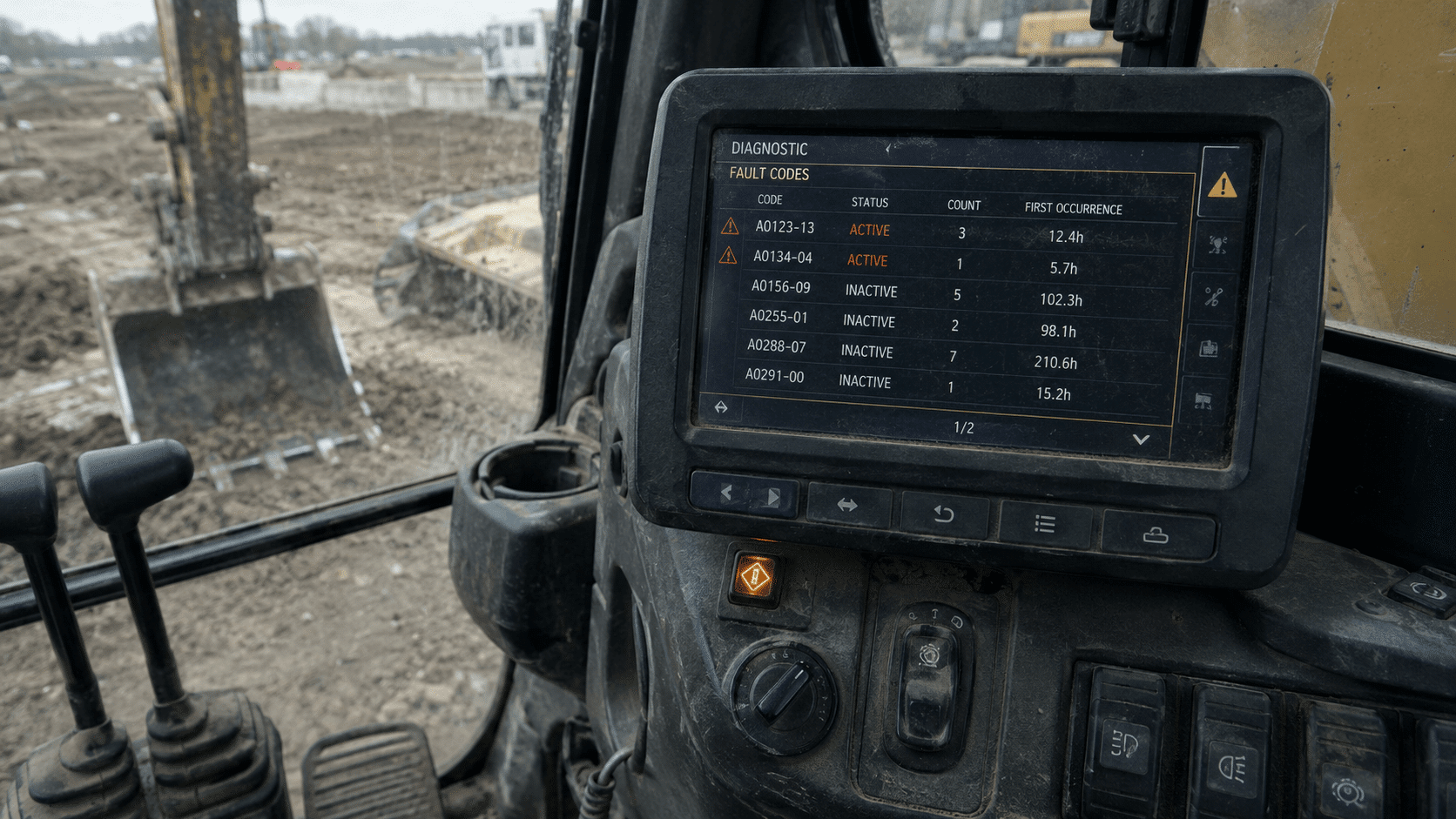
Active means it’s happening now. Stored or previously active means it happened and cleared. Plenty of people ignore stored codes, which is a mistake, because the occurrence count sitting next to them is often the most useful number on the screen.
An inactive code with an occurrence count of 200 is not the same story as one that fired once. High count on an inactive code almost always means intermittent, and intermittent almost always means wiring or a connector rather than a failed part. That’s a wire flexing, a pin backing out, a ground that’s fine until the machine heats up.
Freeze frame
Most ECMs snapshot operating conditions at the moment the fault set: engine load, RPM, temperatures, speed. This tells you what the machine was doing when it went wrong, which is often the difference between a two-hour diagnosis and a two-day one.
Worth knowing that it captures only that instant, not what led up to it, and clearing the code usually wipes the freeze frame with it. Read it before you clear anything.
Why heavy equipment fault codes don’t share one format
J1939 is the standard, but manufacturers layer their own systems on top, which is why a code you find for one brand won’t match another’s format at all.
Caterpillar uses MID-CID-FMI. The MID identifies which module is talking, the CID the component.
Volvo runs MID-PID/SID-FMI, extended with their own PPID and PSID parameters.
Komatsu has CA codes and its own six-digit failure codes.
Bobcat displays M-codes.
Hitachi shows codes like ENG:00E87-00 on the monitor, which usually map back to an underlying SPN once you dig.
This is the main reason a generic code chart gets you halfway and then stops. Definitions also shift between model years within the same brand.
Getting the codes out
The dashboard display gives you active codes and not much else. Fine for a quick read, useless for occurrence counts and freeze frame.
A handheld scanner on the J1939 nine-pin connector gets you considerably further. Note that a car OBD-II reader won’t do this job. Different protocol, different connector. Getting a laptop to talk to the machine also depends on having the right diagnostic adapter drivers installed.
OEM software goes deepest: Cat ET, Cummins INSITE, Detroit Diesel Diagnostic Link. Guided procedures, live data, module-level access.
When five codes appear at once
Multiple heavy equipment fault codes firing together look alarming, but resist the urge to treat them as five problems. A shared ground, a power supply fault, or a CAN bus issue will knock out several modules simultaneously and throw a pile of codes that look unrelated.
Find the common thread first. One corroded ground strap can produce a screen full of nonsense, and chasing each code separately means replacing parts that were never broken.
Clearing codes
An active fault won’t clear while the condition is still present. It comes straight back, because it isn’t a memory entry, it’s a live report.
If a code returns after a repair, either the repair missed the root cause or there’s a second fault in the same circuit. Codes that come back after 100 or 150 hours are usually intermittent wiring rather than the part you just replaced.
Looking up a specific code
For finding out what a particular code maps to, there’s a free fault code lookup that covers most makes and gives the meaning along with the first things to check. Useful for the codes that don’t appear in a general chart, and for cross-referencing display codes back to their underlying SPN.
Practical order of operations
Read the status and occurrence count before anything else. Pull freeze frame before clearing. Let the FMI decide whether you’re chasing electrical or mechanical. Look for a shared cause when multiple codes fire together.
Most of the time heavy equipment fault codes aren’t the problem. They’re the machine pointing at where the problem is.