Software Type: Diagnostics & Troubleshooting
Equipment: CNH wheeled excavators and compatible Hyundai construction equipment
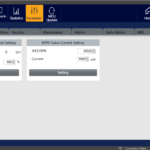
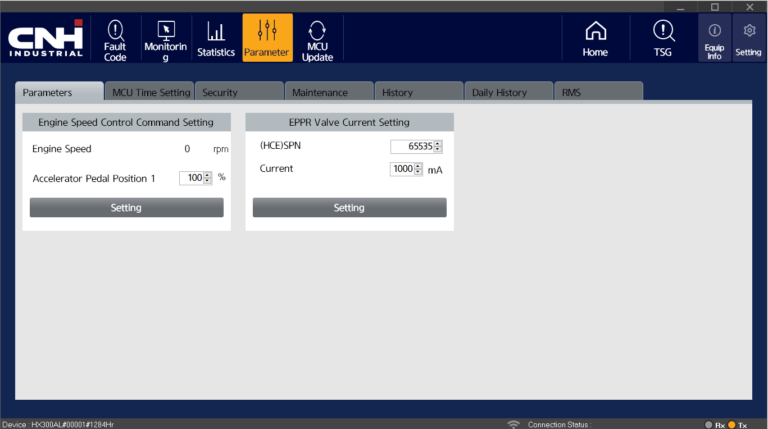
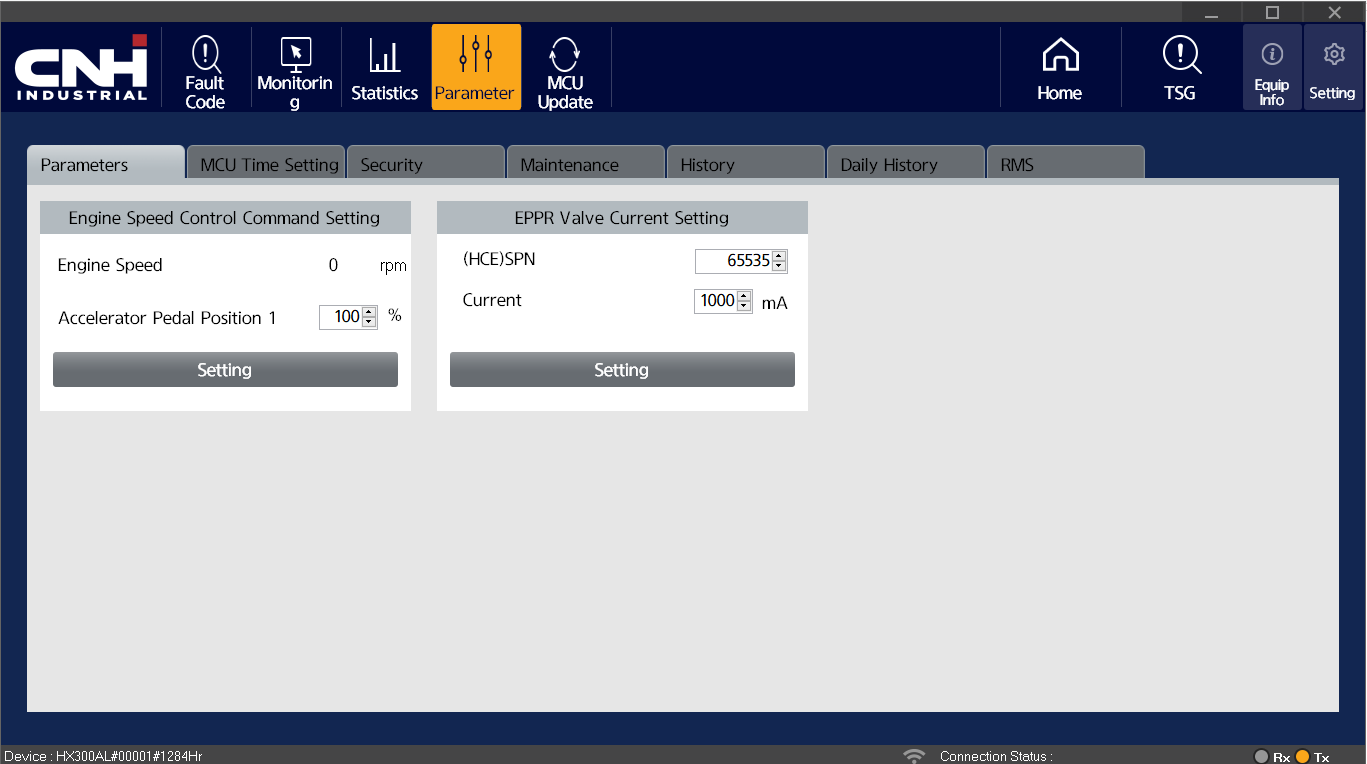
Diagnostic Functions: Read and clear fault codes, monitor live data, review freeze-frame records, and generate diagnostic reports.
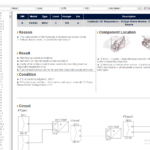
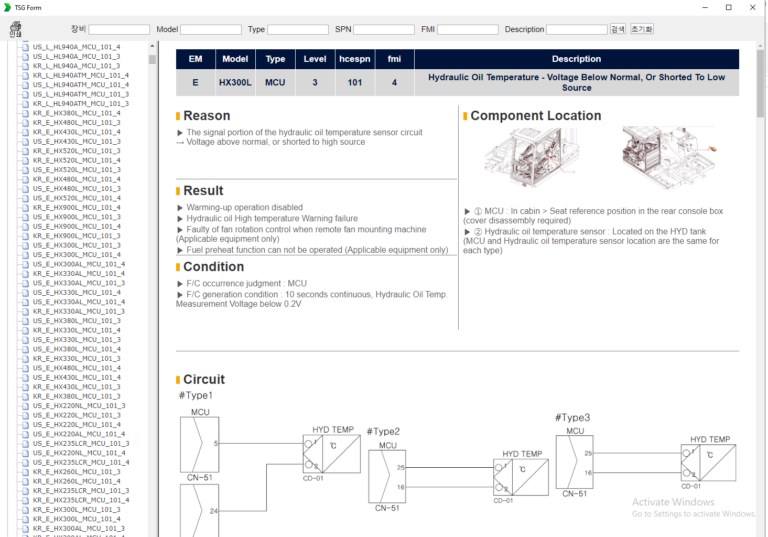
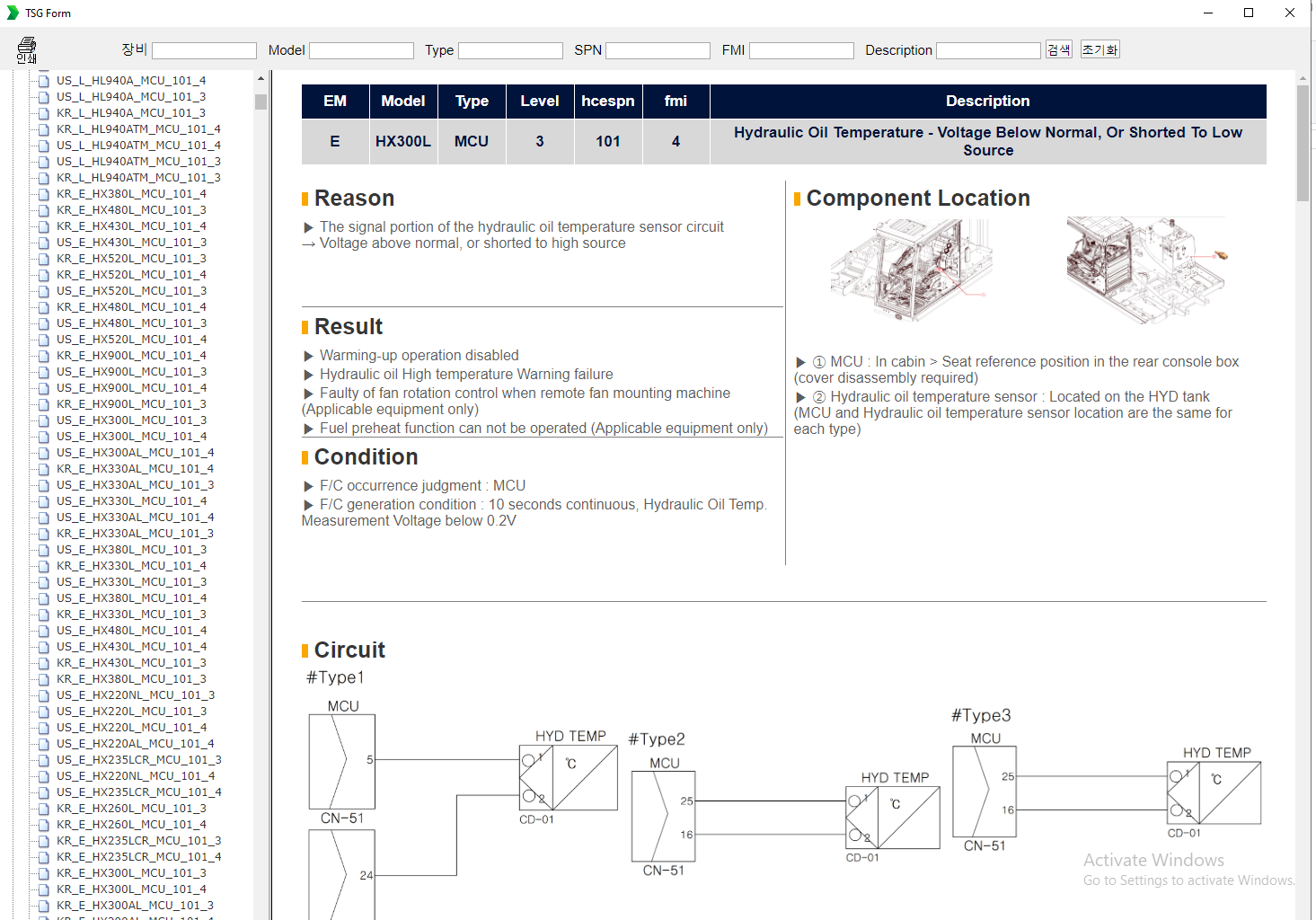
Hyundai Troubleshooting Guide: Look up fault conditions, component locations, and circuit information in English or Korean.
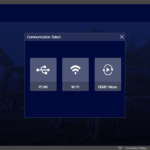
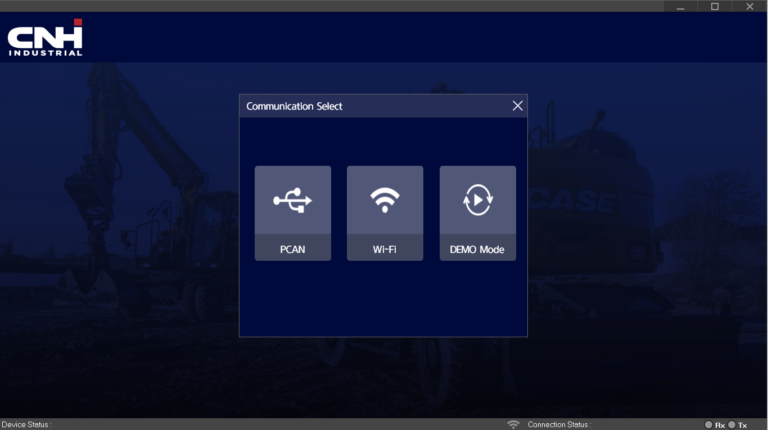
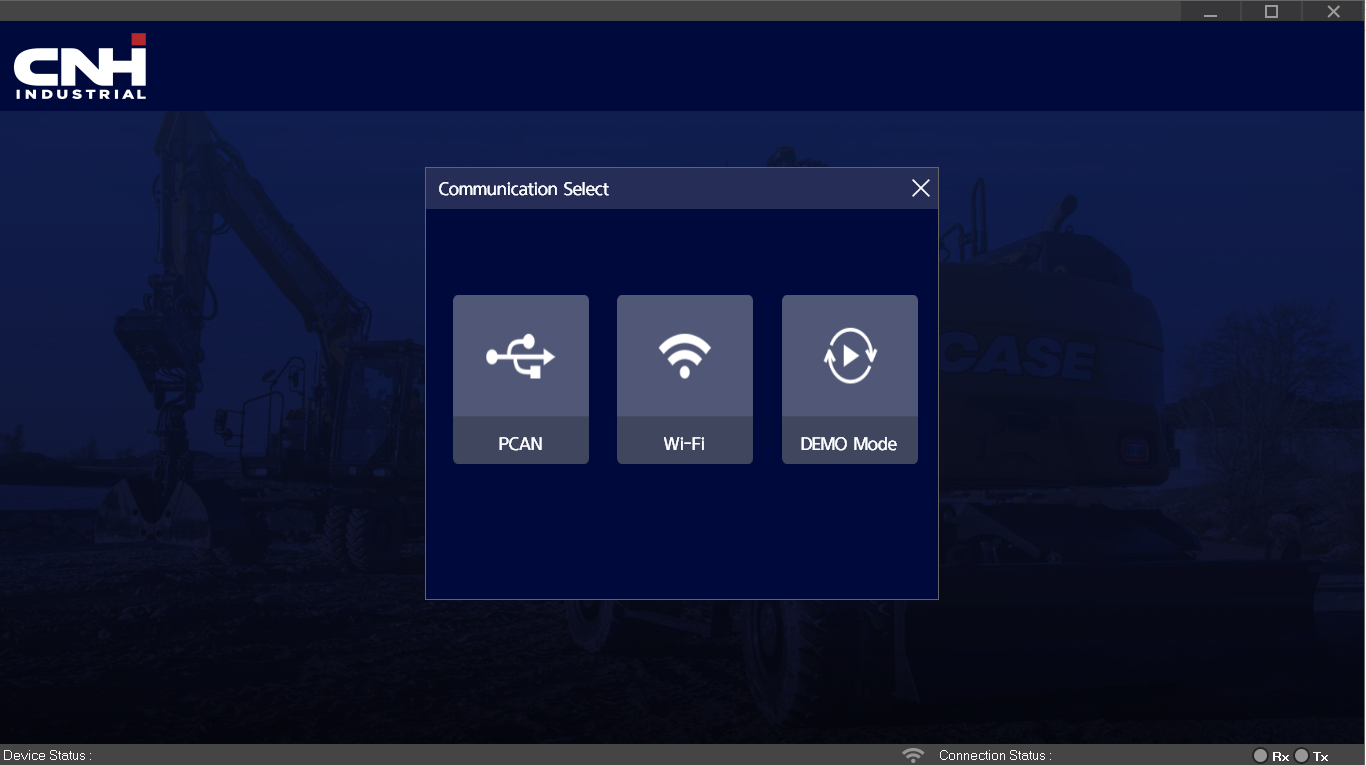
Connection Options: PCAN or Wi-Fi, depending on machine hardware.
$ 200
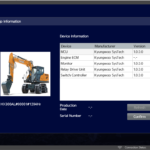
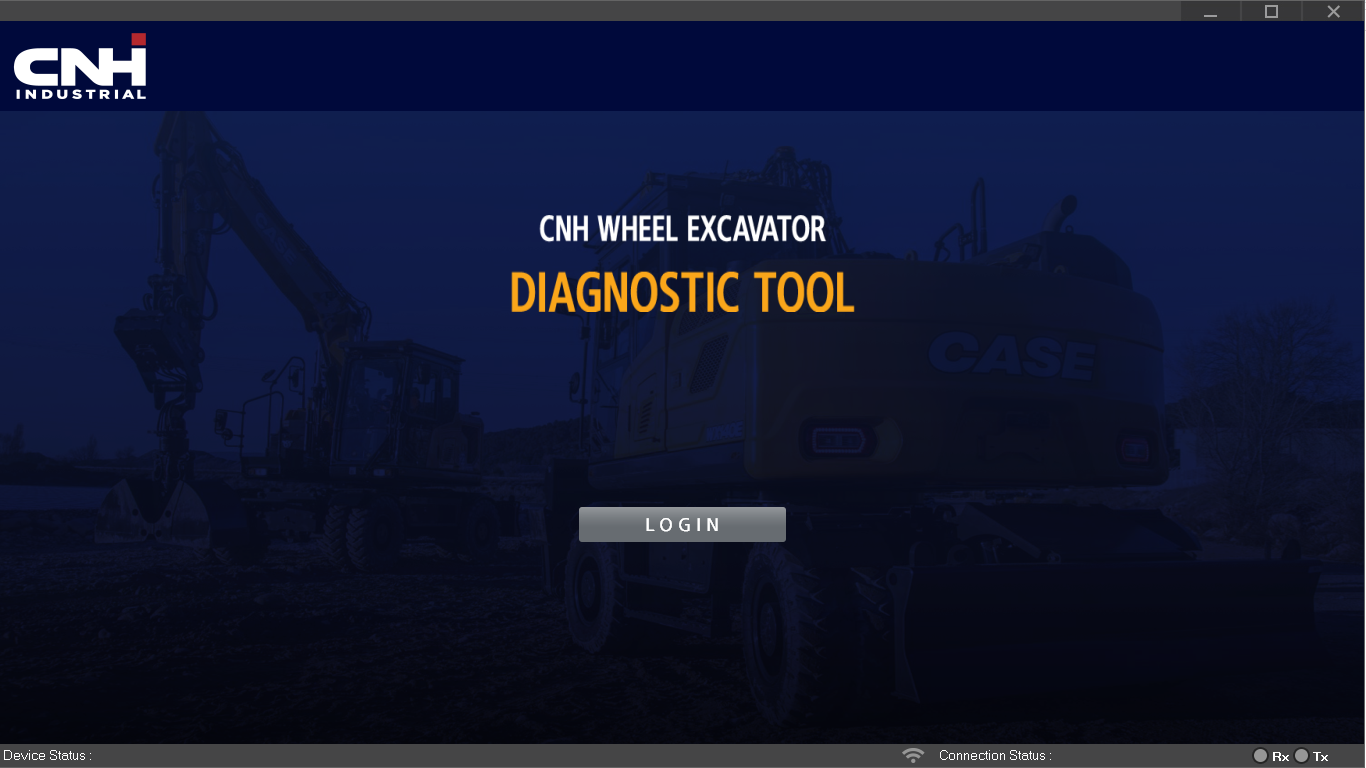
CNH DT Air / Hyundai HCE-DT AIR is diagnostic software for CNH wheeled excavators and compatible Hyundai construction equipment. Technicians can use it to read fault codes, monitor machine data, and look up troubleshooting information by model and controller.
Diagnostic functions
Hyundai Troubleshooting Guide (TSG)
The built-in guide provides service information in English and Korean for a range of Hyundai excavators and wheel loaders. Technicians can search by model, controller, or fault code to see what triggers a fault, how it affects machine operation, and where the relevant sensor or component is located. Guide entries also include circuit information where available.
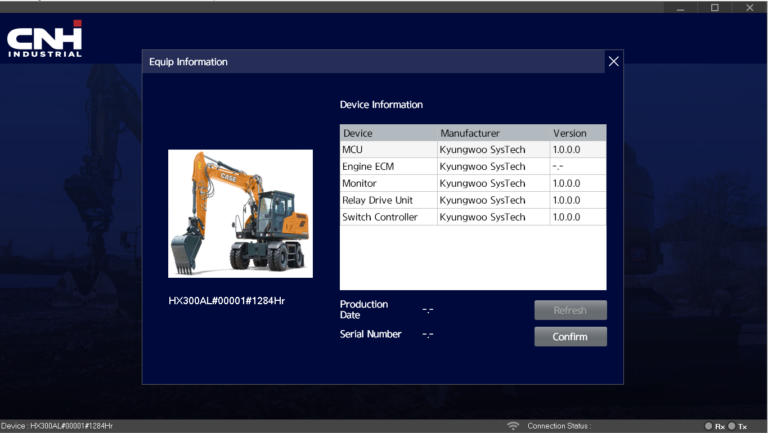
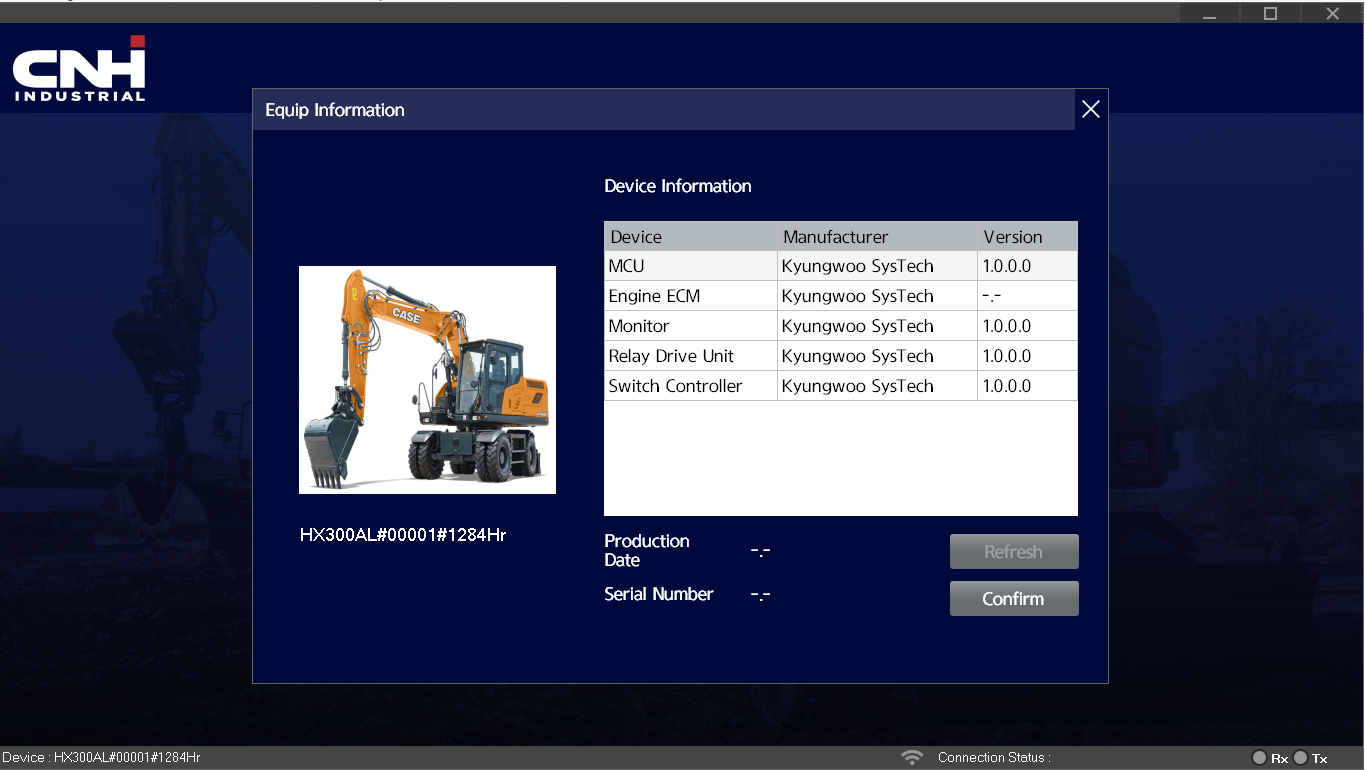
The software offers PCAN and Wi-Fi connection options. Available functions depend on the machine, controller, and connection hardware. Demo Mode lets technicians explore the diagnostic screens using a Hyundai HX300AL profile before connecting to a machine.