Format: PDF (Printable Document)
File Language: English
File Pages: 83
File Size: 1.20 MB (Speed Download Link)
File Count: 4 PDF files
Brand: Mitsubishi
Model: RB16C
Equipment Type: Reach Truck
Book No: WHSM0062
Type of Document: Service Manual
$ 45
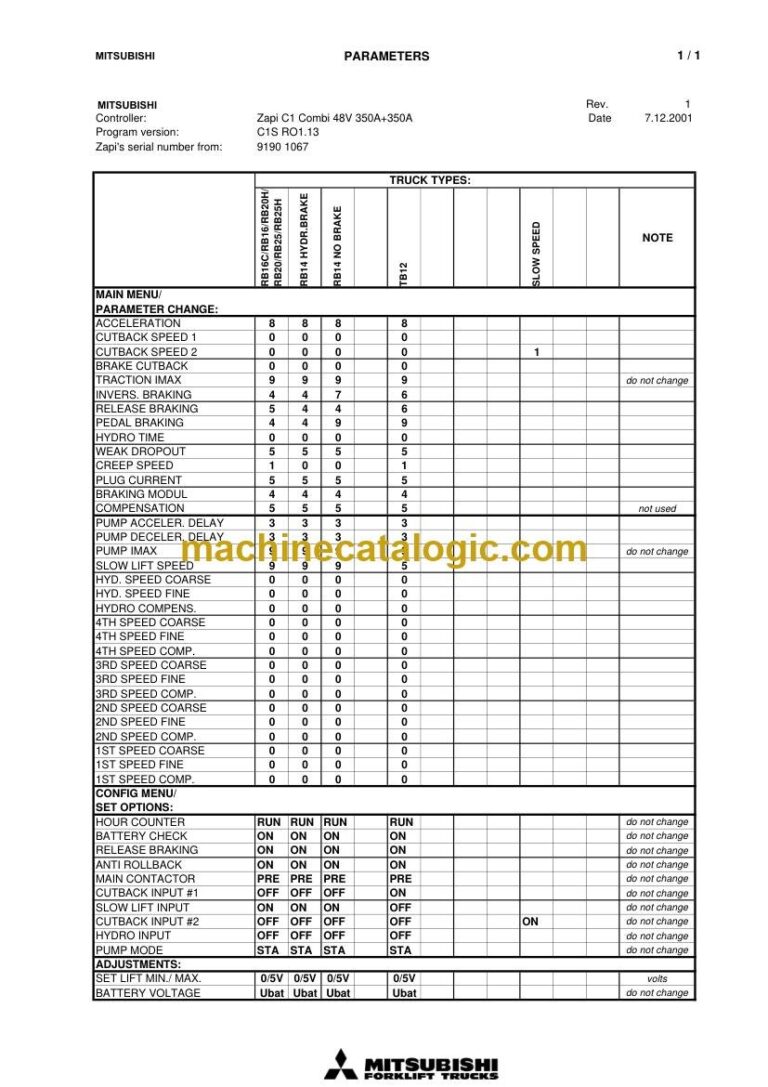
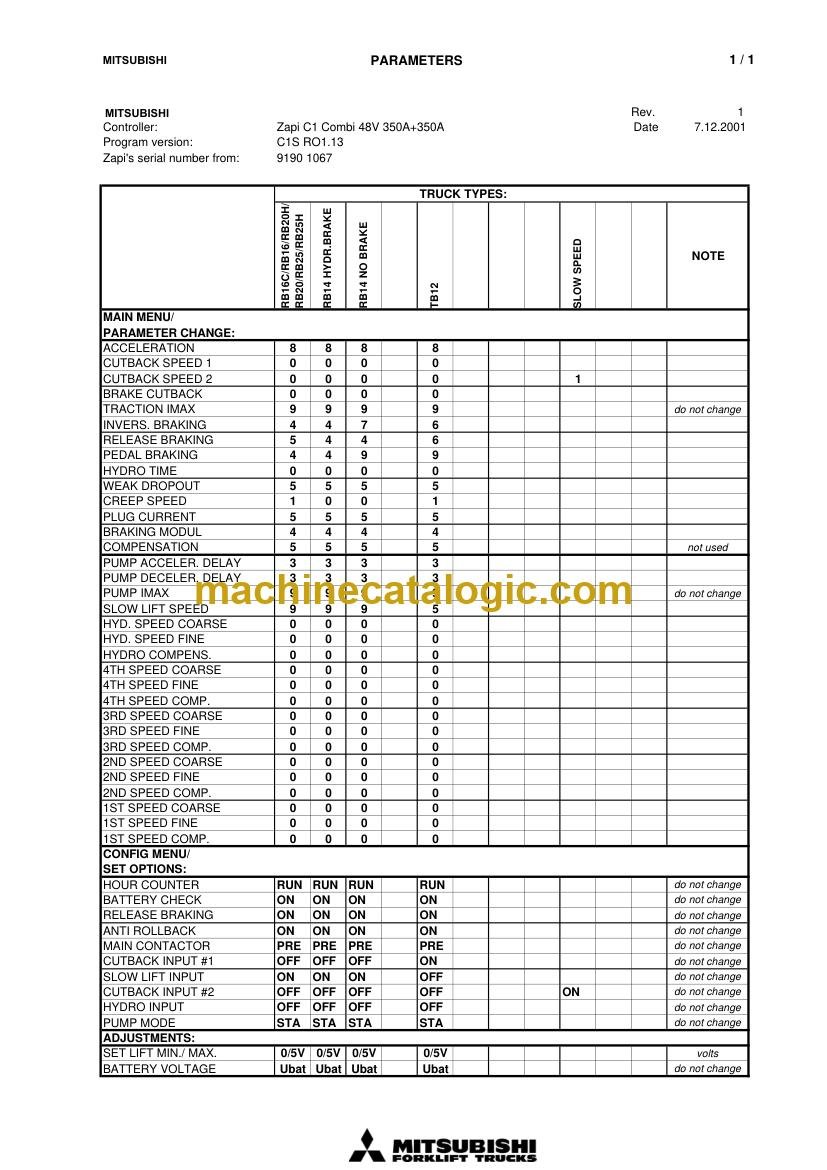
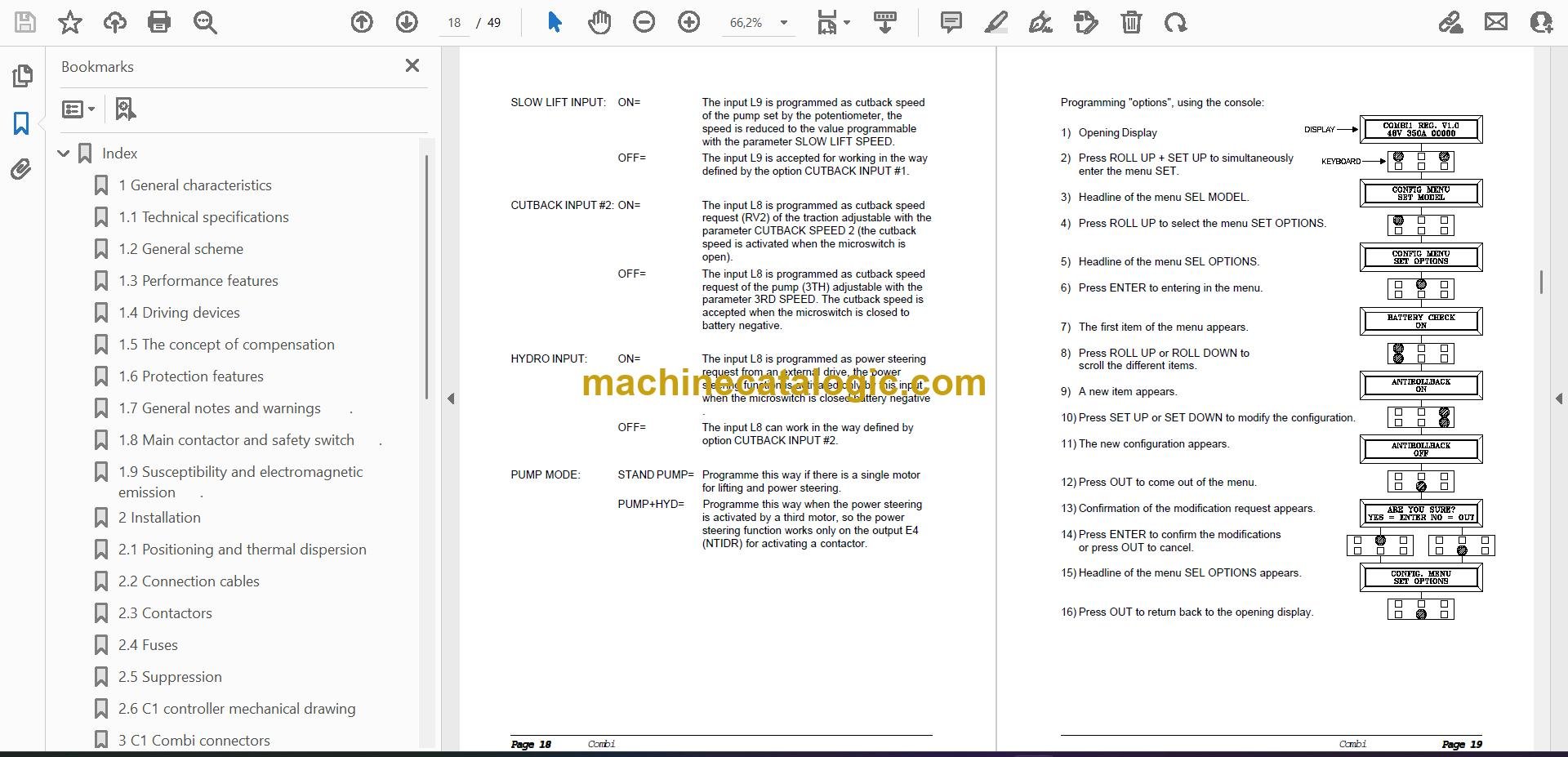
A Mitsubishi RB16C is a narrow-aisle electric reach truck, the kind running in racked warehouses doing pallet put-away and retrieval. The service manual is what you pull when the truck is faulting out, eating drive tires, or not lifting right and you actually need to fix it, not just drive it. Around my shop, this is the book you want when you're chasing a Zapi fault, sorting a mast or reach issue, or trying to get real specs instead of guessing.
What this manual helps you do
Who this is for
This is aimed at warehouse maintenance techs, dealer and independent forklift mechanics, and rental fleet shops working on Mitsubishi RB16C reach trucks. If you just need to know how to operate the truck or what part number to order, you want the operator's handbook or parts catalog instead.
FAQ
Q: What format is it in, and can I search it and read the wiring diagrams?
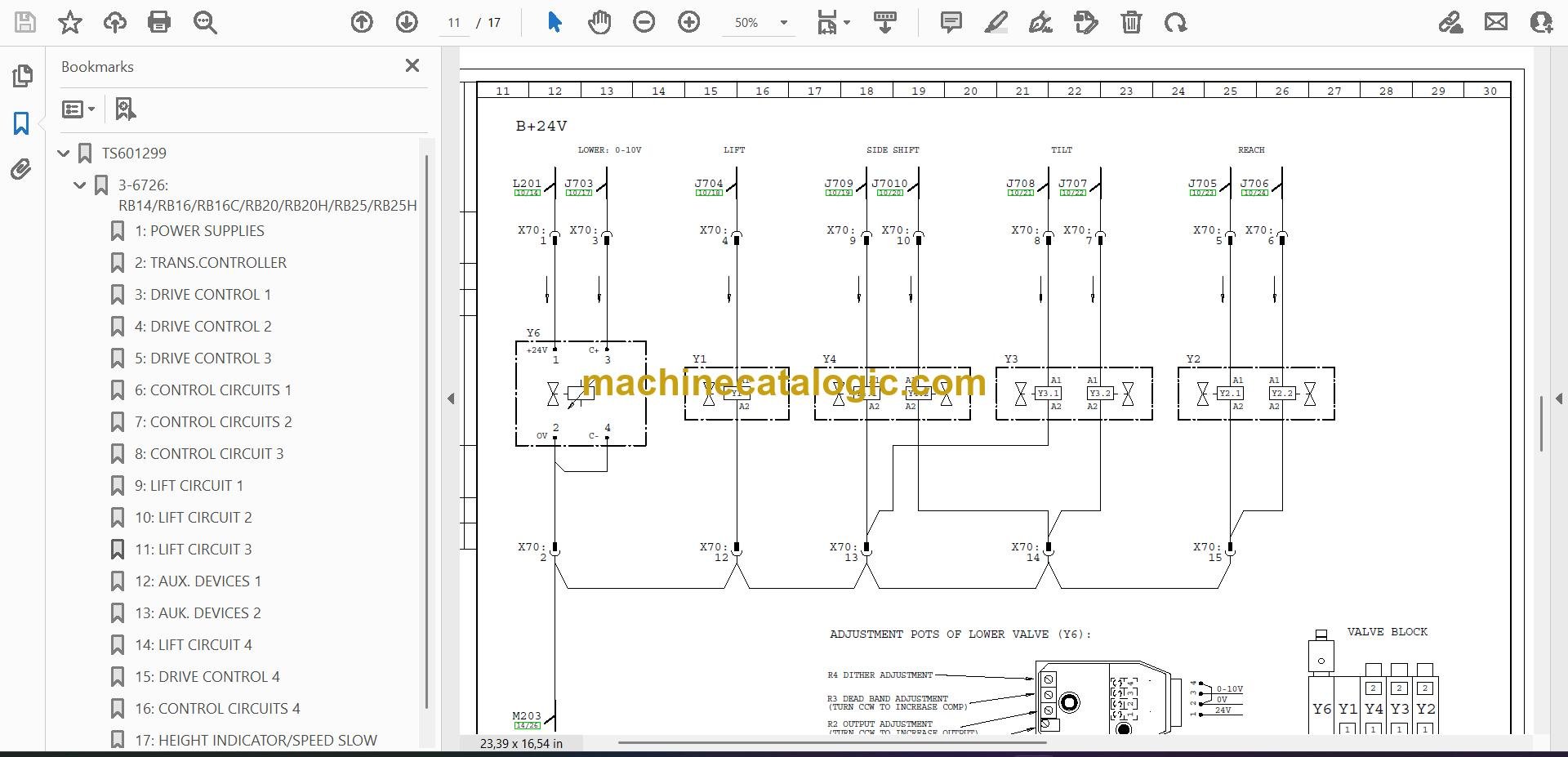
A: You get 4 PDF files with a real text layer, so they're searchable. The wiring and hydraulic diagrams are in there as normal manual schematics.
Q: Will this cover my specific RB16C serial number or variant?
A: It's written for the RB16C reach truck family in general. For odd options or very early/late builds, you may see small differences, but the core systems match.
Q: Is this the right document if I'm doing my own repairs?
A: Yes, if you're doing workshop-level electrical, hydraulic, or mechanical work on an RB16C. It's not the right buy if you only need basic daily checks.
Bottom line: If you're repairing or maintaining a Mitsubishi RB16C reach truck, this is the right service manual. If you're just driving it, save your money.
Mitsubishi publication WHSM0062 is the factory service manual for the RB16C. The same publication covers 6 further reach truck models: RB14, RB16, RB20, RB20H, RB25, RB25H. Check the model and serial number on your data plate before ordering.