Format: PDF (Printable Document)
File Language: English
File Pages: 161
File Size: 9.16 MB (Speed Download Link)
File Count: 11 PDF files
Brand: Mitsubishi
Model: RBM20K
Equipment Type: Reach Truck
Book No: WHSM0014
Type of Document: Service Manual
$ 45
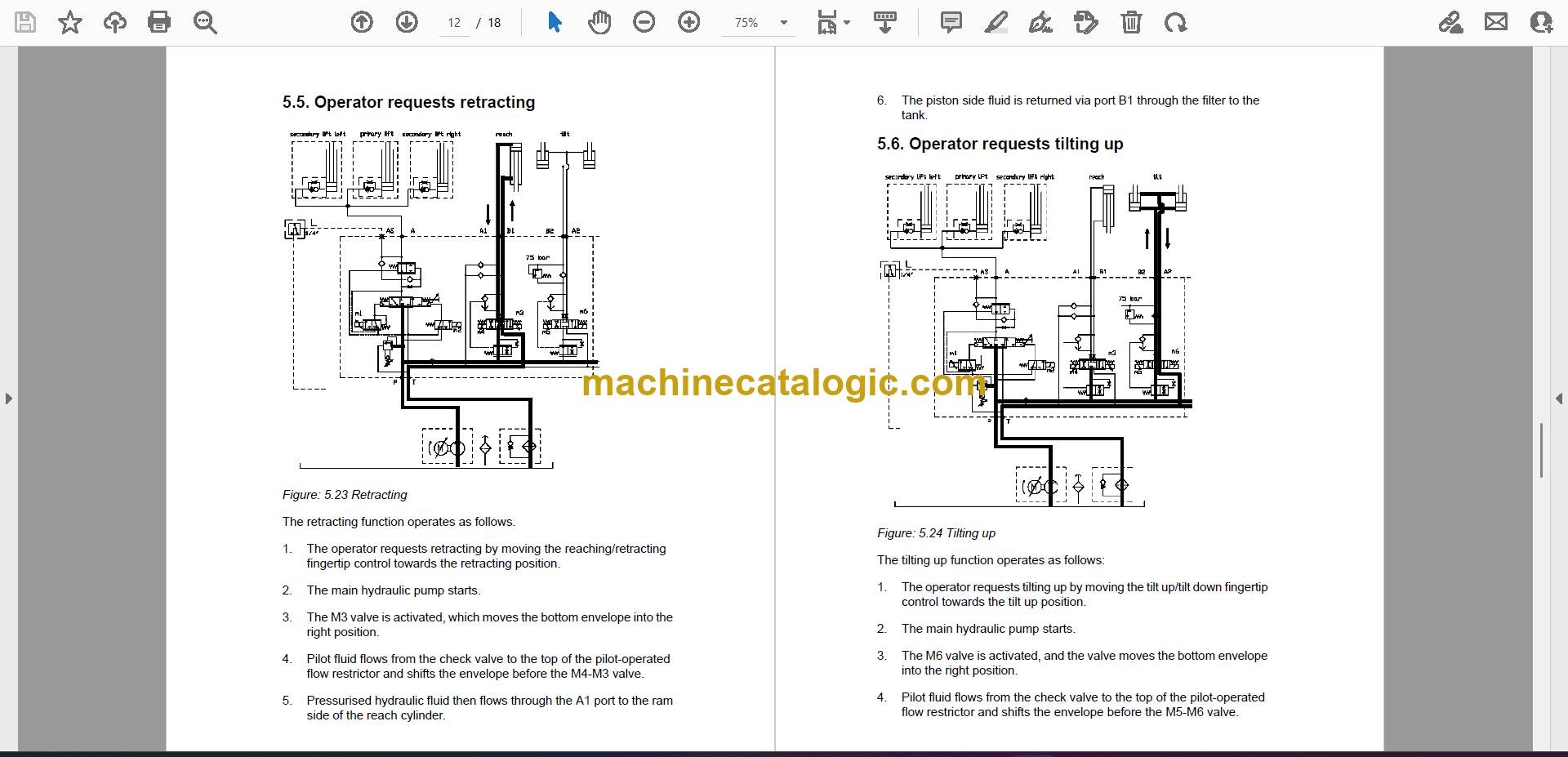
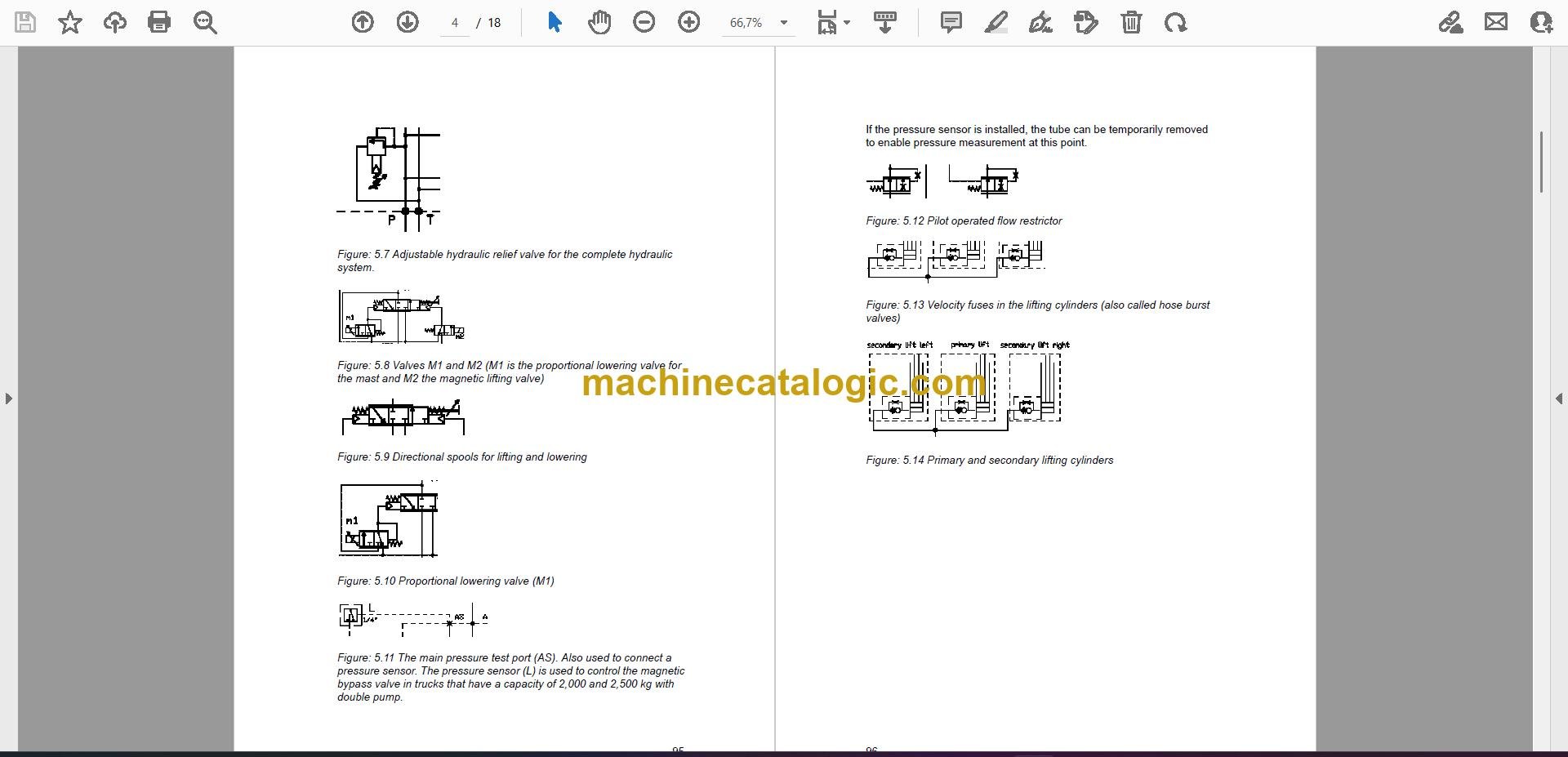
A Mitsubishi RBM20K is a warehouse reach truck for tight aisles, not a yard forklift. It lives between racking, lifting pallets high and shuttling them around. The people who grab this service manual are the ones actually turning wrenches: in-house maintenance, dealer techs, or independent shops like mine. They want fault codes, wiring, hydraulic logic, and the right sequences so they don't waste hours guessing.
What this manual helps you do
Who this is for
This is aimed at people responsible for keeping an RBM20K running: warehouse maintenance techs, dealer technicians, rental fleet mechanics, and independent shops. If you just need to know how to drive or do daily checks, you want the operator's handbook, not this.
FAQ
Q: What format is it in? Can I search it and read the wiring diagrams?
A: You get 11 PDF files, split by section. Most of them are searchable, but a few scanned sections are not. The wiring and hydraulic diagrams are clear enough to print and trace.
Q: How do I know it covers my exact RBM20K?
A: It's written for the RBM20K reach truck family in general. For edge-case variants, you'd match options and specs on the truck against what the manual shows.
Q: Is this the right thing if I'm chasing a specific fault or planning a big repair?
A: Yes. This is the workshop-level service manual, not a parts list, so it's what you want for diagnostics and major repairs.
Bottom line: if you're working on a Mitsubishi RBM20K reach truck and need real repair info, this is the right manual. If your truck is some other model prefix, it's the wrong one.
Mitsubishi publication WHSM0014 is the factory service manual for the RBM20K. The same publication covers 10 further reach truck models: RB14N, RB14NH, RB16N, RB16NC, RB16NH, RB16NHC, RB16NHS, RB16NS, RB20NH, RB25NH. Check the model and serial number on your data plate before ordering.