
Cummins Inline 7 Driver Download
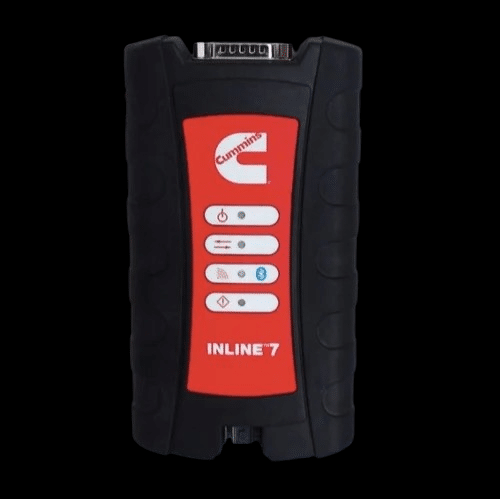
Overview
Cummins Inline 7 Driver Download
The Cummins Inline 7 diagnostic adapter driver is required for proper communication between your vehicle interface and diagnostic software.
This driver package supports:
-
Windows 10 (64-bit)
-
Windows 11 (64-bit)
-
USB connection
Make sure to install the correct driver version to avoid communication errors, device recognition issues, or J1939 connectivity problems.
Installation Notes
-
Disconnect the adapter from the computer.
-
Run the driver installer as Administrator.
-
Restart your computer after installation.
-
Connect the Cummins Inline 7 interface and verify recognition in Device Manager.
Compatibility Notes
The Cummins Inline 7 diagnostic adapter driver is fully compatible with Windows 10 and Windows 11 (64-bit systems).
This driver supports RP1210 communication protocol and is designed for use with Cummins Insite and other RP1210 compliant diagnostic software.
Compatible with:
• Cummins Insite
• RP1210-based diagnostic applications
• USB communication interface
• J1939 and J1708 networks
Installing the correct version ensures stable connectivity and prevents communication errors during vehicle diagnostics.
Support Notes
If the Cummins Inline 7 adapter is not recognized after installation, please verify the following:
1. Run the driver installer as Administrator.
2. Restart the computer after installation.
3. Check Device Manager for proper device recognition.
4. Use a direct USB port (avoid USB hubs).
5. Confirm RP1210 adapter selection inside your diagnostic software.
For additional assistance, contact Machine Catalogic technical support.