Format: PDF (Printable Document)
File Language: English
File Pages: 52
File Size: 1.16 MB (Speed Download Link)
File Count: 1 PDF file
Brand: ZF
Model: Servocom 8090-8099
Equipment Type: Steering System
Book No: 890510608
Type of Document: Service Manual
Searchable: Yes, text is searchable and copyable
Delivery: Instant download after payment
$ 55
The ZF Servocom steering gear is a hydraulic power steering unit. It turns the driver's wheel input into steering force at the axle on heavy machines, and it's used on Liebherr machines. Techs reach for the service manual when a steering gear leaks, binds, wanders or needs to come off the machine for a rebuild. It's the book you open at the bench.
What this manual helps you do
Who this is for
An independent repair shop or rental fleet mechanic who has a Servocom steering gear on the bench or on a machine that's out of warranty. Also a crane service technician or plant maintenance crew who needs the removal, fitting and troubleshooting steps in one document.
FAQ
Q: What do I receive and how is it organised?
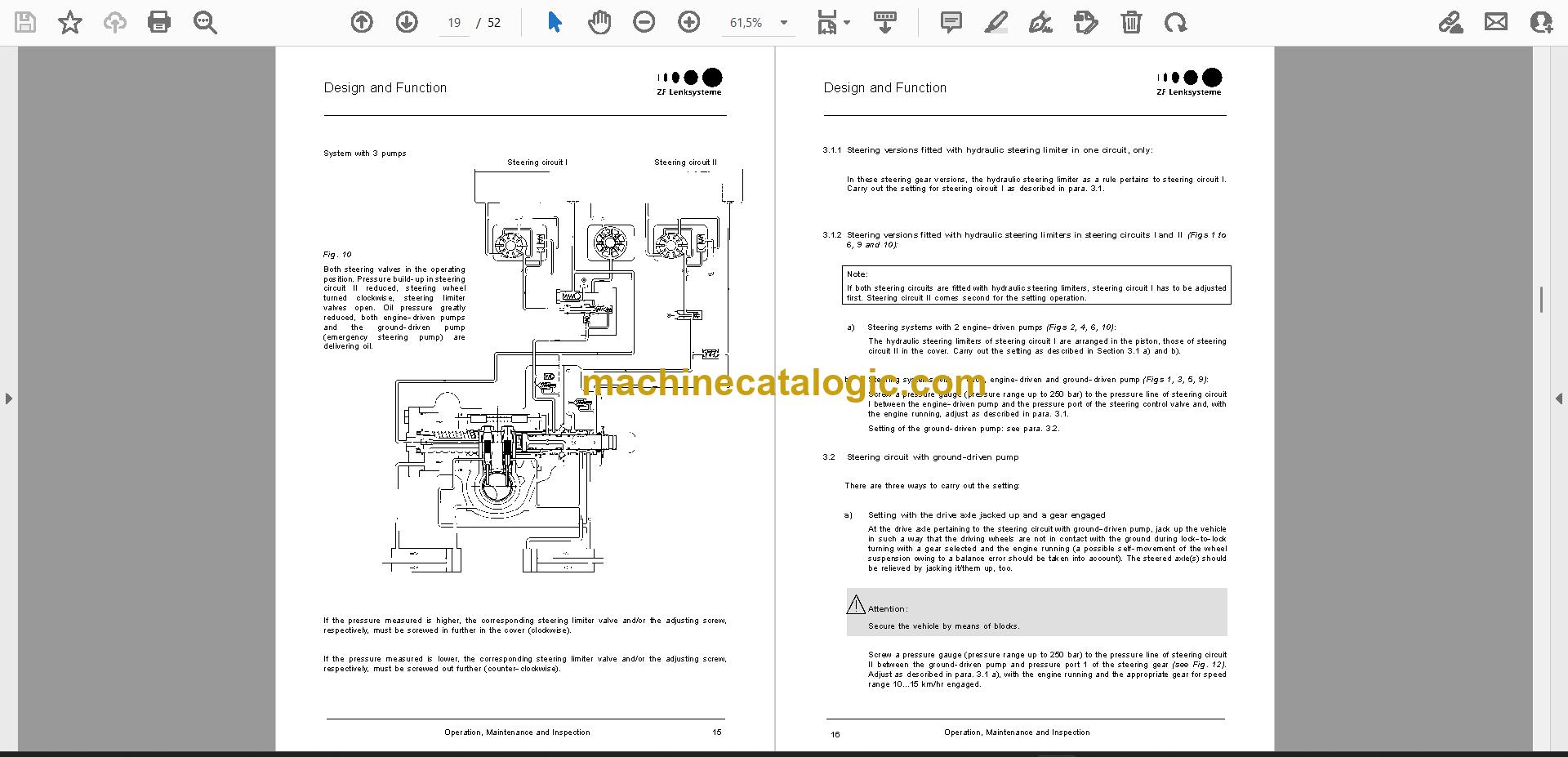
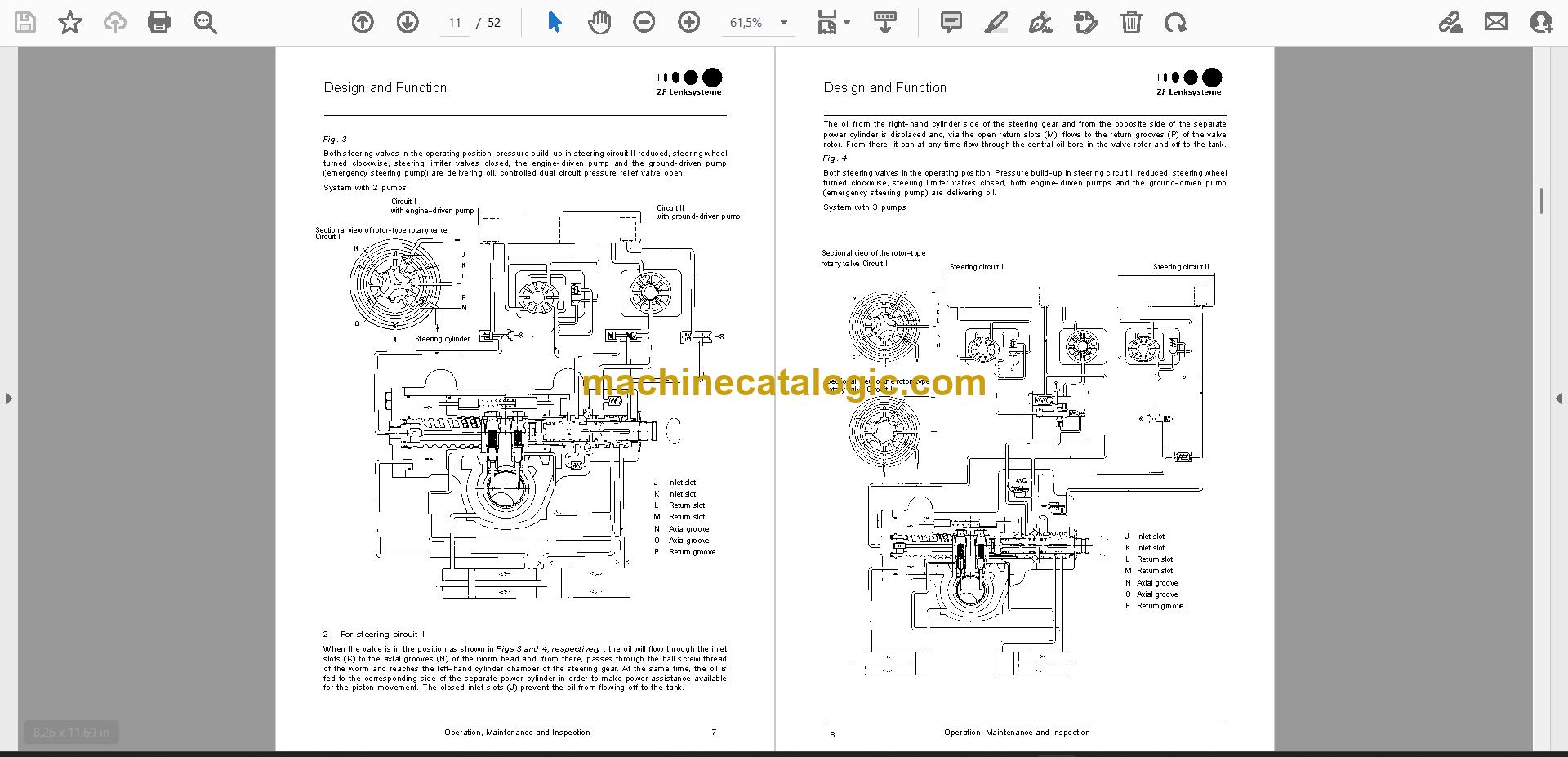
A: You get 1 PDF file of 52 pages in English, publication number 890510608. The text can be searched and copied, and it runs from operation through special tools, inspection, removing and fitting the steering gear, troubleshooting, and a key to the sectional drawing and exploded views.
Q: Which unit does it fit?
A: It's the ZF Servocom Steering Service Manual for the Servocom 8090-8099, and the same manual covers the Servocom 8096 and 8099.
Q: How does it fit my job?
A: It's the complete component service manual, so one file takes you from taking the steering gear off the vehicle to fitting it back, with the special tools and inspection steps in between. Search a term, find the step, and keep working.
Pull the steering gear, work through the procedures, and bleed the system with the manual open next to you.
Click here to view the preview (PDF)
This service manual is also used for 2 further Steering System models: Servocom 8096, Servocom 8099. Check the model and serial number on your data plate before ordering.