Format: PDF (Printable Document)
File Language: English
File Pages: 116
File Size: 6.45 MB (Speed Download Link)
File Count: 2 PDF files
Brand: ZF
Model: 12 AS 2301, 16 AS 2601
Equipment Type: Transmission
Manuals Included: 2 separate publications
Type of Document: Service Manual
Searchable: Partly, some files are scanned pages without a text layer
Delivery: Instant download after payment
$ 55
The ZF AS-Tronic is an automated transmission fitted to cranes and other heavy machines. It shifts gears and runs the clutch through actuators and an electronic control unit, so the driver doesn't use a clutch pedal. When one acts up, a crane service technician or shop mechanic opens the service manual to diagnose it, adjust it, or pull the component and rebuild it.
What this manual helps you do
Who this is for
A crane service technician or rental fleet mechanic fixing an AS-Tronic in-house will use this. It also suits independent repair shops and dealer technicians who need workshop-level procedures, and anyone who received a used machine with no paperwork.
FAQ
Q: What do I receive and how is it organised?
A: You get the set: 2 PDF files, 116 pages in total, in English. Manual 1 is the main manual at 58 pages, and Publication 1327 751 101 is the other 58 pages. The sections run from the preface and special tools through diagnosis to the individual components.
Q: Which transmissions does it fit?
A: It covers the ZF 12 AS 2301 and 16 AS 2601, and the same manual also covers the 10 AS 2301. The title on the manual is AS-Tronic Transmission Repair Manual.
Q: How does it fit my job?
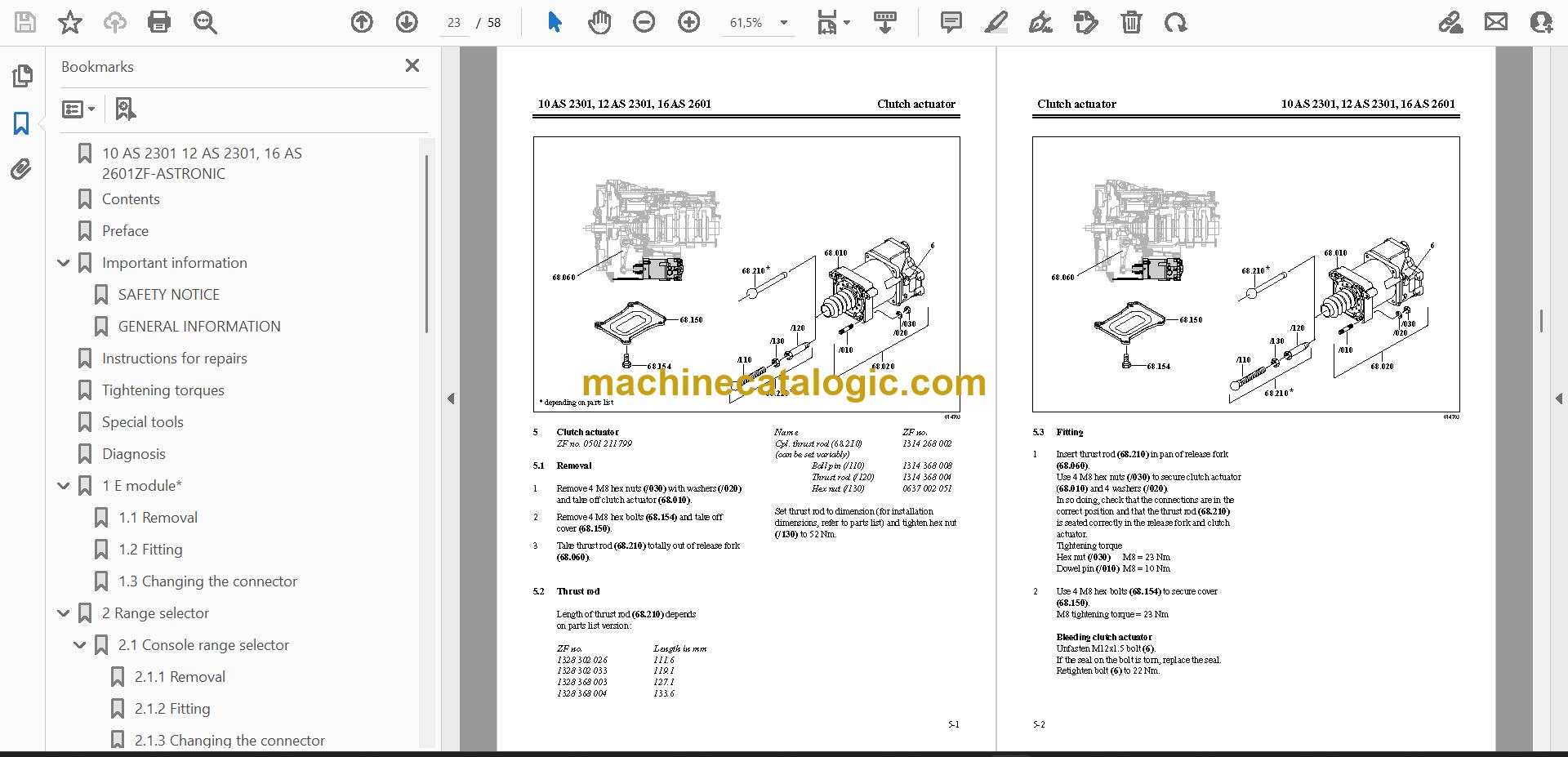
A: If you're pulling a clutch actuator, replacing a seal, or chasing a shifting fault, it's the complete repair manual for that work. It gives you the special tools, the tightening torques and the repair instructions in one place.
Print the pages you need, take them to the bench, and work through the repair step by step.
Click here to view the preview (PDF)
This service manual is also used for one further Transmission model: 10 AS 2301. Check the model and serial number on your data plate before ordering.