Format: PDF (Printable Document)
File Language: English
File Pages: 50
File Size: 6.90 MB (Speed Download Link)
File Count: 1 PDF file
Brand: ZF
Model: TC-Tronic 12 AS 3002 TC2
Equipment Type: Transmission
Book No: UW-06
Type of Document: Service Manual
Serial No.: 070634 and up
Searchable: Yes, text is searchable and copyable
Delivery: Instant download after payment
$ 55
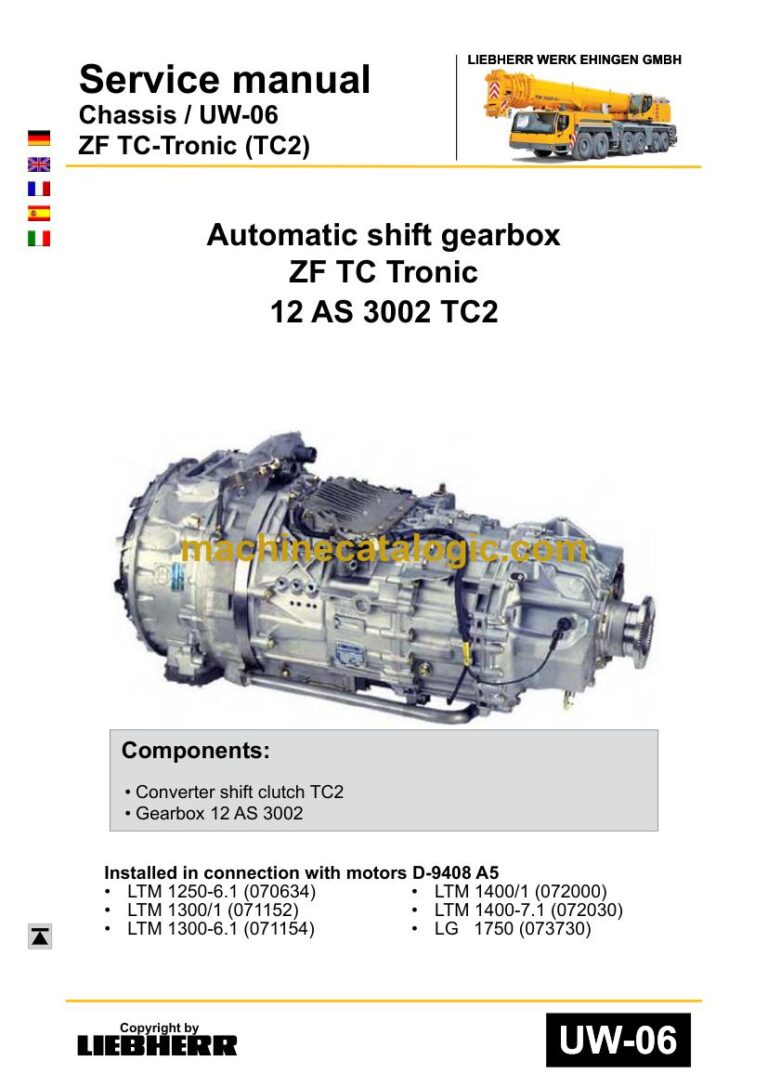
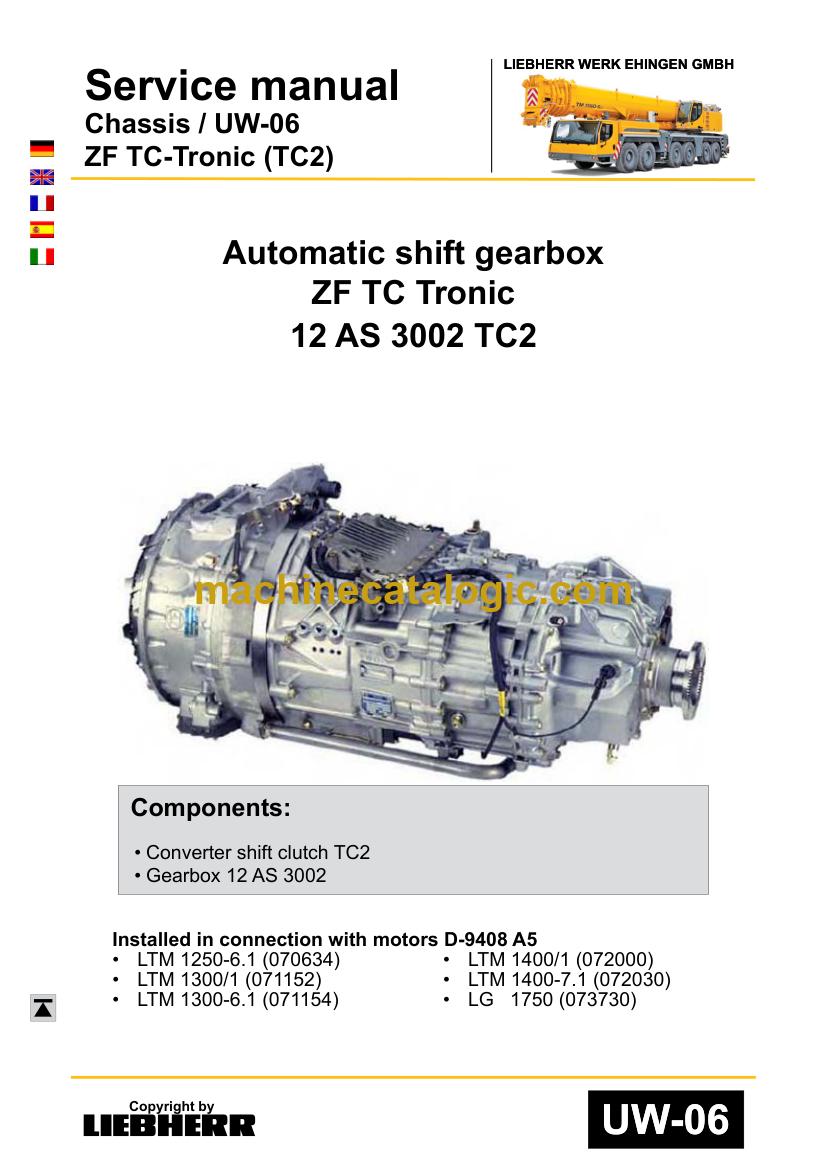
The ZF TC-Tronic 12 AS 3002 TC2 is an automatic shift gearbox fitted to cranes and other heavy machines, and it's used on Liebherr machines. When one comes in for repair or a machine arrives with no paperwork, the person at the bench needs workshop procedures, not guesswork. This service manual is for that job. It's the complete 50-page manual, and the text is searchable, so you can jump straight to an error code or a test step.
What this manual helps you do
Who this is for
A crane service technician or rental fleet mechanic who repairs gearboxes in-house rather than sending every fault out. It also suits an independent repair shop working on Liebherr machines that have this transmission fitted.
FAQ
Q: What do I receive and how is it organised?
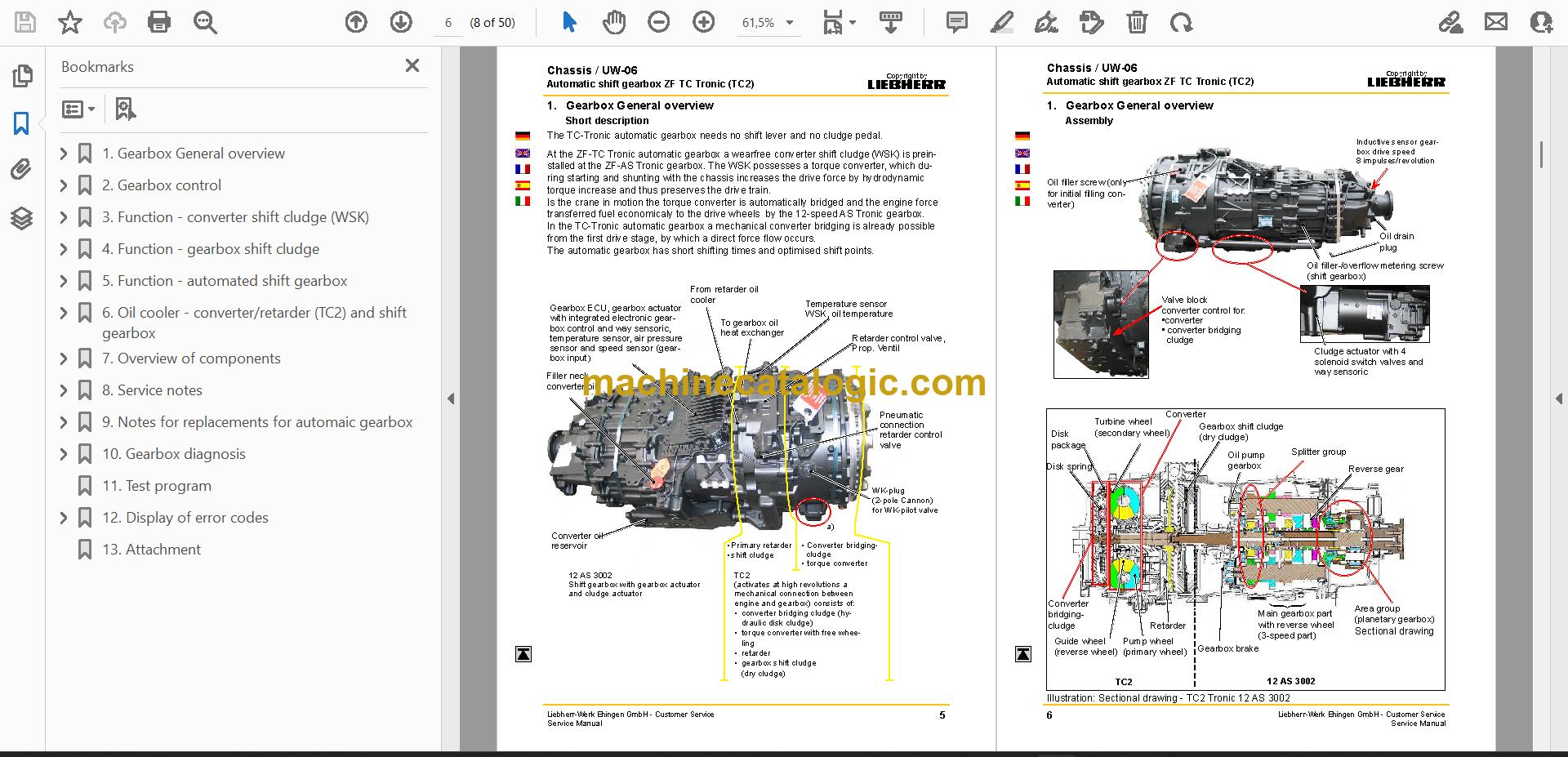
A: You get one PDF file of 50 pages in English. It runs from the gearbox general overview and gearbox control through the function sections, overview of components, service notes, diagnosis, test program, error codes and an attachment.
Q: Which gearbox does it fit?
A: It's for the ZF TC-Tronic 12 AS 3002 TC2, publication number UW-06. The main cover shows serial number 070634 and up.
Q: How does it fit my repair job?
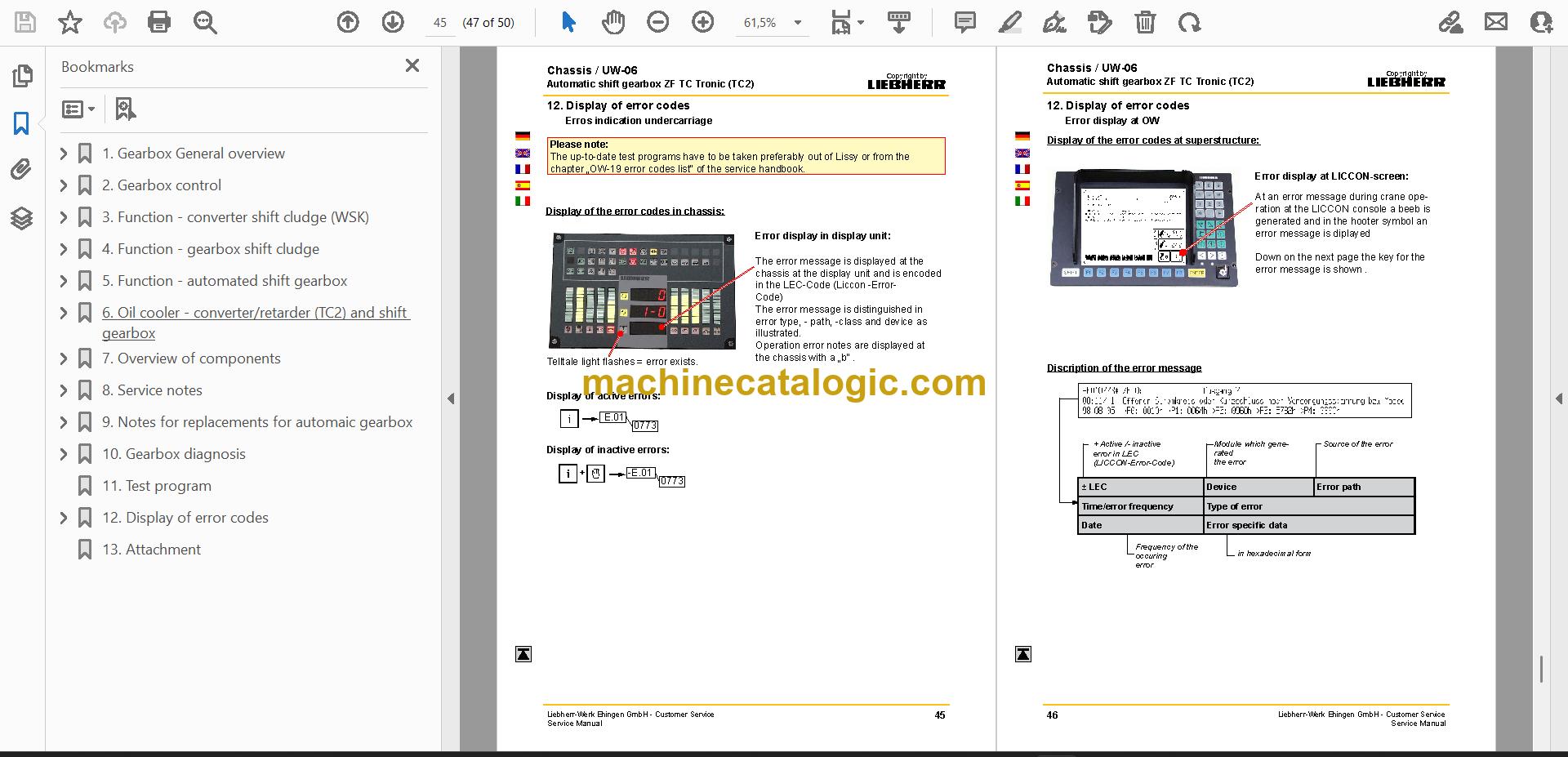
A: Use the function sections to understand the control logic, then the service notes and gearbox diagnosis to find the fault. The test program and error code display help you confirm the fix before the machine goes back to work.
Keep it on the shop computer and the next gearbox fault becomes a search, not a guess.
Click here to view the preview (PDF)
| Model | Serial No. |
| TC-Tronic 12 AS 3002 TC2 | 070634 and up |
The serial number shown is the one printed on the manual cover. Check the model and serial number on your machine's data plate before ordering.